How to make direct payments to CRA for Canadian business
How to make direct payments to CRA for Canadian business with online banking, CRA My Payment or PAD. Avoid common errors and meet GST, payroll and tax deadlines.

Trusted by 20,000+ Canadian businesses
Business banking for Canada
Local CAD and USD accounts, corporate cards with cashback, the lowest FX rates in Canada, free local transfers, and more.
How to make direct payments to the CRA for a Canadian business
Updated June 2026
Business Tax Payments at a Glance
For business owners and finance teams, making direct payments to the CRA usually comes down to three common obligations: paying GST/HST, payroll deductions, or corporation income tax. The right payment method depends on what you're paying, when it's due, and whether your team has access to a Canadian business account.
CRA guidance treats electronic payments as the standard route for business remittances. Payments or remittances over $10,000 generally must be made electronically unless the payer cannot reasonably do so. That threshold makes planning important, especially when tax payments sit alongside regular payroll cycles, filing deadlines, and cash flow controls.
What Counts as a Direct CRA Payment for a Business
In a business context, a direct CRA payment means your company sends funds to the Canada Revenue Agency using a CRA-supported route for GST/HST, payroll deductions, corporation income tax, instalments, or other business balances. Direct doesn't always mean the payment originates inside a CRA system.
An online banking CRA payment still qualifies as a direct route, for example, because your business selects a CRA payee through its financial institution and sends the payment from that account. Other supported routes include CRA My Payment, pre-authorized debit, in-person payments at a financial institution, ATM payments where supported, Canada Post, third-party providers, mail, and wire transfer.
The CRA does not accept credit cards directly. If your business uses a credit card, or in some cases Interac e-Transfer®, the payment goes through a third-party provider that charges service fees.
Electronic payments don't require a remittance voucher. Teller and mailed payments do, so keep the correct voucher with the payment to help the CRA apply it to the right account.
What Your Business Needs Before Paying the CRA
Before submitting any CRA payment, gather the details that tell the CRA exactly where to apply the money.
Prepare this checklist:
- 15-digit CRA account number: Use the full business number and program account, not only the 9-digit business number.
- Payment type: Confirm whether you're paying GST/HST, payroll deductions, corporation income tax, an instalment, or a balance due.
- Remittance period or tax year: Match the payment to the correct filing period, payroll remittance period, or corporate tax year.
- Payment amount: Verify the exact dollar amount before submitting.
- Due date: Check the deadline so your team can choose an appropriate payment workflow.
- Account access: Make sure you can sign in to the relevant business account, approved debit method, or CRA account before you start.
GST/HST, payroll, and corporation income tax may use different CRA program accounts, so the business number alone doesn't always provide enough context. Confirm the remittance period before submitting—accurate period details help reduce misapplied payments.
CRA Payment Methods Compared
Use this comparison to choose the right payment method based on timing, account access, and payment type.
| Payment Method | Best For | What You Need | Best When | Watch-Outs |
|---|---|---|---|---|
| Online Banking | Most Canadian businesses | CRA payee, 15-digit business number | You pay CRA online business taxes | Appears within up to 3 business days |
| CRA My Payment | One-off debit payments | Eligible debit method | You want direct CRA checkout | Appears within up to 3 business days |
| Pre-Authorized Debit | Instalments, planned remittances | CRA account, Canadian chequing account | You can schedule ahead | Set at least 5 business days ahead, updates within up to 2 business days |
| Teller or In-Person Payment | Branch-assisted payments | Remittance voucher | Electronic payment is impractical | More manual, voucher required |
| Canada Post | Cash or debit options | CRA payment code | You need retail access | Service process may add friction |
| Third-Party Provider | Card or Interac e-Transfer® options | Provider account, CRA details | Direct methods do not fit | Provider fees may apply |
| Wire Transfer | Non-residents without Canadian bank account | Wire details, CRA payment details | Paying from outside Canada | Usually processes within 3 business days after receipt |
How to Pay Through Online Banking
For many Canadian businesses, online banking is the most straightforward way to make direct CRA payments. The key is accuracy: the payee you select and the 15-digit CRA account number determine exactly where the payment lands.
- Sign in to business online banking. Use the business profile connected to the account you want to pay from, not a personal banking profile unless your financial institution specifically supports that setup.
- Add the CRA as a bill payee. Search for "CRA," "Canada Revenue Agency," or the tax type you're paying. Payee labels vary by financial institution, so read the options carefully.
- Choose the correct CRA payee option. Payee names can differ for corporation income tax, GST/HST, and payroll deductions. One institution may show separate options for each; another may use different wording entirely. Choosing the wrong payee can send money to the wrong CRA program account.
- Enter your 15-digit CRA account number. This is your business number plus the program identifier and reference number—an RT account for GST/HST, an RP account for payroll, or an RC account for corporation income tax. Enter all 15 characters without shortening the number.
- Enter the payment amount. Match the amount to your filing, instalment calculation, or remittance schedule before submitting.
- Confirm the tax period if prompted. Some online banking flows ask for a period end date, tax year, or remittance period. Use the period that matches the CRA obligation you're paying.
- Submit the payment and save the confirmation. Download or screenshot the confirmation number, payment date, amount, payee name, and account paid. Keep it with your tax records so your team can trace the payment if it doesn't appear where expected.
How to Use CRA My Payment
CRA My Payment is a good fit when your business wants a direct CRA checkout flow for a one-off payment and has an eligible debit method ready. It supports common payment types—GST/HST, payroll deductions, and corporation income tax—provided you enter the correct business account details.
My Payment is debit-based, not a credit card method. Eligible payment methods include Visa Debit, Debit Mastercard, or eligible wallet-linked debit methods connected to a debit account.
To use it, start by selecting the business payment type that matches what you owe. Enter the required CRA account details—your business number or program account information—along with the payment amount. Review everything carefully before confirming, since accurate account information is what allows the CRA to apply the payment correctly. After submission, save the confirmation for your records.
The CRA does not charge a fee for My Payment. Your financial institution may still apply its own transaction limits or fees, so check before making a large payment.
How to Set Up Pre-Authorized Debit
Pre-authorized debit works well when your business needs predictable CRA payment timing—particularly for scheduled remittances, instalments, or recurring amounts you can plan in advance. For finance teams managing GST/HST, payroll deductions, or corporation income tax instalments, PAD can reduce last-minute payment activity and help align cash flow with CRA due dates.
To set it up, sign in to CRA My Business Account and choose the pre-authorized debit option. Select the relevant CRA program account, then enter the amount and payment date. Confirm the Canadian chequing account details the CRA will use for the withdrawal, and save the confirmation—including the date, amount, and CRA account selected.
Timing matters here. The first payment date must be at least 5 business days after you create the PAD agreement. If you need to change or cancel a scheduled PAD, make the update at least 5 business days before the payment date. CRA says PAD payments update in the CRA account within up to 2 business days.
Other CRA Payment Routes
Online banking, CRA My Payment, and pre-authorized debit cover most routine business remittances. That said, branch, Canada Post, third-party, and wire routes remain useful in specific situations—whether that's an access issue, a payment preference, or a non-resident business without a Canadian account.
Paying at a Bank or Credit Union
If your business needs branch assistance or cannot reasonably use electronic methods, you can pay through a teller at a participating bank or credit union. Bring the correct remittance voucher and confirm it matches the relevant CRA account—GST/HST, payroll deductions, or corporation income tax—and the exact remittance period before handing it over.
Paying at Canada Post
Canada Post can support some CRA business tax payments when you bring the required customized QR code. This route may help if your team needs an in-person option and other methods aren't practical that day. Service fees apply, and limits can affect whether the payment fits your remittance amount. Before relying on Canada Post near a due date, confirm the current payment limit, fee, and QR-code requirements directly with CRA guidance.
Paying Through a Third-Party Provider
If your business wants to pay using a method the CRA doesn't accept directly—such as a credit card or Interac e-Transfer®—a third-party provider may offer another route. Expect service fees. Before sending funds, confirm the provider's current CRA support, processing time, fee structure, and the payment details required to apply the amount correctly. Only rely on a provider you've verified against current CRA guidance.
Paying by Wire Transfer
Wire transfer is a specialized option, mainly intended for non-residents who don't have a Canadian bank account. If your business can pay through a Canadian account, the other direct payment methods covered above will generally be more practical.
Send CRA wire payments in Canadian dollars only. Watch the net amount carefully—sending-bank or intermediary-bank fees can reduce what the CRA receives and create an underpayment. Include the CRA-required payment details, such as the correct business number and remittance period, so the payment can be applied to the right account. Always confirm current wire instructions directly with the CRA before sending funds.
Common CRA Payment Mistakes to Avoid
Use this checklist before you submit any CRA business tax payment:
- Choose the correct CRA payee. GST/HST, payroll deductions, and corporation income tax can use different payee names in online banking. The wrong payee can delay or misapply the payment.
- Verify the 15-digit CRA account number. Check the business number and program account—RT for GST/HST, RP for payroll, or RC for corporation income tax.
- Include the right period details. If the payment relates to a specific remittance period, tax year, instalment, or balance due, make sure those details match your records.
- Don't assume a card pays the CRA directly. CRA My Payment is debit-based. Credit card payments generally require a third-party provider and may involve fees.
- Build in lead time. Processing time differs by method. For payroll remittances, timing may depend on when the financial institution processes the payment or when the CRA receives it, depending on the route.
- Send Canadian dollars only. The CRA does not accept foreign funds.
- Save your payment confirmation. Keep the receipt, confirmation number, and bank record with your remittance file.
If a CRA due date falls on a weekend or CRA-recognized holiday, the next business day generally counts as on time.
Tools for Managing CRA Remittances With Finance Operations
Your CRA payment method and your finance operations workflow solve different problems. One gets money to the CRA with the right business number, remittance type, and timing. The other helps your team approve, record, fund, and reconcile that payment alongside payroll, GST/HST, corporation income tax, vendor bills, and month-end close.
For many businesses, online banking through familiar providers such as RBC, TD Business Banking, BMO, or Scotiabank Business Banking is enough. If your team already has clear controls and a simple approval process, your existing bank portal may be all you need to keep CRA remittances on track.
As finance operations become more distributed, some teams look for additional capabilities: approvals before funds move, accounting sync after payment confirmation, expense controls for employee spend, multi-currency operations, and visibility across departments. Venn is one option in that broader toolkit.
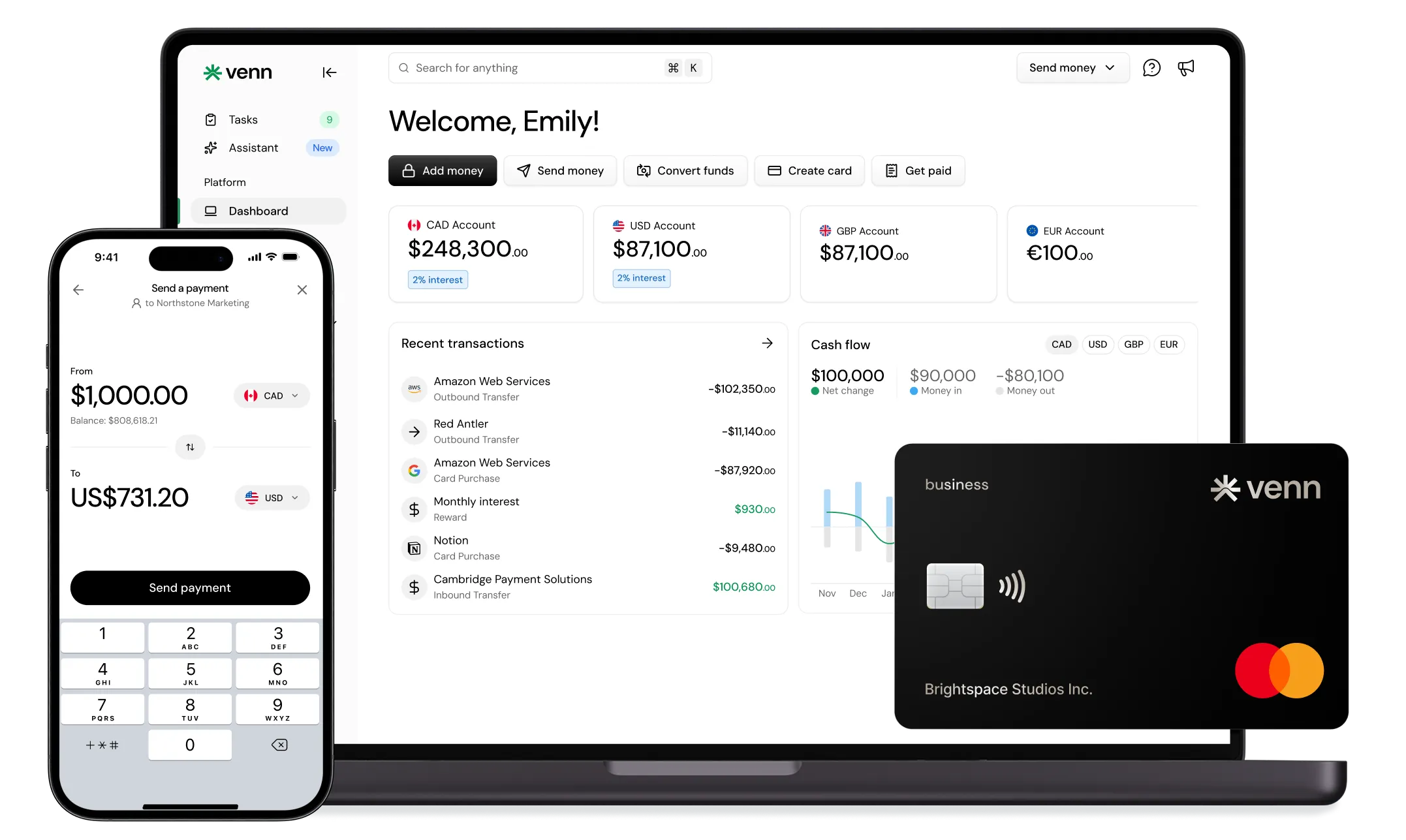
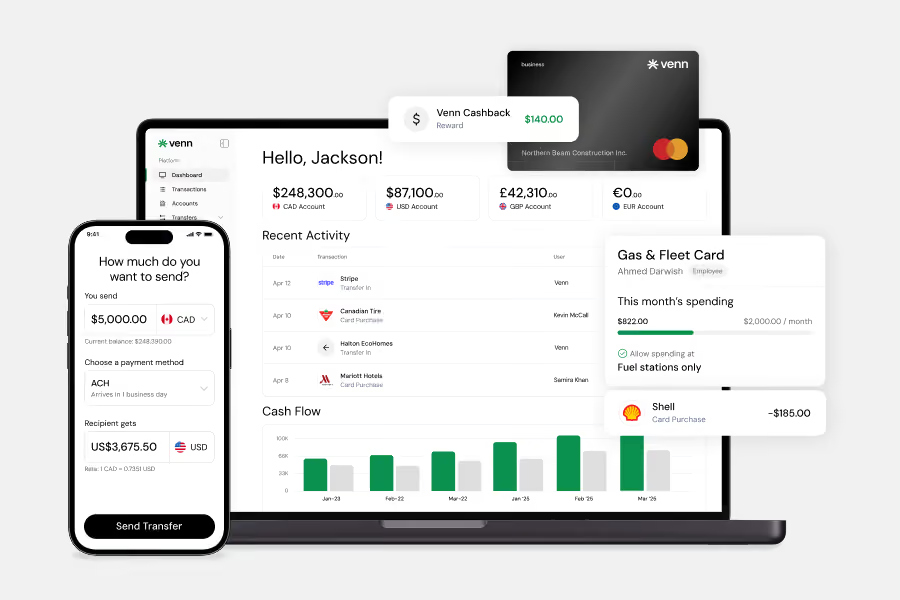
Venn is a technology company, not a bank. It offers CAD and USD accounts for Canadian and U.S. operations, with GBP and EUR accounts for teams managing international activity. Businesses can access competitive FX rates and expense management tools, including OCR receipt capture to reduce manual follow-up. For reconciliation, Venn connects directly with QuickBooks and Xero. Vendor payments can be made using free unlimited Interac e-Transfer®, and Venn also offers a 1% cashback charge card with plan-based caps. PAD support is available on all plans, and eligible deposits with Venn are covered under CDIC insurance protection. According to public Venn help content, CRA tax remittances are supported through PAD using Venn account details, and the Venn charge card cannot be used to pay the CRA directly.
Choosing the Right CRA Payment Workflow
For routine GST/HST, payroll deductions, or corporation income tax payments, online banking is often the simplest workflow because it fits into the way most finance teams already move money. If you need a one-off debit payment, CRA My Payment gives you a direct checkout flow. When timing can be planned, pre-authorized debit works well for scheduled remittances or instalments. Wire transfers serve a narrower purpose—typically for non-resident businesses rather than day-to-day Canadian operations.
Whatever method you choose, consistency is what keeps CRA payments on track: use the correct payee, 15-digit CRA account number, payment type, and remittance period every time. If CRA payments are creating recurring admin work, it may be worth exploring whether modern business payment workflows or integrated finance tools could help your team keep approvals, records, and confirmations better organized.
Publication Disclaimer
This publication provides general information for Canadian businesses reviewing how to make direct payments to the CRA. It does not constitute legal, tax, financial, accounting, or other professional advice. Your obligations may vary based on your business structure, payment type, and circumstances, so consult a qualified professional. Platform information reflects publicly available details believed accurate as of November 25, 2026, and may change.
Frequently Asked Questions
Q: Can I pay the CRA directly from business online banking? A: Yes. Most Canadian businesses can pay through business online banking by selecting the correct CRA payee and entering the required 15-digit CRA business account details. Refer back to the online banking section for the step-by-step flow and payee selection guidance.
Q: Can I pay the CRA with a credit card? A: Not directly through the CRA. Credit card payments are only available through third-party providers, which usually charge service fees. If you need a direct CRA payment route, use one of the methods covered earlier in this article.
Q: Do I need a remittance voucher for electronic payments? A: Generally, no. Electronic payments—including online banking, CRA My Payment, and pre-authorized debit—do not require a remittance voucher. Teller and mailed payments do require one.
Q: How long does it take for a CRA payment to show up? A: Timing depends on the payment method. Use the comparison table above for processing time guidance by route, including online banking, My Payment, pre-authorized debit, and wire transfer. Always save your payment confirmation in case your team needs to trace it.
Q: Can I schedule CRA payments in advance? A: Yes. Pre-authorized debit can be used for scheduled CRA payments when set up through My Business Account with the required lead time. This is particularly useful for instalments or recurring remittances where timing matters.
Q: What information does my business need before paying the CRA? A: Have the CRA business account number, payment type, remittance period or tax year, payment amount, due date, and confirmation process ready before submitting. This helps the CRA apply the payment correctly—whether you're paying GST/HST, payroll deductions, or a corporation income tax balance.
--- **Disclaimer:** This publication is provided for general information purposes only and does not constitute legal, tax, financial, or other professional advice from Venn Software Inc., its subsidiaries, or its affiliates, and is not a substitute for advice from a qualified professional. All comparisons and competitor information reflect publicly available information believed accurate as of November 25, 2026; features, pricing, rates, and terms referenced are subject to change and may differ at the time you read this. All product names, logos, and brands referenced are the property of their respective owners; their mention does not imply affiliation with or endorsement by Venn. Any comparative statements reflect Venn's views and are provided to help readers evaluate options. We make no representations, warranties, or guarantees, express or implied, that the content is accurate, complete, or up to date.
Venn is all-in-one business banking built for Canada
From free local CAD/USD accounts and team cards to the cheapest FX and global payments—Venn gives Canadian businesses everything they need to move money smarter. Join 20,000+ businesses today.
Frequently asked questions
Everything you need to know about the product and billing.
Join 20,000+ businesses banking with Venn today
Streamline your business banking and save on your spend and transfers today
No personal credit check or guarantee.