
Introducing
Venn Intelligence
Venn Intelligence is our growing suite of AI tools and agents built directly into Venn. We're starting with Accounting Agents, and expanding across the platform.
Get Started


.webp)










.png)






.png)
.png)

.webp)

.png)

We started by rethinking finance for today. Now we're building what it should look like tomorrow.


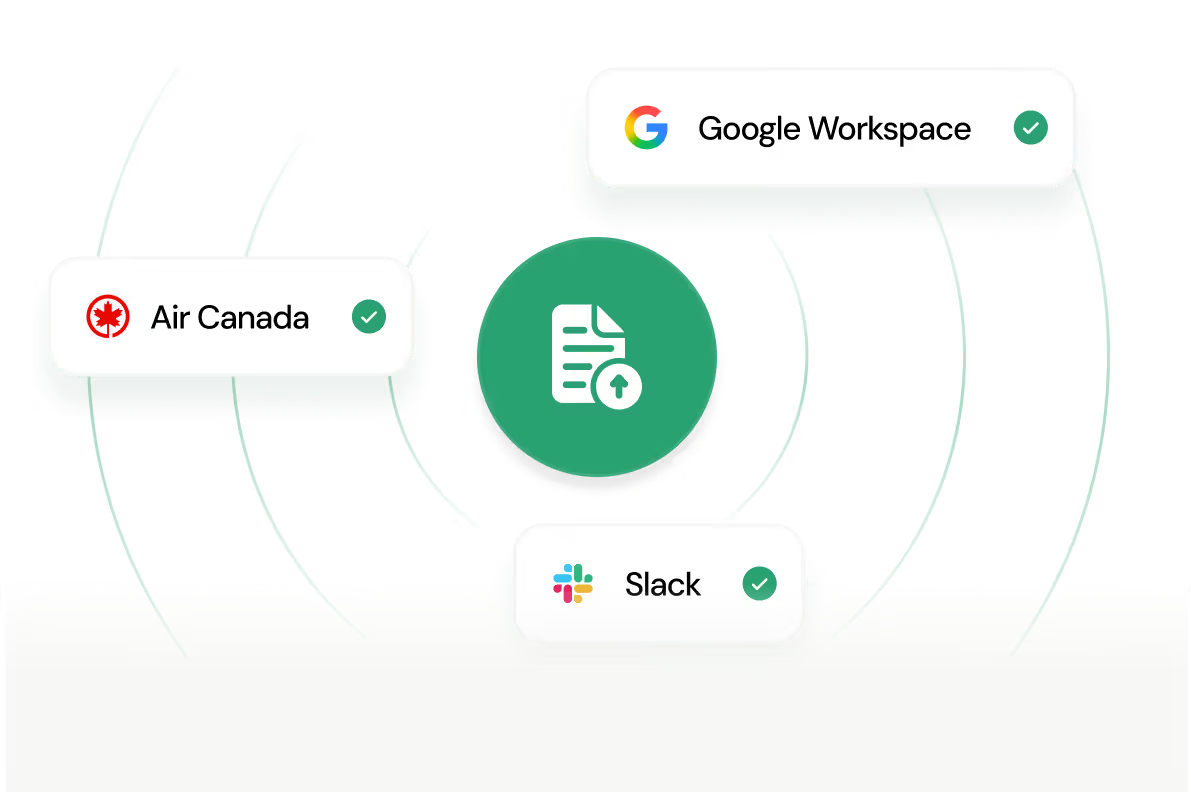
Upload your receipts and Venn auto-matches and links the right transactions. Whether it's 3 receipts or 300: skip the manual work.
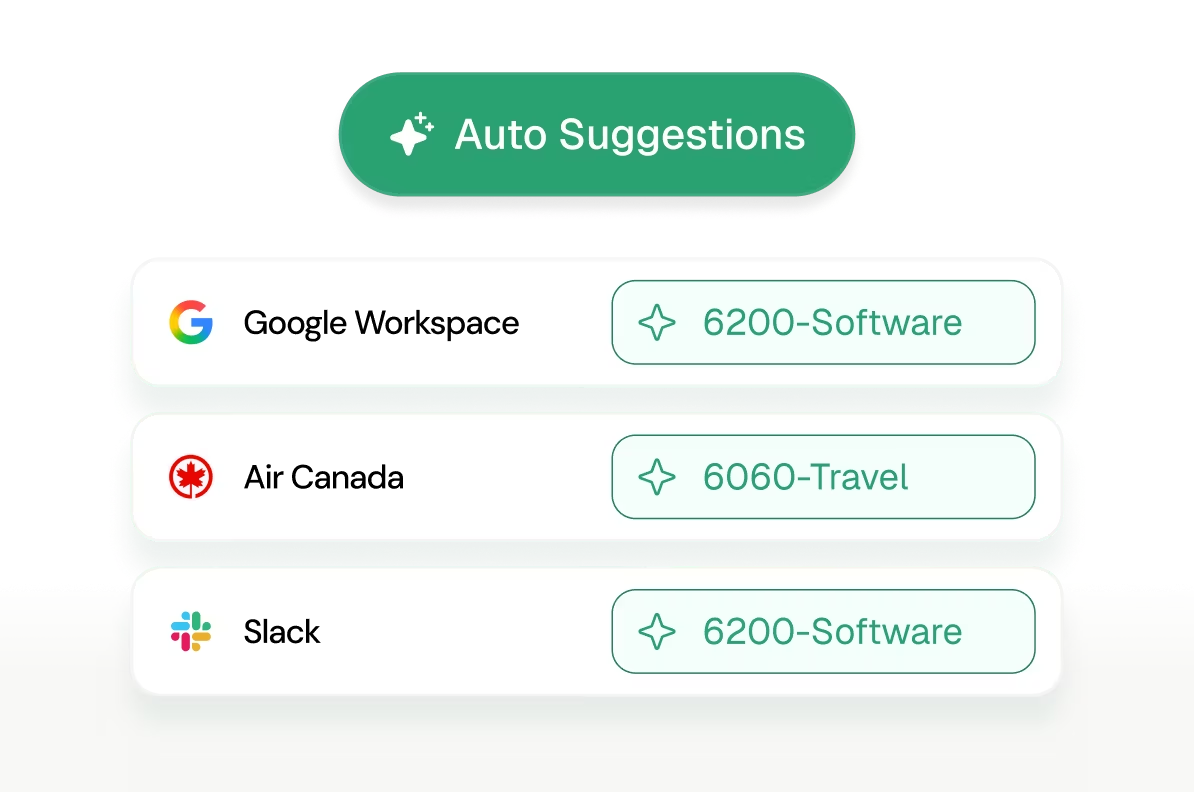
Venn learns from your history and suggests categories inline: no more manual entry or endless scrolling.
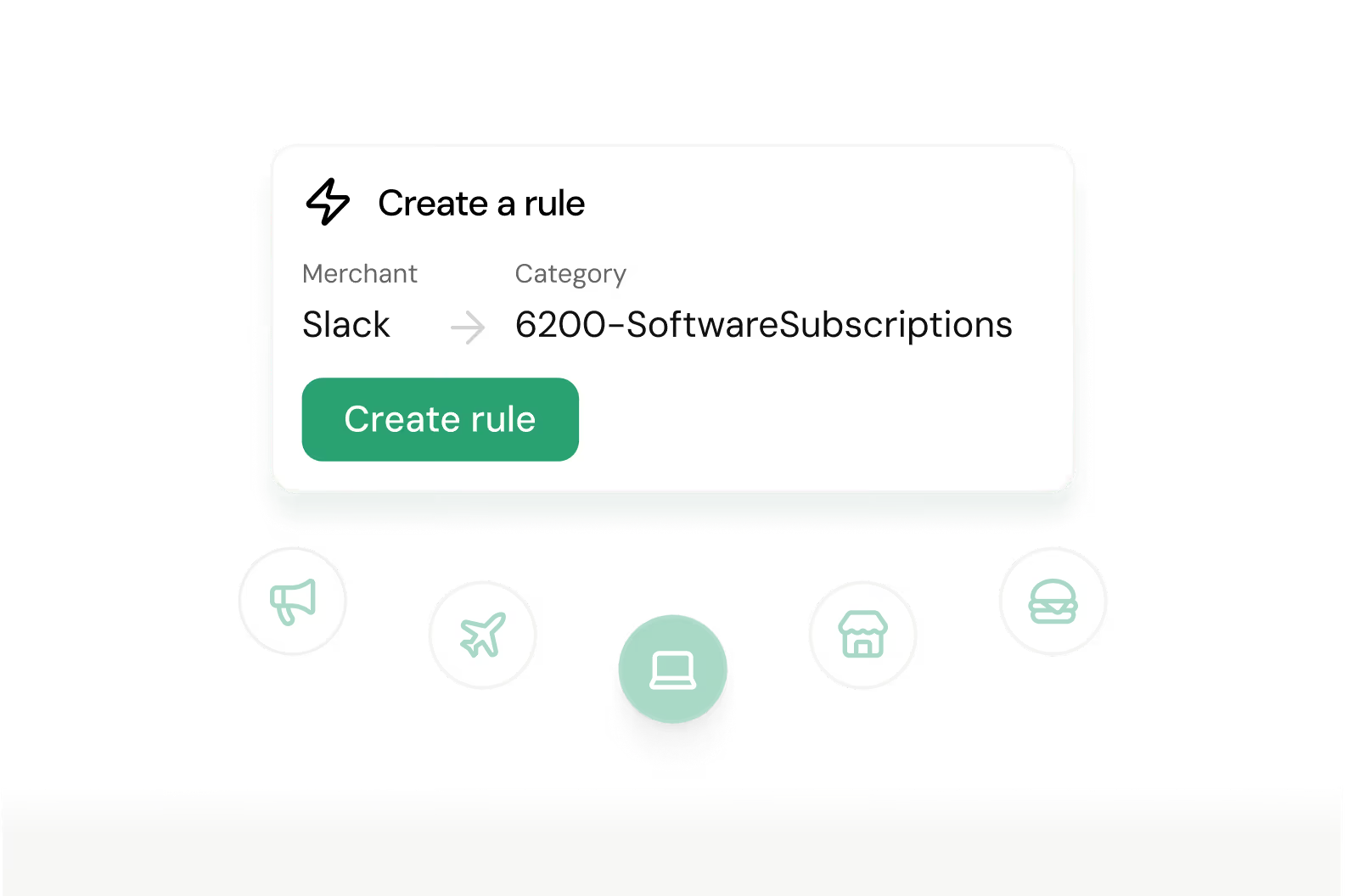
Once a pattern repeats, Venn suggests rules you can implement. Your most common decisions are now automated.
All your receipts matched. Automatically.
Instead of hunting down receipts one by one, hit Auto-match. Text images from your phone or upload on your computer and Venn Intelligence does the rest - it reads every receipt, finds the right transaction, and links them. No spreadsheets. No manual matching. No end-of-month scramble.
Books closed in minutes. Use AI to Categorize.
Venn Intelligence learns from your categorization history and starts suggesting the right category inline. So instead of picking from a dropdown every time, you're just confirming what it already knows. And once something repeats, the AI Rule Engine handles it automatically. No doing the same work twice. Our Accounting Agents will suggest categories, memos, and more so you can close your books faster.
What our customers are saying
See why more than 15,000 Canadian businesses across every industry are leaving traditional banking behind and choosing Venn as their complete business banking and expense management solution.










Everything you need to move faster.
Real impact with AI, not just a chatbot.
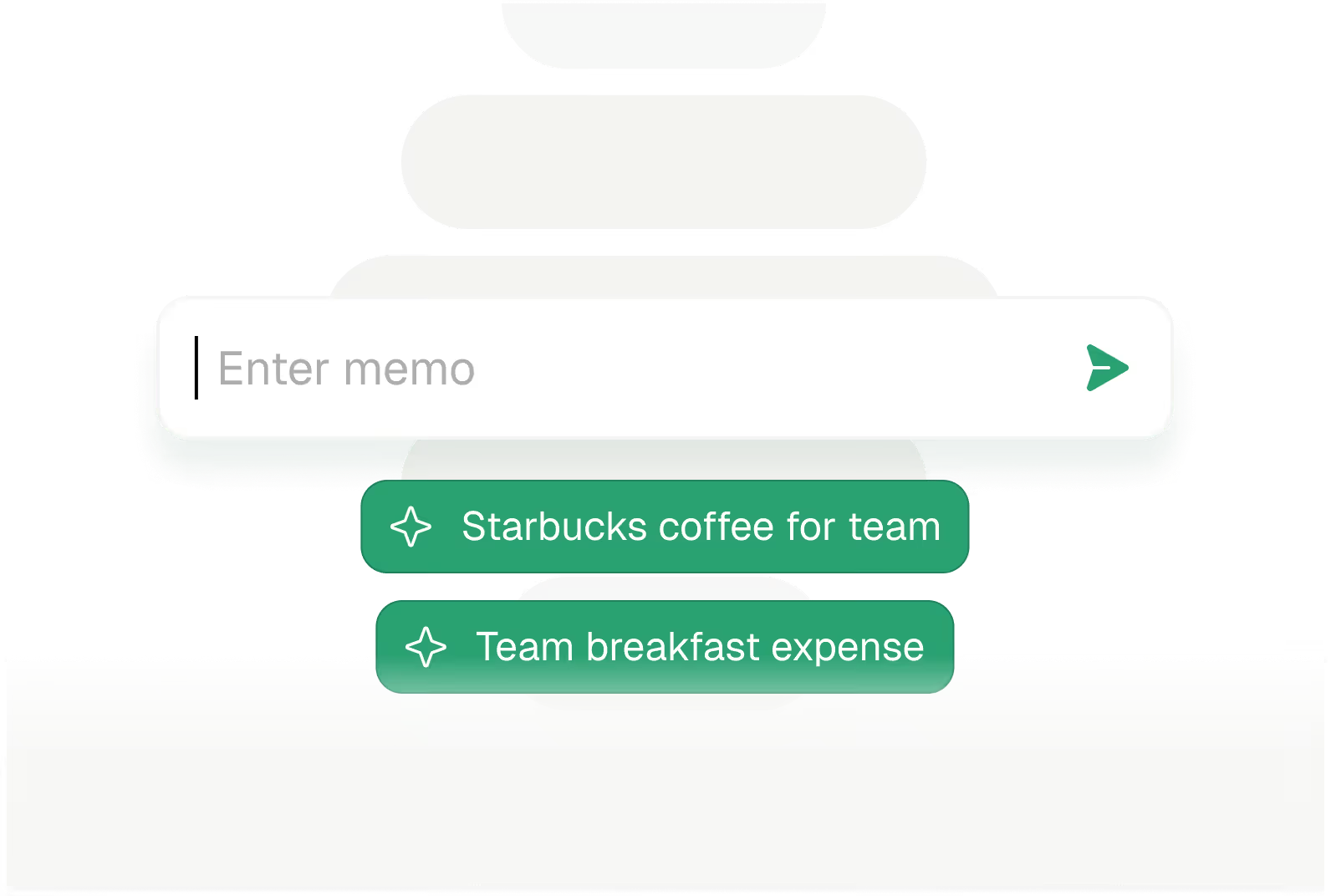
AI-generated memo suggestions are generated per transaction based on your past context.
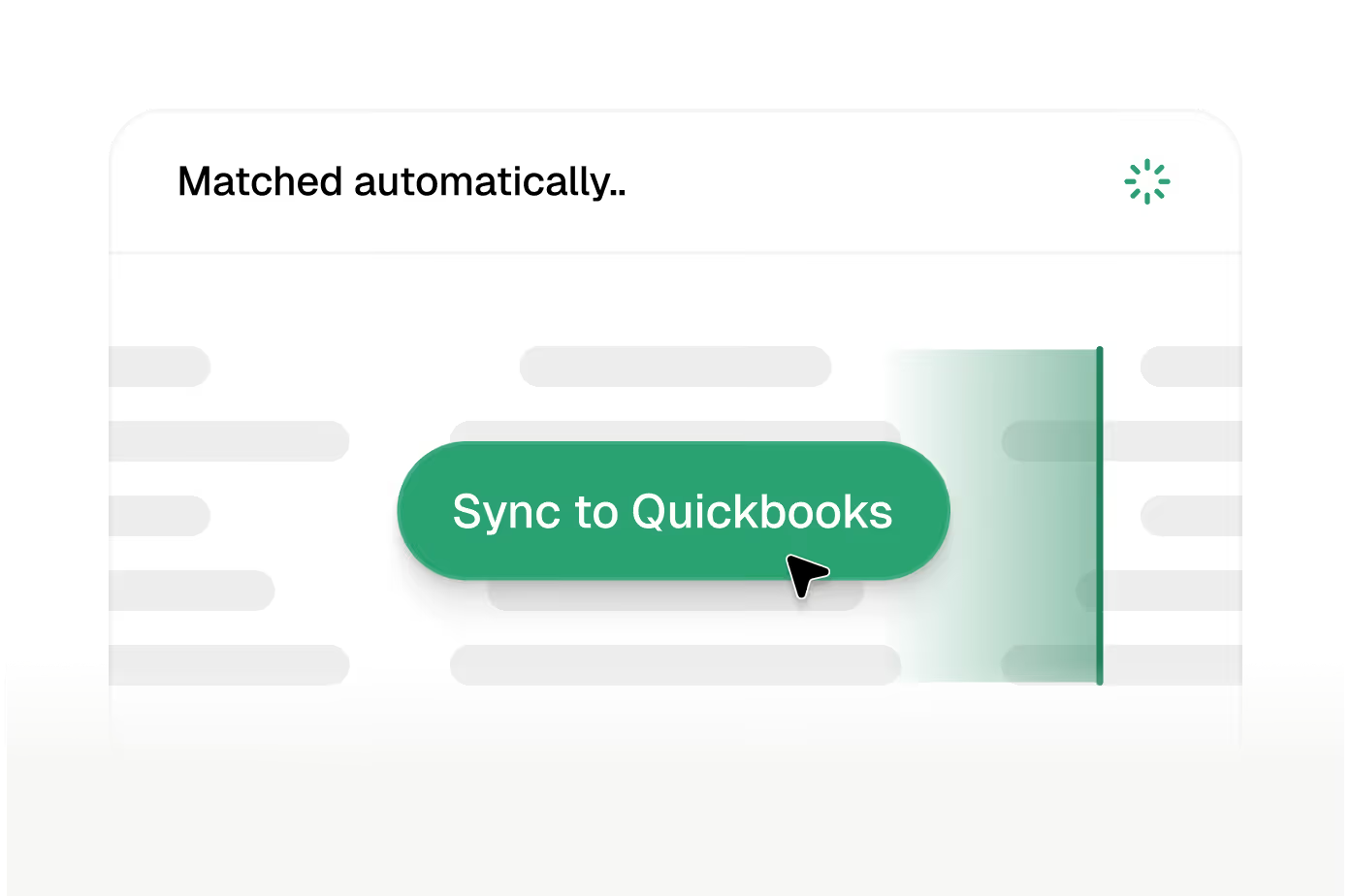
Push categorized, matched transactions to QuickBooks in one click. Sync in seconds instead of manually entering data for hours.
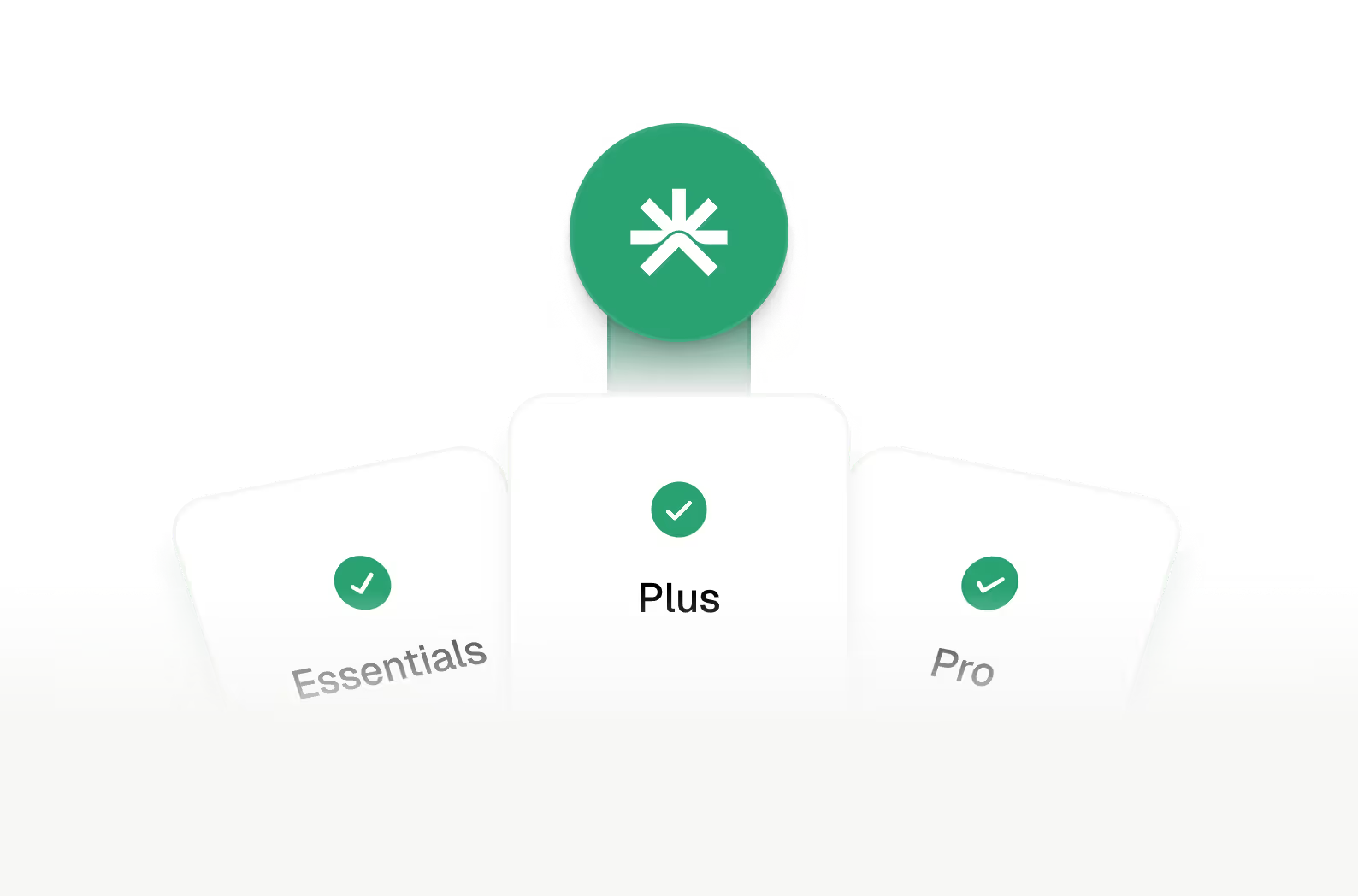

Auto-match Receipts will be available for all plan members. Accounting Agents will only be available on the Pro Plan.
$3.5B+
Transacted on platform
$3.2M/yr
Saved by Venn customers
~10 hours
Saved per business each month


See Venn in Action
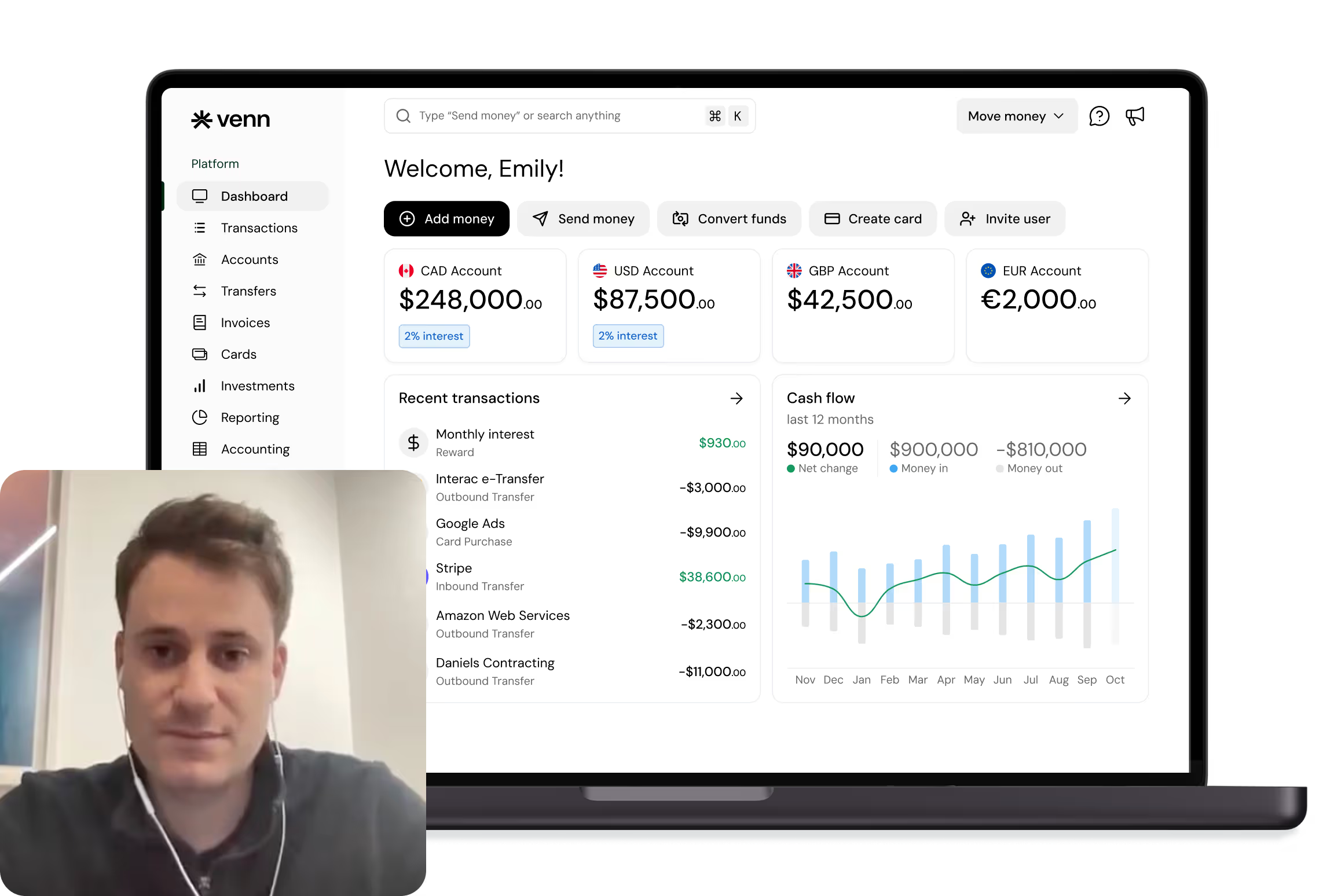
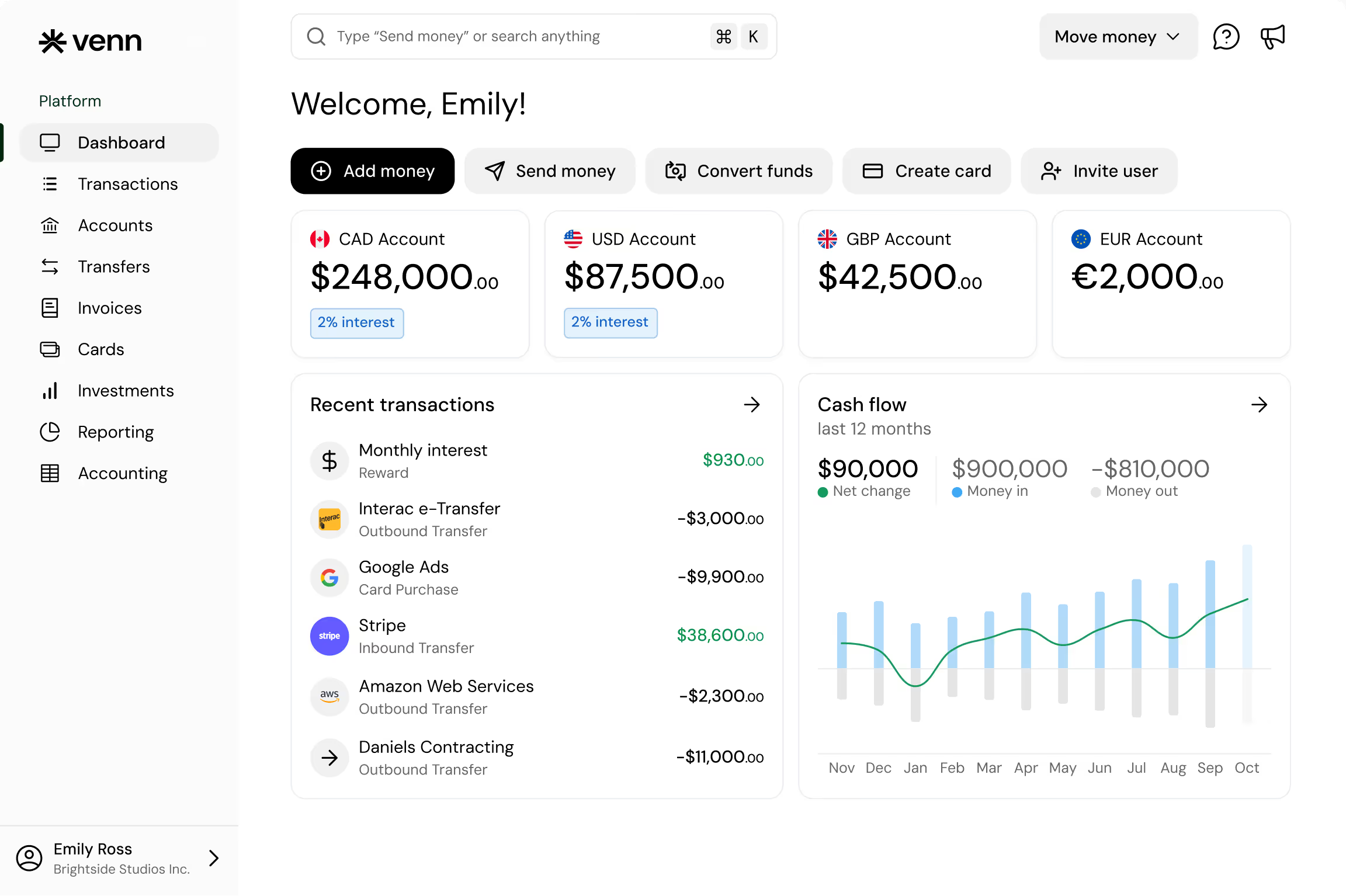
The future of business finance is already in your account.
Venn Intelligence is live now. To get started, visit the Accounting Tab and opt-in to AI Suggestions in your Accounting Settings.
Get Started