How Long Does It Take to Send, Receive, or Add Money via Interac e-Transfer®?
Interac e-Transfers move money in near real time, which is why they’ve become the default for Canadian business payments. Understanding what “instant” actually means in practice helps finance teams plan with confidence instead of relying on assumptions.

Ahmed Shafik
Co-founder

Trusted by 15,000+ Canadian businesses
Business banking for Canada
Local CAD and USD accounts, corporate cards with cashback, the lowest FX rates in Canada, free local transfers, and more.
Interac e-Transfer® is one of the fastest ways for Canadian businesses to move money. In most cases, sending, receiving, or adding funds happens in minutes. That speed is why so many finance teams rely on it for vendor payments, reimbursements, and account funding.
Still, timing questions come up. A transfer that usually lands instantly can sometimes take longer than expected, especially when external banks are involved. This guide explains how long Interac e-Transfers® typically take for businesses, what “instant” actually means in practice, and when delays are normal versus worth following up on.
How Interac e-Transfers® Work at a High Level
Interac e-Transfer® moves money between Canadian accounts using an email address or phone number. The notification is just the messenger. The actual movement of funds happens across the sender’s financial institution, Interac’s network, and the recipient’s institution.
When everything lines up, that process completes almost immediately. When it doesn’t, timing issues usually trace back to how one of those institutions processes or reviews the transfer.
If you want a deeper breakdown of how Interac e-Transfers® work for businesses, including setup, limits, fees, and common use cases, check out our full guide here.
How Long Does It Take to Send an Interac e-Transfer®?
For businesses using Interac e-Transfer® Auto Deposit, sending funds is typically instant or within a few minutes.
Once you initiate the transfer, the money leaves your account right away. There’s no waiting period on the sending side. If the recipient has Auto Deposit enabled, there’s no manual acceptance step either.
In practice, that means:
- The transfer is sent immediately
- The recipient’s account is credited almost right away
- The transaction shows as completed within minutes
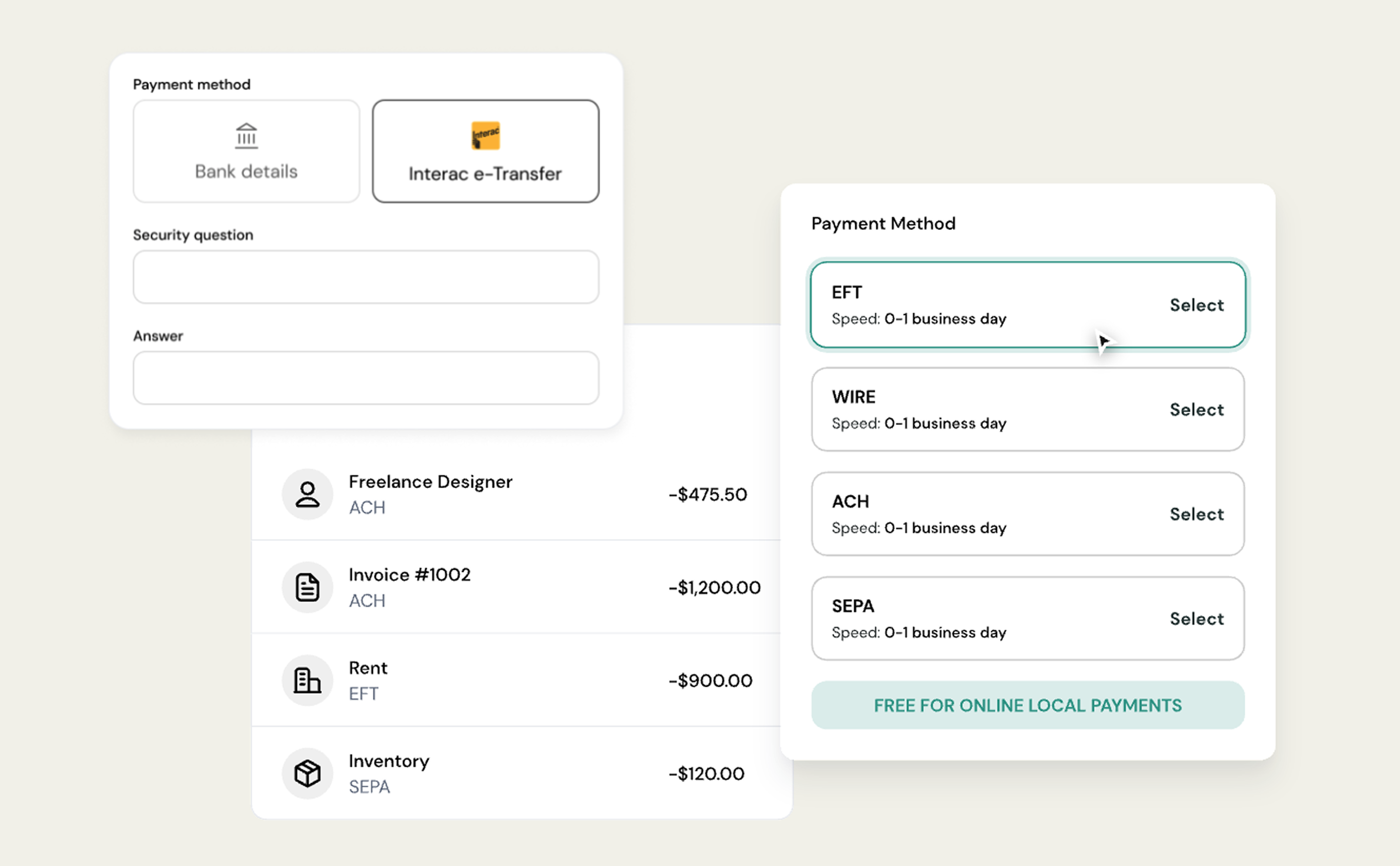
If you are sending to a recipient who does not have Auto Deposit enabled, the timing depends on when they accept the transfer. Until they do, the transfer remains pending. If you're worried your transfer has been pending for too long, here's how to resolve it.
How Long Does It Take to Receive an Interac e-Transfer?
Receiving funds via Interac e-Transfer® Auto Deposit is also instant or within a few minutes in most cases.
When Auto Deposit is enabled:
- Funds are deposited automatically
- No passwords or security questions are required
- No action is needed from the recipient
As soon as the sending bank releases the funds and Interac confirms delivery, the money lands in the recipient’s account. For businesses, this is why Auto Deposit matters. It removes the biggest source of timing uncertainty: manual acceptance.
If your Auto Deposit keeps bouncing back, here's what might be the issue.
.png)
What “Instant” Really Means for Interac e-Transfers
When Interac says transfers are instant, it means the system is designed for near-real-time settlement. It does not mean every transfer bypasses internal reviews at traditional banks.
In most day-to-day cases:
- Transfers complete in minutes
- Auto Deposit eliminates acceptance delays
- Funds are usable right away
When delays occur, they are usually tied to the sending or receiving bank’s internal processing, not Interac itself and not the receiving platform.
When Interac Transfers Take Longer Than Expected
While Interac e-Transfers® are designed to be fast, delays can still happen. Almost all of them fall into one of three categories.
1. Pending Status Due to Recipient-Side Timing
Sometimes the money has already moved, but confirmation from the recipient’s bank hasn’t fully synced back through Interac yet. In these cases, the transfer may show as pending even though the funds are already available.
2. Manual Acceptance Required
If the recipient does not have Auto Deposit enabled, the transfer remains pending until they:
• Open the Interac email or SMS
• Click the secure link
• Complete their bank’s authentication step
Missed emails and spam filters are common culprits here. The transfer will not complete until acceptance happens.
3. Temporary Holds or Reversals by the Sending Bank
In rare cases, the sending bank may place a temporary hold or reverse the transfer after it has already been sent. This is usually tied to automated fraud checks, especially for first-time transfers or larger amounts. When this happens, the funds may return to the sender’s account hours later without a clear error message. Here's exactly why is your Interac e-Transfer® Auto Deposit might be bouncing back to your original account.
The key point is that these holds happen before the funds reach Venn. As soon as money successfully arrives, it is credited immediately.
When to Follow Up on a Delayed Transfer
It’s reasonable to follow up when:
- A transfer has been pending for more than a few hours
- The recipient confirms Auto Deposit is enabled
- Funds have bounced back without explanation
In those cases, checking with the sender’s bank is usually the fastest path to resolution. Understanding how timing works helps finance teams react calmly, avoid duplicate payments, and keep operations moving without unnecessary escalation.
If your team relies on Interac e-Transfers® to move money in Canada, Venn makes the process simpler with Auto Deposit enabled by default and immediate credit once funds arrive.

Frequently asked questions (FAQ)
Q: Do Interac e-Transfer® limits affect how fast money arrives?
A: No. Limits do not slow down settlement. However, hitting a per-transaction or daily limit can prevent a transfer from being sent at all. If a transfer is successfully sent within allowed limits, delivery is typically instant or near-instant.
Q: Is there a difference between sending money and adding money via Interac e-Transfer®?
A: Functionally, no. Both actions use the same Interac rails and follow the same timing expectations. Any delay is related to the sending institution’s processing or review, not whether the transfer is labeled as “sending” or “adding” funds.
Q: Does Venn delay Interac e-Transfers®?
A: No. As soon as funds successfully reach Venn, they are credited immediately. Any delay occurs before the transfer arrives, typically at the sending bank or Interac processing stage.
Q: Can Interac e-Transfers® be delayed on weekends or after hours?
A: Interac e-Transfers® generally process in real time, including evenings and weekends. However, some banks apply internal reviews or fraud checks that can introduce delays regardless of the time or day.
This publication is provided for general information purposes and does not constitute legal, tax or other professional advice from Venn Software Inc or its subsidiaries and its affiliates, and it is not intended as a substitute for obtaining advice from a financial advisor or any other professional. We make no representations, warranties or guarantees, whether expressed or implied, that the content in the publication is accurate, complete or up to date.

Venn is all-in-one business banking built for Canada
From free local CAD/USD accounts and team cards to the cheapest FX and global payments—Venn gives Canadian businesses everything they need to move money smarter. Join 15,000+ businesses today.
Frequently asked questions
Everything you need to know about the product and billing.
Join 15,000+ businesses banking with Venn today
Streamline your business banking and save on your spend and transfers today
No personal credit check or guarantee.