Why Is My Interac e-Transfer® Still Showing as “Pending”?
A pending Interac e-Transfer rarely means lost funds. It usually means the transfer is waiting on confirmation or manual acceptance. This post explains the common causes and what to check before taking action.

Ahmed Shafik
Co-founder


Trusted by 15,000+ Canadian businesses
Business banking for Canada
Local CAD and USD accounts, corporate cards with cashback, the lowest FX rates in Canada, free local transfers, and more.
Interac e-Transfer® is one of the fastest ways for Canadian businesses to move money. In most cases, funds arrive within minutes. So when a transfer shows as “Pending,” teams start double-checking.
The good news is that a pending Interac e-Transfer® usually does not mean something is wrong. It typically points to one of a small number of timing or acceptance issues that are easy to resolve once you know where to look.
What does “Pending” mean for an Interac e-Transfer®?
Interac e-Transfer® is a Canadian payment service that moves money between Canadian accounts using an email address or phone number, with confirmation handled across multiple financial institutions. In most cases, that process completes in minutes, but it still relies on several systems syncing correctly.
If you want a full breakdown of how Interac e-Transfer® works for businesses, including limits, fees, and setup, you can read our detailed guide here.
A “Pending” status means the transfer has been initiated but has not yet been fully confirmed as completed. The funds are in motion, but the final confirmation from the recipient’s financial institution has not been received.
This is different from a failed or cancelled transfer. The money has not disappeared, and in most cases, nothing has gone wrong. Interac e-Transfers® pass through the sender’s institution, Interac’s network, and the recipient’s institution. A delay at any point in that chain can temporarily leave the transfer marked as pending.
The two most common reasons an Interac e-Transfer® is pending
In practice, almost every pending e-Transfer falls into one of the scenarios below.
1. The recipient has already received the funds, but confirmation is delayed
In some cases, the funds have already landed in the recipient’s account, but their bank has not yet confirmed the transaction back to Interac.
This can happen due to:
- Temporary processing delays at the recipient’s institution
- System batching on the confirmation side
- Short-term latency between networks
When this happens, the transfer may still show as “Pending” even though the money is already available to the recipient. Once confirmation is received, the status updates to “Completed,” usually within a few hours.
2. The recipient does not have Interac Auto-Deposit enabled
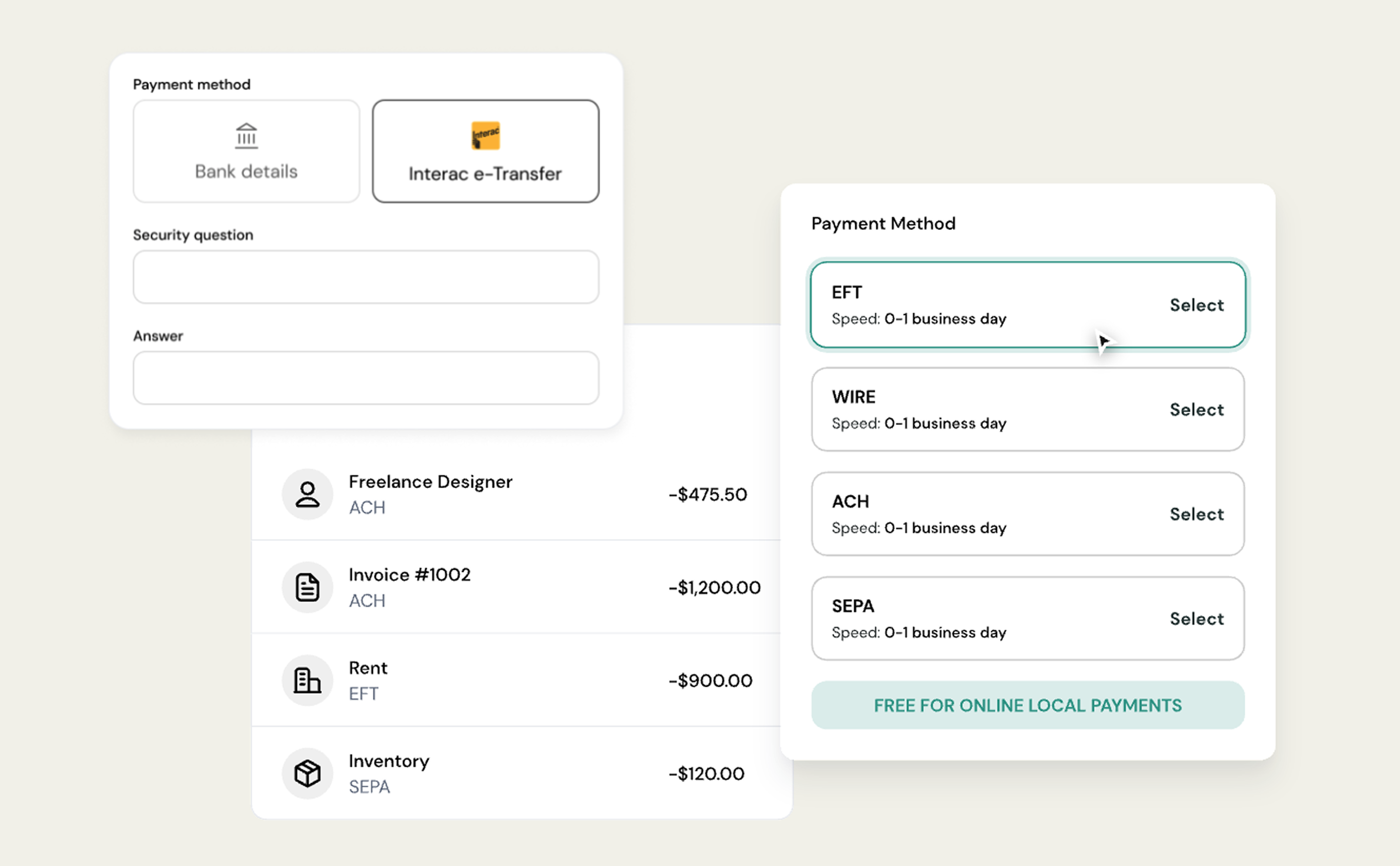
If the recipient has not enabled Interac Auto-Deposit, they must manually accept the transfer.
That requires them to:
- Open the email or SMS notification from Interac
- Click the secure link
- Answer the security question or follow their bank’s authentication flow
Until this step is completed, the transfer will remain pending. For businesses sending payments to contractors, vendors, or new recipients, this is by far the most common cause of delays.
How long should a pending Interac e-Transfer® take to resolve?
In most cases, a pending Interac e-Transfer® resolves within a few minutes to a few hours. If the delay is caused by confirmation timing on the recipient’s bank, the status should update to “Completed” within four hours.
If the recipient needs to manually accept the transfer, it will remain pending until they do so. Interac notifications can sometimes land in spam or junk folders, so acceptance may be delayed simply because the email was missed.
What to do when an Interac e-Transfer® is pending
If a transfer has been pending longer than expected, here is the most effective sequence of checks.
Ask the recipient to check their inbox
Have the recipient search their email for a message from Interac and check their spam or junk folders. Many pending transfers are resolved as soon as the acceptance link is clicked.
Confirm whether the funds were already received
In some cases, the recipient may already see the funds in their account even though the sender still sees “Pending.” If that is the case, the status should update automatically within a few hours.
Wait before taking further action
If the transfer was sent recently, it is often best to wait a short period before cancelling or re-sending. Cancelling prematurely can create confusion or duplicate payments.
Why Auto-Deposit matters for business payments
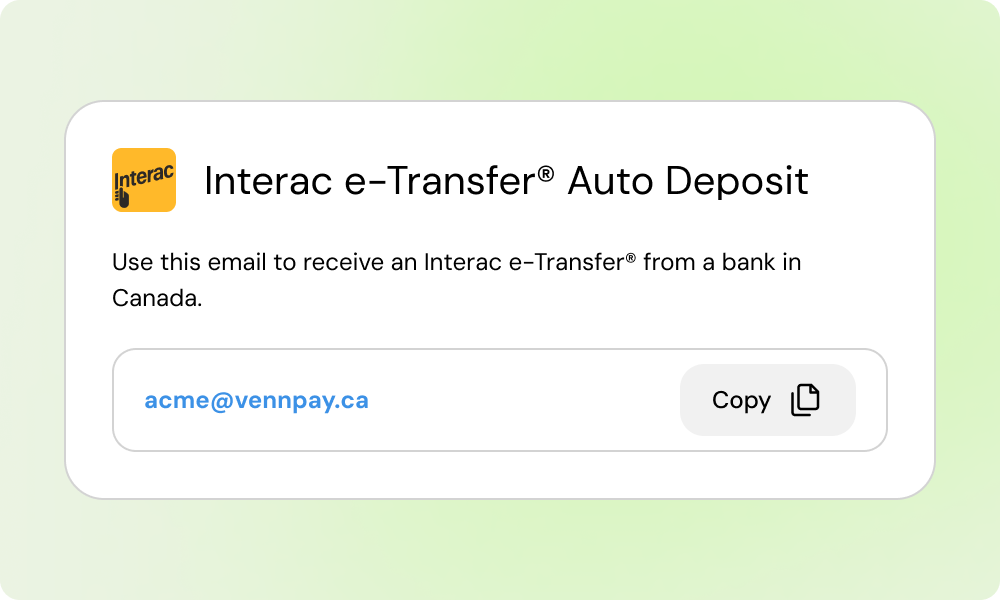
For businesses, Interac Auto-Deposit removes the biggest source of delay. When Auto-Deposit is enabled:
- Funds are deposited directly into the recipient’s account
- No security questions are required
- No manual acceptance step is needed
- Payments are less likely to stall in a pending state
This is especially important for recurring vendor payments, contractor payouts, and internal transfers between business accounts. Platforms that support Auto-Deposit by default help eliminate uncertainty around payment timing.
Planning around pending transfers as a finance team
For founders, CFOs, and accountants, the goal is not to eliminate pending transfers entirely, but to reduce surprises. Here are a few practical ways teams can plan around Interac timing.
Encourage recipients to enable Auto-Deposit
For vendors and contractors you pay regularly, ask them to enable Auto-Deposit on their end. This small setup step can eliminate repeated follow-ups and payment delays.
Set expectations for first-time payments
The first Interac e-Transfer® to a new recipient is the most likely to be pending. Let stakeholders know that manual acceptance may be required the first time.
Avoid re-sending payments too quickly
If a transfer is pending, re-sending immediately can result in duplicate payments once the original transfer completes. Waiting a short period or confirming with the recipient first reduces risk.
Use Interac for time-sensitive CAD payments
For domestic Canadian payments under typical Interac limits, e-Transfers are still one of the fastest options available. Even when pending, they usually resolve far faster than EFTs or cheques.
When to cancel or re-send an Interac e-Transfer
You can generally cancel an Interac e-Transfer if:
- The recipient has not accepted it
- Auto-Deposit is not enabled on the recipient’s side
Once a transfer is accepted or auto-deposited, it cannot be reversed. Before cancelling, confirm that the recipient has not already received the funds. This avoids accidental double payments. With the right setup, especially Auto-Deposit, Interac e-Transfers remain one of the fastest and most reliable ways to move CAD between Canadian businesses.
If your team relies on Interac e-Transfers to move money in Canada, Venn gives you a cleaner way to manage them. Get started here!
Frequently asked questions (FAQ)
Q: Why does my e-Transfer say pending even though the recipient was paid?
A: Some banks delay sending confirmation back to Interac. Even if the recipient has received the funds, your transfer status may stay “Pending” for a short time. It typically updates to “Completed” within a few hours.
Q: How long can an Interac e-Transfer stay pending?
A: Most pending transfers resolve within minutes or hours. If the transfer requires manual acceptance, it will remain pending until the recipient accepts it or the transfer expires.
Q: Do pending Interac e-Transfers expire?
A: Yes. If a transfer is not accepted, it usually expires after 30 days, and the funds are automatically returned to the sender.
Q: Does a pending transfer mean Interac is down?
A: No. A pending status almost always reflects recipient-side timing or acceptance, not an outage with Interac itself.
This publication is provided for general information purposes and does not constitute legal, tax or other professional advice from Venn Software Inc or its subsidiaries and its affiliates, and it is not intended as a substitute for obtaining advice from a financial advisor or any other professional. We make no representations, warranties or guarantees, whether expressed or implied, that the content in the publication is accurate, complete or up to date.

Venn is all-in-one business banking built for Canada
From free local CAD/USD accounts and team cards to the cheapest FX and global payments—Venn gives Canadian businesses everything they need to move money smarter. Join 15,000+ businesses today.
Frequently asked questions
Everything you need to know about the product and billing.
Join 15,000+ businesses banking with Venn today
Streamline your business banking and save on your spend and transfers today
No personal credit check or guarantee.