Why Is My Interac e-Transfer® Auto Deposit Bouncing Back?
When an Interac e-Transfer® Auto Deposit is reversed back to the sender, it’s almost always the result of a bank-side fraud check, not a payment failure. This guide explains why it happens and what to do so the transfer can be completed quickly.

Ahmed Shafik
Co-founder

Trusted by 15,000+ Canadian businesses
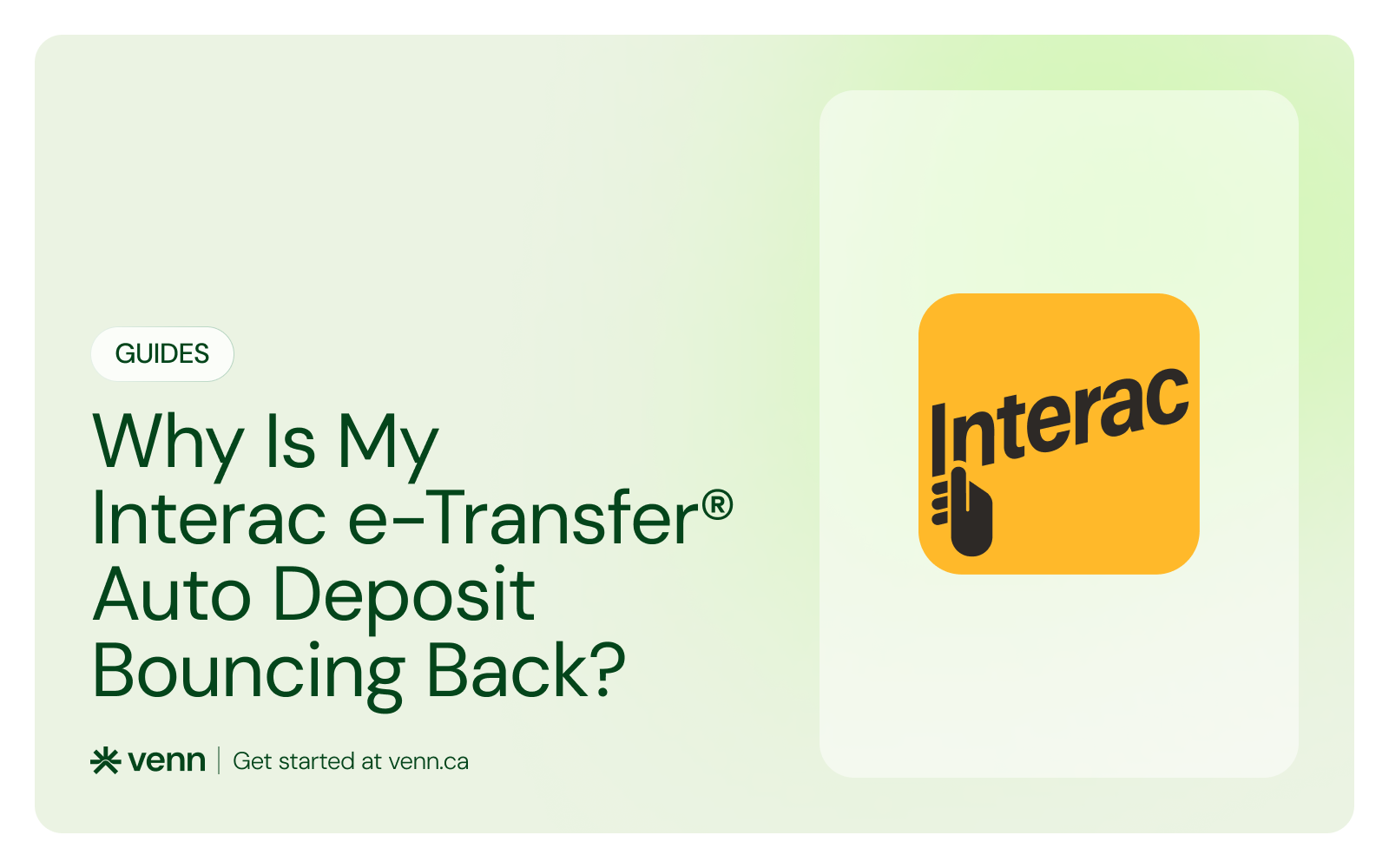
Business banking for Canada
Local CAD and USD accounts, corporate cards with cashback, the lowest FX rates in Canada, free local transfers, and more.
Interac e-Transfer® Auto Deposit is designed to be automatic. Funds are sent, accepted instantly, and deposited without passwords or follow-ups. So when an Auto Deposit transfer quietly reverses back to the original account hours later, it feels unexpected and confusing.
The good news is that this is not a failure on your Venn account and not a lost payment. In nearly every case, the reversal is caused by a security flag on the sending bank’s side.
Here's why Auto Deposit reversals happen, what “NFDG reversal” actually means, and how to resolve the issue quickly.
What Does It Mean When an Auto Deposit “Bounces Back”?
When an Interac e-Transfer® Auto Deposit is reversed, it usually follows this pattern:
- The transfer is sent successfully
- No error message appears immediately
- Several hours later, the funds return to the original account
This can happen even though Auto Deposit is enabled and working correctly on the receiving end. In these cases, the sending bank has actively reversed the transaction after it was sent, rather than rejecting it upfront.
If you want a clearer picture of how Interac e-Transfer® works behind the scenes, including timing, limits, and common edge cases, you can read our full breakdown here.
The Most Common Cause: NFDG Reversal
If your Auto Deposit transfer quietly bounces back with a note like “NFDG REVERSAL,” it means the sending bank’s fraud system stepped in.
NFDG stands for National Fraud Detection Group. It’s an internal risk system used by many Canadian banks to monitor outgoing payments. Its job is to flag activity that looks unusual compared to a sender’s normal behaviour.
Sometimes, that caution works against you. First-time transfers, payments to a business account, or amounts that are higher than usual can all trip the system. When that happens, the bank doesn’t reject the payment upfront. It lets the transfer go out, then reverses it hours later once the automated checks finish running. This is what’s called a false positive. The payment itself is valid. There’s no issue with the recipient, the account, or Auto Deposit. The bank simply decided to play it safe after the fact.
It’s also important to be clear about where this decision happens. Interac doesn’t block the transfer, and Venn doesn’t hold the funds. The reversal is triggered entirely by the external bank that sent the money. Once the sender’s bank clears the transaction, the transfer will go through normally on the next attempt.
Why Banks Reverse Auto Deposit Transfers
Fraud detection systems are designed to be cautious, especially when money is moving automatically. Triggers can include:
- First-time transfers to a new recipient
- Transfers to a business account from a personal account
- Larger-than-usual amounts
- Activity that differs from the sender’s normal behaviour
Because Auto Deposit skips manual acceptance, some banks apply additional post-send monitoring. When their systems err on the side of caution, they reverse the transfer rather than letting it complete.
How Common Are Auto Deposit Reversals?
These reversals are rare. They have occurred only in a small number of cases, and every instance was resolved by the sender contacting their bank.
What to Do When an Auto Deposit Is Reversed
If your Interac e-Transfer® Auto Deposit bounces back without an error, here’s the fastest way to resolve it.
Step 1: Contact the sending bank
Have the sender call their bank’s fraud department and explain that the transfer was legitimate. They should reference the reversal notice, especially if it mentions NFDG. In every confirmed case so far, this step resolved the issue.
Step 2: Ask the bank to release the funds
Once the fraud team clears the transaction, the sender can safely reattempt the transfer. In most cases, the next attempt goes through without issue.
Step 3: Re-send the e-Transfer
After clearance, re-send the payment using the same Auto Deposit setup. As soon as the funds reach Venn, they are credited immediately.
What This Is Not
It’s helpful to rule out a few common assumptions:
- This is not caused by Auto Deposit being disabled on your Venn account
- This is not a delay or hold inside Venn
- This is not an Interac outage
- This is not a permanent block
The transfer is being reversed before it reaches Venn. Once it does arrive, it settles right away.
How to Reduce the Chances of a Reversal
While you can’t control another bank’s fraud system, a few practical steps help reduce the likelihood of reversals:
- Use consistent sending accounts for business transfers
- Avoid cancelling and re-sending transfers rapidly
- Give first-time transfers a bit of time to settle
- Have senders confirm with their bank if the payment is unusual in size or destination
For recurring funding or frequent payments, these issues typically disappear after the first successful transfer.
When an Interac e-Transfer® Auto Deposit bounces back, it’s frustrating, but it’s usually simple to fix. The funds aren’t lost, and nothing is broken on your account. It’s almost always a sender-side fraud check, not a payment failure. A quick call to the sending bank clears the path, and once the transfer is re-sent, it settles normally.
If your team relies on Interac e-Transfers® to move money in Canada, Venn gives you a cleaner way to manage them, with Auto Deposit enabled by default and immediate credit once funds arrive.
Frequently asked questions (FAQ)
Q: Why did my Auto Deposit e-Transfer reverse without an error?
A: This usually happens when the sending bank flags the transaction after it’s already been sent and reverses it internally. The reversal occurs before the funds fully settle, even if no clear error message appears.
Q: Does NFDG mean my account is blocked?
A: No. NFDG means the transaction itself was flagged for review — not that your account is blocked. It’s a transaction-level status, not an account restriction.
Q: Will this keep happening with future transfers?
A: In most cases, no. Once the first flagged transfer is cleared, future transfers typically go through without issue unless similar risk signals are triggered again.
Q: Does Venn control Auto Deposit reversals?
A: No. Reversal decisions are made by the sending bank before the funds ever reach Venn. Venn does not have the ability to override or prevent these reversals.
This publication is provided for general information purposes and does not constitute legal, tax or other professional advice from Venn Software Inc or its subsidiaries and its affiliates, and it is not intended as a substitute for obtaining advice from a financial advisor or any other professional. We make no representations, warranties or guarantees, whether expressed or implied, that the content in the publication is accurate, complete or up to date.

Venn is all-in-one business banking built for Canada
From free local CAD/USD accounts and team cards to the cheapest FX and global payments—Venn gives Canadian businesses everything they need to move money smarter. Join 15,000+ businesses today.
Frequently asked questions
Everything you need to know about the product and billing.
Join 15,000+ businesses banking with Venn today
Streamline your business banking and save on your spend and transfers today
No personal credit check or guarantee.