Business Productivity with Digital Banking Automation Guide
How to Increase Business Productivity with Digital Banking Automation. Learn to automate payments, approvals, receipts, and accounting sync for Canada.

Ahmed Shafik
Co-founder

Trusted by 15,000+ Canadian businesses
Business banking for Canada
Local CAD and USD accounts, corporate cards with cashback, the lowest FX rates in Canada, free local transfers, and more.
For many Canadian businesses, productivity problems do not start with underperforming teams. They start with finance administration that consumes hours no one budgeted for: manually entering vendor payments, chasing down receipts, routing approvals through email threads, maintaining parallel spreadsheets, and reconciling accounts that never quite match. These tasks are repetitive, error-prone, and quietly expensive.
Digital banking automation addresses this directly. By replacing manual, rules-based financial tasks with automated workflows, businesses reduce administrative overhead, improve accuracy, and give finance teams the capacity to focus on decisions that actually move the business forward.
This guide covers the workflows where automation delivers the clearest productivity gains for Canadian businesses: payments and accounts payable, approval routing, bank reconciliation, financial reporting, expense management, and cash flow management. Each section includes practical guidance on implementation, not just theory.
If your team spends meaningful time on finance administration that should run itself, this guide is a starting point for changing that.
What Is Digital Banking Automation?
Digital banking automation means using rules and triggers to handle recurring financial workflows without manual intervention. It goes well beyond logging into an online portal to check your balance.
In practice, digital banking automation covers scheduled vendor payments, approval routing, automatic transaction sync to your accounting software, receipt capture, recurring invoices, cash movement rules, and role-based user permissions. These are the repetitive, rules-based tasks that consume hours of finance time every week.
The difference is clearest in a before-and-after comparison. Before automation, a finance manager manually exports transactions at month-end, emails a spreadsheet to a manager for approval, waits for a reply, then re-enters the data into the accounting system. After automation, the same workflow runs on a defined schedule: transactions sync automatically, approvals route to the right person based on spend thresholds, and records update in real time.
The result is a financial workflow automation system that reduces manual handoffs, cuts duplicate data entry, and gives your team accurate information without chasing it. For Canadian businesses managing payroll, supplier payments, and expense reporting simultaneously, that shift from reactive to automated creates meaningful time savings across the entire finance function.
Why Digital Banking Automation Increases Business Productivity
Digital banking automation is an operational productivity lever, not a finance convenience. When your team spends hours on manual payment entry, spreadsheet approvals, and duplicate bookkeeping, those hours come directly out of higher-value work. Automation eliminates the repetitive handoffs that slow finance operations down and replaces them with rules-based workflows that run consistently in the background.
Reduces Manual Data Entry
Every time a team member manually enters a payment, re-codes a transaction, or copies data between a bank portal and an accounting system, they introduce delay and risk. Financial workflow automation cuts this work at the source. When your banking platform connects directly to your accounting software, transactions sync automatically, categories apply based on rules you define, and your bookkeeper spends time reviewing rather than re-entering. The result is fewer admin hours per week and a faster month-end close.
Speeds Up Approvals and Payment Execution
Approval workflows replace email chains and Slack threads with structured, auditable processes. Role-based permissions let team members initiate payments up to defined thresholds without waiting for a manager to forward an approval. Payments that once took two days to clear internal review can move in hours. That speed compounds across dozens of vendor payments, reimbursements, and disbursements each month.
Improves Cash Flow Visibility
Real-time reporting gives finance teams a single view of account balances, pending payments, card spend, and incoming funds. When that information lives in one place rather than across three portals and a spreadsheet, decision-making improves. You can spot a cash shortfall before it becomes a problem, not after.
Reduces Errors and Rework
Manual processes produce missed payments, miscoded expenses, and reconciliation issues that require time to untangle. Banking automation reduces these errors by applying consistent rules at the point of transaction, not after the fact. Fewer errors mean less rework, stronger internal controls, and cleaner records when audit time arrives.
High-Impact Banking Automation Use Cases for Canadian Businesses
Accounts Payable and Vendor Payments
Manual vendor payments create compounding inefficiencies: someone exports a spreadsheet, someone else approves it over email, and a third person re-enters the data to execute the transfer. Automation collapses that chain.
Modern platforms support batch payments and scheduled disbursements, so recurring vendor obligations go out on time without manual intervention each cycle. Approval chains route payment requests to the right person based on amount thresholds, removing the back-and-forth that delays execution. Recipient management stores verified payee details, reducing entry errors on repeat transfers.
For Canadian businesses, payment rail support matters. EFT handles domestic vendor disbursements efficiently. ACH becomes relevant for cross-border workflows with U.S. suppliers or customers. Interac e-Transfer® works well for smaller, faster domestic transfers. CRA payment obligations require specific support, so confirm whether your platform accommodates CRA bill payments directly or requires a workaround through a separate chequing account.
A finance coordinator manually initiates 40 vendor payments each month, chasing approvals over email and re-entering payee details each time.
Expense Management and Team Spend Controls
Expense reports submitted weeks after the fact, missing receipts, and out-of-policy purchases are symptoms of a spend management gap. Card-based controls address this at the source.
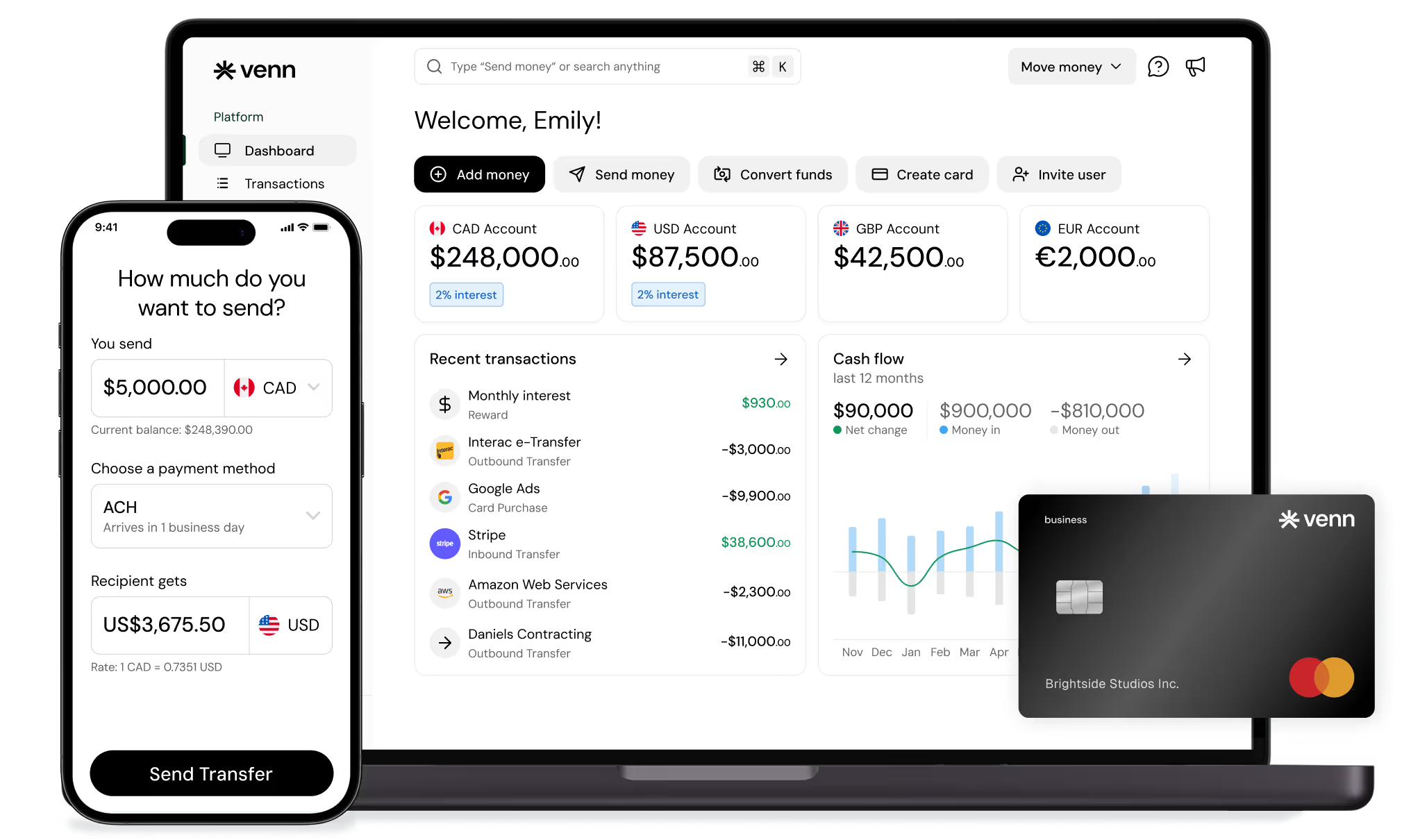
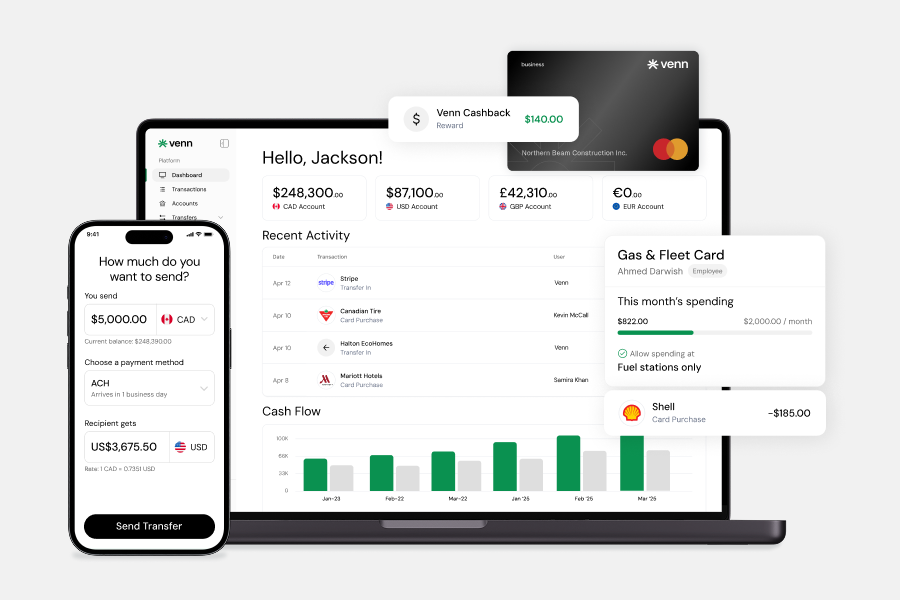
Issuing virtual or physical cards to team members with custom spending limits and category restrictions keeps spend within policy before it happens, not after. Platforms like Venn offer card controls alongside OCR receipt capture, where employees photograph receipts and the system matches them to transactions automatically. That eliminates the Friday receipt-matching ritual entirely. Venn's mobile app lets users check available funds, send transfers, and issue cards directly from their phone.
Policy controls can restrict cards to specific merchant categories, cap daily or monthly spend, and flag exceptions for review. Finance teams gain real-time visibility into where money is going without waiting for month-end reconciliation.
Accounting Sync and Reconciliation
Disconnected banking and accounting systems create duplicate work. Every transaction entered in one place needs to be re-entered or manually imported into another.
Direct integrations with QuickBooks and Xero push transactions into your accounting system automatically, with categorization that reduces manual coding. Venn supports both platforms, which means transactions flow into your books without a manual export step. Month-end reviews become faster because the data is already there, organized, and ready for your accountant.
Multi-Currency Operations
Canadian businesses working with U.S. clients or overseas suppliers lose time and money on unnecessary currency conversions. Holding separate CAD, USD, GBP, and EUR accounts lets you collect in the currency your client pays in and disburse in the currency your supplier invoices in, without converting every transaction.
Venn currently offers accounts in all four of those currencies, with local transfer support including EFT, ACH, and SEPA depending on the currency. For a business billing U.S. clients in USD and paying a European contractor in EUR, that structure reduces conversion friction meaningfully.
Cash Management and Reporting
Idle operating funds sitting in a single account earn nothing and offer no visibility. Sub-accounts or rules-based fund separation lets businesses designate reserves, tax provisions, or project budgets without opening multiple bank accounts.
Automated reporting gives finance teams a real-time view of balances, pending payments, and card spend across the business. That visibility supports faster decisions and reduces the time spent pulling numbers together before a cash flow conversation.
Audit readiness improves as a natural byproduct. Approval records, transaction histories, and supporting documentation accumulate automatically, so year-end reviews and CRA inquiries require less scrambling. A controller spends two days before each board meeting pulling transaction data from three sources and reconciling discrepancies manually.
How to Implement Digital Banking Automation Without Disrupting Operations
A phased approach protects your existing workflows while building toward a more automated finance operation. Follow these five steps to reduce friction without creating new problems.
Step 1: Audit Your Current Finance Workflows
Before changing anything, map what your team actually does. Identify every manual handoff in your payment and reconciliation process, note where data gets entered more than once, and flag which tasks still live in spreadsheets. Common bottlenecks include manually matching receipts, copying transaction data into accounting software, and chasing approvals over email. This audit gives you a clear picture of where time is being lost and where errors are most likely to occur.
Step 2: Prioritize High-Volume, Low-Complexity Tasks First
Start with tasks that repeat frequently and follow predictable rules. Recurring vendor payments, receipt collection, transaction sync to your accounting platform, and basic approval routing are strong candidates. These workflows deliver measurable time savings quickly and carry lower implementation risk than complex, exception-heavy processes.
Step 3: Choose the Right System Architecture
Three common models work for small finance teams. An all-in-one business finance platform handles banking, cards, approvals, and accounting sync in a single environment. A traditional bank paired with accounts payable or expense tools adds automation on top of existing infrastructure. A hybrid stack combines elements of both. The right choice depends on your payment volume, currency needs, and how tightly your banking and accounting workflows need to connect.
Step 4: Define Controls Before Automating
Automation amplifies whatever rules you set, so define those rules carefully before switching anything on. Assign user roles and set approval thresholds for different payment amounts. Document your payment policies, including how exceptions get handled and who has authority to override a rule. Confirm that your system generates audit records for every transaction and approval decision. Skipping this step is one of the most common reasons automation projects create compliance gaps instead of closing them.
Step 5: Measure ROI Against Specific Benchmarks
Set baseline numbers before you go live so you can track real improvement. Useful metrics include hours spent per month on manual finance tasks, average time to approve a payment, how long month-end reconciliation takes, and how often errors require rework. Visibility improvements, such as how quickly your team can answer a cash flow question, are also worth tracking. These benchmarks help you identify which automations are delivering and where further financial workflow automation is still needed.
What to Look for in a Digital Banking Automation Platform
Not every digital banking tool fits every Canadian business. Before committing to a platform, evaluate it against the workflows that actually slow your team down.
Core functionality to assess:
• Accounting integrations: Direct sync with QuickBooks or Xero reduces duplicate entry and speeds up month-end close. Plaid-based connections work, but native integrations are more reliable.
• Approval workflows: Look for configurable thresholds, multi-step routing, and audit trails. Email-based approvals are a bottleneck, not a system.
• Multi-user permissions: Role-based access lets finance teams move quickly without exposing sensitive controls to everyone.
• Corporate card controls: Spend limits, merchant category restrictions, and virtual card issuance give you real-time control over team expenses.
• Recurring payments and vendor management: Scheduled disbursements and saved payee details cut repetitive manual work.
• Multi-currency support: If your business collects in USD or pays overseas suppliers, confirm which currencies the platform supports and what local transfer rails are available.
• Expense management automation: OCR receipt capture and automatic transaction categorization reduce the manual matching your team does today.
• Reporting: Real-time balance visibility, transaction history, and exportable records support faster decisions and cleaner audits.
Canadian-specific considerations matter significantly. Confirm whether the platform supports Interac e-Transfer® for vendor payments, CRA payment processing, and both CAD and USD workflows. Check eligibility by business type and province. Some platforms serve incorporated businesses only, while others support sole proprietorships. Availability can also vary by province.
Venn is one example of an integrated banking-plus-automation setup worth evaluating for businesses that need multi-currency accounts across CAD, USD, GBP, and EUR, corporate card controls, OCR receipt capture, free unlimited Interac e-Transfer® where applicable under your plan, and direct QuickBooks and Xero integrations. Venn is a technology company, not a bank. Eligible balances are covered by CDIC insurance protection up to applicable limits through its partner financial institution. Note that Venn is not currently available to businesses in Quebec. Sign up for Venn
Noteworthy Options for Canadian Businesses
No single platform suits every business. The right choice depends on your payment volume, currency needs, team size, accounting stack, and how much workflow automation you actually need. The table below outlines four common approaches Canadian businesses evaluate, along with honest tradeoffs for each.
Common Mistakes to Avoid
Many businesses rush into finance process automation before their underlying workflows are ready. The result is faster execution of broken processes, not better ones.
Avoid these common missteps:
Automating before defining controls. Set user roles, approval thresholds, and payment policies first. Automation amplifies whatever rules you build in, so unclear permissions create real financial risk.
Optimizing for fees instead of workflow efficiency. A lower monthly fee means little if the platform creates manual reconciliation work or lacks accounting integration quality. Evaluate total time cost, not just price.
Ignoring accounting sync depth. A surface-level integration that pushes raw transactions without category mapping still leaves your team doing manual cleanup. Confirm how the platform connects to QuickBooks or Xero before committing.
Skipping staff training on approval logic. Automated approval workflows only work when every team member understands their role in the chain. Gaps in training create bottlenecks that defeat the purpose of automation.
Choosing a platform that mismatches your payment needs. If your business operates in CAD and USD, or pays overseas suppliers, confirm the platform supports those currencies and transfer types before signing up. Also verify province eligibility, since some platforms are unavailable in certain regions.
Skipping success metrics. Define what productivity improvement looks like before you launch: hours saved per month, reconciliation speed, or approval turnaround time. Without baseline measurements, you cannot assess whether the automation is working.
Conclusion
Digital banking automation works best when you treat it as an operational system, not a one-time finance upgrade. The businesses that see the clearest productivity gains start small: they automate one or two high-friction workflows, such as vendor payments, approval routing, receipt collection, or bank reconciliation, and build from there.
For Canadian businesses, the practical path forward is straightforward. Identify where your team loses the most time each week, pick a workflow that is repetitive and rules-based, and find a platform that handles it without adding complexity elsewhere.
If you want to evaluate an integrated setup that connects business banking, multi-currency operations, expense controls, and accounting sync in one place, Venn is worth exploring. You can sign up for a Venn account to see whether the workflow fits how your business operates. Eligible deposits are covered by CDIC insurance up to applicable limits. Note that Venn is currently unavailable to businesses in Quebec.
FAQ
Q: What is digital banking automation?
A: Digital banking automation uses rules-based technology to handle recurring financial workflows without manual intervention. This includes scheduled payments, automatic transaction syncing, approval routing, and receipt capture. The goal is to reduce repetitive admin work so your team can focus on higher-value tasks.
Q: Which banking tasks should a small business automate first?
A: Start with high-volume, low-complexity tasks: recurring vendor payments, transaction syncing to your accounting software, and expense receipt collection. These deliver fast time savings and carry low implementation risk, making them the right entry point before tackling more complex approval workflows.
Q: Does digital banking automation replace accounting software?
A: No. Banking automation and accounting software serve different functions. Platforms like Venn integrate with QuickBooks and Xero to push transaction data automatically, but your accounting software still handles bookkeeping, tax preparation, and financial reporting. Automation reduces duplicate data entry between the two systems.
Q: How can Canadian businesses automate multi-currency payments?
A: Look for a business banking platform that holds separate accounts in each currency you operate in. Venn, for example, offers CAD, USD, GBP, and EUR accounts with local transfer support including EFT, ACH, and SEPA depending on the currency. This lets you pay international vendors and collect foreign revenue without unnecessary conversions.
Q: What should I look for in a business banking platform?
A: Prioritize accounting integrations, approval workflows, multi-user permissions, card spend controls, and multi-currency support if you operate across borders. Canadian businesses should also confirm Interac e-Transfer® support, compatibility with their business structure, and provincial availability. Note that some platforms, including Venn, are not currently available to businesses in Quebec.
---
**Disclaimer:** This publication is provided for general information purposes only and does not constitute legal, tax, financial, or other professional advice from Venn Software Inc., its subsidiaries, or its affiliates, and is not a substitute for advice from a qualified professional. All comparisons and competitor information reflect publicly available information believed accurate as of June 1, 2026; features, pricing, rates, and terms referenced are subject to change and may differ at the time you read this. All product names, logos, and brands referenced are the property of their respective owners; their mention does not imply affiliation with or endorsement by Venn. Any comparative statements reflect Venn's views and are provided to help readers evaluate options. We make no representations, warranties, or guarantees, express or implied, that the content is accurate, complete, or up to date.

Venn is all-in-one business banking built for Canada
From free local CAD/USD accounts and team cards to the cheapest FX and global payments—Venn gives Canadian businesses everything they need to move money smarter. Join 15,000+ businesses today.
Frequently asked questions
Everything you need to know about the product and billing.
Join 15,000+ businesses banking with Venn today
Streamline your business banking and save on your spend and transfers today
No personal credit check or guarantee.