New Feature Launch: Introducing Venn Assistant
Venn Assistant lets you ask about your business finances in your own words and get a real answer built from your own live data. Pull a chart, find a transaction, grab a statement, draft and approve a batch of cards, and more, all without ever leaving the conversation.

Ahmed Shafik
Co-founder
Trusted by 15,000+ Canadian businesses
Business banking for Canada
Local CAD and USD accounts, corporate cards with cashback, the lowest FX rates in Canada, free local transfers, and more.
Introducing Venn Assistant
Why We Built Venn Assistant
A report can only answer a question someone thought of in advance. The questions businesses actually have are almost never that tidy.
How is our AI spend trending this quarter? Did we already pay that contractor in June? Where's the void cheque our landlord just asked for? Every business has its own version of these questions, and they rarely match what a dashboard was built to show. So you export a CSV, filter it, cross-reference it against another tab, or go digging through menus for a document you needed five minutes ago.
Earlier this year, Reporting gave every Venn customer a real-time view of cash flow and card spend. Tasks brought receipts, memos, and approvals into one place. Both made the common questions easier. But the more we talked to customers, the clearer it became: no two businesses have the same questions.
We saw it in the data too. Across a month of real customer conversations with the assistant, no single use dominated. Roughly a third were people finding their way around and asking how to do something. Another third were lookups across transactions, recipients, and cards. The rest split between reporting, documents, banking details, and drafting actions.
So instead of building one more dashboard, we built something that can answer whatever your business needs to know.
What Is Venn Assistant?
Venn Assistant is a conversation inside the Venn app. You ask about your money in plain English, and it answers using your actual accounts, transactions, cards, invoices, and documents, live.
It isn't a support chatbot, and it isn't a search box. Because Venn already runs your accounts, processes your transactions, and manages your corporate cards, the assistant works from the real data behind your business. And when you need to act on an answer, it prepares that action for you to approve, right there in the thread.
Venn Assistant is the newest part of Venn Intelligence, our growing suite of AI tools and agents built directly into Venn. It joins AI receipt matching, AI category suggestions, and the AI rule engine already working across the platform.
One conversation can take you from a spending chart, to a stack of statements, to a batch of new cards in just a few messages. Here's what that looks like.
Ask About Your Numbers
Ask "How is our AI spend trending?" and Venn Assistant builds a chart on the spot, with the headline figure up top and the trend called out underneath. Then it suggests what to ask next, so one question naturally leads to the next.
It covers a wide range of questions, including:
- Cash flow and balance history
- Card spend by merchant and category
- Cashback and interest earned
- Declined purchases and missing receipts
- Spend grouped by vendor
No filters to set up and no dashboard to hunt through. The question you actually have is the one that gets answered.
Find Anything
Looking for a specific transaction, recipient, card, team member, or invoice? Just ask. Venn Assistant returns the matching records as a list, or answers directly in text when that's all you need.
It works for recurring payments and recurring invoices too, so questions like "Which recurring transfers do we have set up?" get a straight answer instead of a spreadsheet project.
.png)
Documents, Delivered in the Chat
Ask "Send me my statements from this quarter" and they appear as one grouped download card, a row for each month.
Venn Assistant can pull:
- Monthly statements
- Transaction CSV exports
- Void cheques
- Account details letters
- Bank authorization letters
- Proof of payment for completed transfers
When your accountant, landlord, or a new vendor needs something today, you can have it in seconds without digging through settings or contacting support.
.png)
Draft Actions, Then Approve
This is where Venn Assistant goes from answering to doing.
Ask Venn assistant to draft virtual cards for one or more people and it prepares a separate card for each person, showing the card type, card name, cardholder, and limit. Review them, confirm, and they're created, each with a popup to view the card.
Venn Assistant can help draft:
- Virtual cards
- Transfers
- Invoices
- Team invites
Venn Assistant never completes anything on its own. Every action appears as a confirmation card, and nothing happens until you approve it.
.png)
Get Started Today
Venn Assistant is now live for all Venn customers.
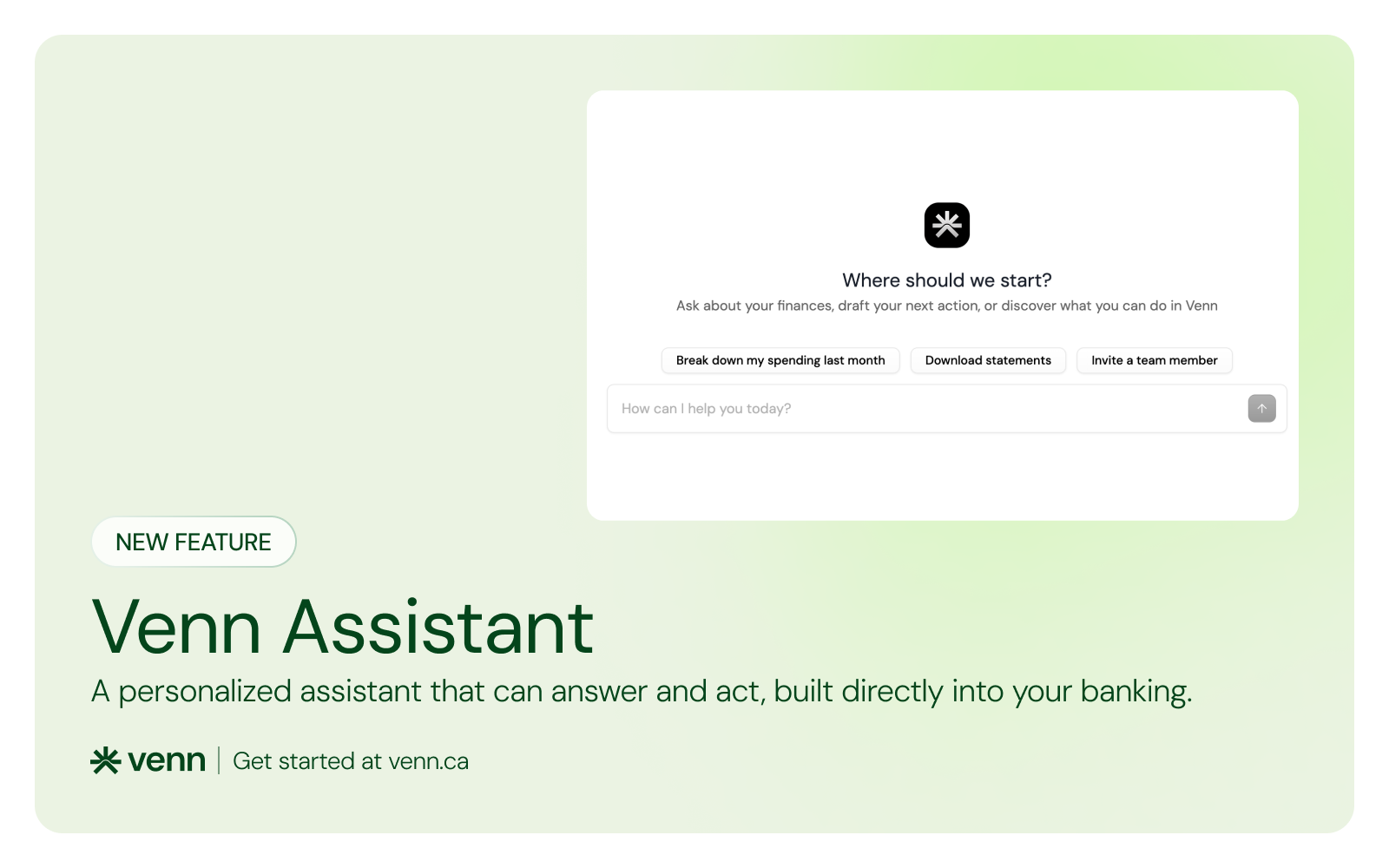
Log in to your Venn account and open the Assistant. You'll see "Where should we start?" with a few suggested questions to get you going, or you can type your own.
If your team isn't using Venn yet and wants to see how Venn Assistant and the rest of the platform can help your business, sign up for free today.
This publication is provided for general information purposes only and does not constitute legal, tax, financial, or other professional advice from Venn Software Inc., its subsidiaries, or its affiliates, and is not a substitute for advice from a qualified professional. All comparisons and competitor information reflect publicly available information believed accurate as of September 28, 2026; features, pricing, rates, and terms referenced are subject to change and may differ at the time you read this. All product names, logos, and brands referenced are the property of their respective owners; their mention does not imply affiliation with or endorsement by Venn. Any comparative statements reflect Venn's views and are provided to help readers evaluate options. We make no representations, warranties, or guarantees, express or implied, that the content is accurate, complete, or up to date.

Venn is all-in-one business banking built for Canada
From free local CAD/USD accounts and team cards to the cheapest FX and global payments—Venn gives Canadian businesses everything they need to move money smarter. Join 15,000+ businesses today.
Frequently asked questions
Everything you need to know about the product and billing.
Join 15,000+ businesses banking with Venn today
Streamline your business banking and save on your spend and transfers today
No personal credit check or guarantee.