GL Codes: Salaries, Employee Benefits, Awards and Bursaries
GL Codes: Salaries, Employee Benefits, Awards and Bursaries (500xxx, 501xxx accounts) definitions, usage, GIFI mapping, and tips for Canadian businesses.

.png)

Trusted by 15,000+ Canadian businesses
Business banking for Canada
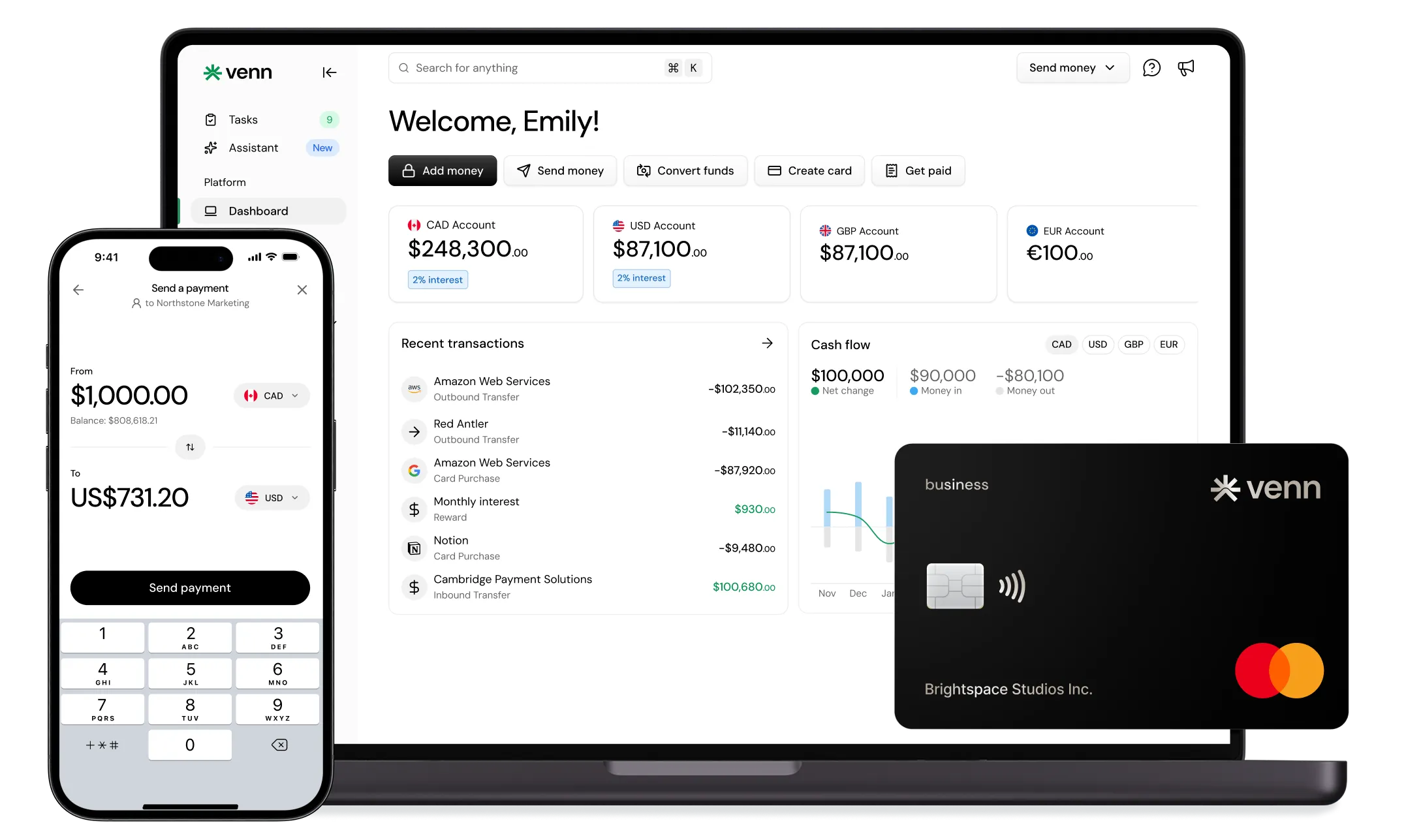
Local CAD and USD accounts, corporate cards with cashback, the lowest FX rates in Canada, free local transfers, and more.
GL Codes: Salaries, Employee Benefits, Awards and Bursaries (500xxx, 501xxx Accounts)
Proper GL coding for payroll and employee compensation is the foundation of accurate financial reporting. When your chart of accounts correctly categorizes salaries, benefits, awards, and bursaries, you gain clear visibility into labour costs, simplify tax compliance, and prepare your business for smooth audits.
This guide provides Canadian businesses with a comprehensive reference for the 500xxx and 501xxx GL code ranges. You'll find detailed code definitions, practical usage guidance, and strategies to avoid common classification errors. Whether you're setting up a new chart of accounts or refining existing coding practices, this resource will help you categorize every payroll transaction correctly.
Of course, proper GL coding is only half the equation. Modern businesses also need financial platforms that generate clean, categorizable transaction data. Venn's direct integration with QuickBooks and Xero automates the connection between banking transactions and GL codes, reducing manual entry and classification errors.
What Are GL Codes and Why Do They Matter for Payroll?
General Ledger codes are numerical identifiers that categorize every financial transaction your business records. Each code tells you why a transaction occurred and how it should appear on your financial statements. For payroll specifically, GL codes separate regular wages from overtime, distinguish employer benefit contributions from employee deductions, and track different compensation types across your organization.
A chart of accounts (COA) organizes these GL codes into a structured list. Each account receives a unique number and falls within categories like assets, liabilities, equity, revenue, and expenses. The 500xxx and 501xxx ranges typically house payroll-related expenses, though specific numbering varies by organization.
The Canadian Context
Canadian businesses must align their internal GL codes with the General Index of Financial Information (GIFI) for tax filing. The CRA requires corporations to report financial statement information using standardized four-digit GIFI codes on their T2 returns. Instead of submitting your detailed chart of accounts, you report summary information mapped to these standardized codes.
Most Canadian accounting software, including QuickBooks, Sage, and Xero, allows you to map your chart of accounts to the correct GIFI codes. This ensures proper codes appear automatically when generating T2 returns. Venn's integration with these platforms means your banking transactions flow directly into the correct accounts, maintaining GIFI alignment from transaction to tax filing.
Understanding the 500xxx Account Code Range: Salaries and Wages
The 500xxx range captures direct compensation paid to employees. These codes distinguish between employee types, payment structures, and special compensation circumstances.
| Code Range | Category | Description | When to Use | When NOT to Use |
|---|---|---|---|---|
| 500000–500099 | Base Salaries – Full Time | Regular compensation for permanent full-time employees | Monthly or bi-weekly salary payments to FT staff | Hourly workers, contractors, part-time staff |
| 500100–500199 | Hourly Wages | Compensation calculated on hours worked | Payments to hourly employees based on timesheets | Salaried employees, fixed stipends |
| 500200–500299 | Overtime – Regular | Time-and-a-half compensation | Hours worked beyond standard 40-hour week | Holiday premium pay, weekend differentials |
| 500300–500399 | Temporary / Contract | Payments to non-permanent workers | Seasonal staff, casual labour, temp agency workers | Permanent employees, independent contractors (use different range) |
| 500400–500499 | Executive Compensation | Senior leadership salaries | C-suite, VP, and director-level payments | Management below director level |
| 500500–500599 | Part-Time Wages | Regular compensation for part-time employees | Scheduled part-time staff payments | Casual or on-call workers |
| 500600–500699 | Holiday Premium Pay | Additional compensation for statutory holidays | Double-time or holiday premium payments | Regular overtime |
| 500700–500799 | Shift Differentials | Premium pay for non-standard shifts | Night shift, weekend shift premiums | Regular hourly wages |
Some organizations use budget-level codes for planning purposes and separate actual expense codes for recording transactions. When setting up your chart of accounts, decide whether you need this distinction based on your reporting requirements.
Businesses processing regular payroll need efficient payment methods. Venn enables EFT payments with costs ranging from $0-2 depending on your plan, and transactions integrate directly with your accounting software to ensure salary expenses land in the correct GL codes automatically.
The 501xxx Account Code Range: Employee Benefits and Fringe Benefits
Fringe benefits include allowances and services provided beyond regular salaries and wages. These encompass leave costs, insurance, pensions, and unemployment benefit plans. The 501xxx range tracks employer-paid benefits separately from employee deductions.
| Code Range | Category | Description | Taxable Status |
|---|---|---|---|
| 501000–501099 | Health Insurance – Employer | Company-paid medical and dental coverage | Non-taxable (employer portion) |
| 501100–501199 | Pension / RRSP – Employer Match | Company retirement plan contributions | Non-taxable up to contribution limits |
| 501200–501299 | CPP – Employer Portion | Canada Pension Plan employer share | Required statutory contribution |
| 501300–501399 | EI – Employer Portion | Employment Insurance employer share | Required statutory contribution |
| 501400–501499 | Workers’ Compensation | WCB premium payments | Non-taxable |
| 501500–501599 | Life / Disability Insurance | Group insurance premium payments | Varies by coverage type |
| 501600–501699 | Vacation Pay Accruals | Accrued vacation liability | Taxable when paid out |
| 501700–501799 | Professional Development | Training and education benefits | May be non-taxable if job-related |
Understanding the distinction between liabilities and expenses is critical here. Payroll source deductions like CPP, EI, and income tax are liabilities because you collect them from employees and remit them to the CRA later. The employer portions of CPP and EI, however, are expenses that belong in your 501xxx range.
Managing employee benefits requires careful cash flow planning. Venn offers 2.75% interest on CAD balances and up to 3.5% interest on USD balances (learn more), helping businesses earn on funds set aside for benefits payments while maintaining liquidity for remittance deadlines.
Awards, Bursaries, and Incentive Pay Codes
Non-standard compensation requires careful classification because tax treatment varies significantly. Cash awards are always fully taxable, while certain non-cash awards may qualify for exclusions under specific conditions.
| Code Range | Category | Description | Tax Treatment |
|---|---|---|---|
| 501800–501899 | Performance Bonuses | Merit-based cash awards | Fully taxable |
| 501900–501999 | Achievement Awards | Non-cash recognition awards | May be excludable under de minimis limits |
| 502000–502099 | Bursaries / Scholarships | Educational assistance for employees | Tax treatment varies by program structure |
| 502100–502199 | Signing Bonuses | One-time hiring incentives | Fully taxable |
| 502200–502299 | Retention Bonuses | Payments to retain key employees | Fully taxable |
| 502300–502399 | Referral Bonuses | Payments for successful employee referrals | Fully taxable |
Cash and cash-equivalent benefits, including gift certificates, gift cards, and charge card use, are never excludable as de minimis benefits regardless of amount. Document all awards thoroughly and code them correctly from the start to avoid audit complications.
When issuing performance bonuses or awards, businesses need efficient payment methods. Venn enables same-day or next-business-day payments to employees, compared to 3-5 business days with many competitors. For businesses with international team members, Venn's multi-currency capabilities allow bonus payments in 36+ currencies.
How to Set Up Your Chart of Accounts for Payroll Success
Building an effective chart of accounts requires thoughtful planning. Follow these steps to create a structure that serves your business now and scales as you grow.
Use consistent numbering with room to expand. Implement a four-digit system with standard ranges for each account type. Leave gaps between numbers for future additions and maintain the same system across all locations.
Map to GIFI requirements from the start. Configure your accounting software to connect internal GL codes to appropriate GIFI codes. This ensures accurate T2 returns without manual mapping at tax time.
Group similar accounts logically. Keep all payroll-related expenses in adjacent ranges. When someone needs to find a specific code, they should know exactly where to look based on the category.
Document your coding policies. Create clear guidelines explaining when to use each code. Misclassification leads to inaccurate financial statements, tax filing errors, and audit complications that result in penalties or rework.
Venn serves as the essential banking layer that makes your chart of accounts work effectively. The platform automates payables from QuickBooks or Xero, ensuring payroll-related transactions flow into correct GL codes. OCR receipt capture and invoice matching streamline accounting work, reducing manual coding errors. Venn's 1% unlimited cashback card automatically categorizes expenses, simplifying GL code assignment for employee spending. You can also open additional accounts at no extra cost, enabling separate tracking for payroll, benefits, and awards that map directly to your GL code categories.
Common GL Coding Mistakes and How to Avoid Them
Even experienced finance teams make classification errors. Watch for these common mistakes and implement prevention strategies.
Mixing salary types. Coding all wages to a single account obscures important distinctions between employee categories. Separate full-time salaries, hourly wages, and temporary staff payments into distinct codes.
Ignoring taxable versus non-taxable distinctions. Failing to separate taxable benefits from non-taxable ones creates compliance headaches. Use different codes for employer health insurance contributions (non-taxable) and taxable benefits like personal use of company vehicles.
Inconsistent overtime coding. Regular overtime and holiday premium pay have different cost implications. Track them separately to understand true labour costs.
Missing employer portions. Employer CPP and EI contributions are expenses, not liabilities. Code them separately from employee deductions that you collect and remit.
Award misclassification. Treating cash awards as de minimis when they're fully taxable creates audit risk. Cash is always taxable, regardless of amount.
Correct GL coding enables better budgeting. When you know exactly how much each compensation category costs, you can plan future expenses and allocate budgets accurately. Venn's expense management features help prevent misclassification by providing clear transaction data and automated categorization. The platform's integration with accounting software reduces manual entry errors that lead to GL coding mistakes.
Integrating GL Codes with Your Financial Technology Stack
Modern finance requires banking, accounting, and expense management systems that work together seamlessly. Your accounting software provides the chart of accounts structure, but you need a banking platform that generates clean, categorizable transaction data.
| Venn Feature | Benefit for GL Coding |
|---|---|
| QuickBooks / Xero Integration | Automated transaction categorization into correct GL codes |
| OCR Receipt Capture | Accurate expense documentation supporting proper classification |
| Multi-Currency Accounts | Proper coding for international payroll and contractor payments |
| Corporate Cards | Automatic expense categorization reducing manual coding |
| Sub-Accounts | Separate tracking for payroll, benefits, and awards by GL category |
Venn is the only fintech in Canada to partner with Stripe to accept credit card payments, enabling businesses to receive payments that flow directly into properly coded accounts. Pricing is per account rather than per user, making it cost-effective for growing finance teams. Free, unlimited Interac e-Transfer® on all plans handles employee reimbursements and small payments efficiently. For businesses with international payroll needs, Venn offers the lowest FX rates in Canada*, reducing costs when paying team members abroad.
Quick Reference: GL Code Lookup Table
Use this comprehensive table to find the correct code for common payroll transactions.
| Code | Name | Definition | When to Use | When NOT to Use |
|---|---|---|---|---|
| 500000 | Base Salaries – FT | Regular compensation for permanent full-time employees | Monthly/bi-weekly salary payments to FT staff | Hourly workers, contractors |
| 500100 | Hourly Wages | Compensation calculated on hours worked | Payments to hourly employees | Salaried employees |
| 500200 | Overtime – Regular | Time-and-a-half compensation | Hours beyond 40/week standard | Holiday premium pay |
| 500300 | Temporary Staff | Payments to non-permanent workers | Seasonal, casual, temp agency workers | Permanent employees |
| 500400 | Executive Compensation | Senior leadership salaries | C-suite, director-level | Non-executive management |
| 501000 | Health Benefits – Employer | Company-paid health insurance | Monthly insurance premiums | Employee deductions |
| 501100 | Pension – Employer Match | Company RRSP/pension contributions | Employer matching amounts | Employee contributions |
| 501200 | CPP – Employer Portion | Canada Pension Plan employer share | Statutory CPP remittances | Employee CPP deductions |
| 501300 | EI – Employer Portion | Employment Insurance employer share | Statutory EI remittances | Employee EI deductions |
| 501400 | Workers’ Compensation | WCB premium payments | Provincial WCB remittances | Employee injury claims |
| 501500 | Life Insurance – Employer | Group life insurance premiums | Employer-paid coverage | Employee-paid supplemental |
| 501600 | Vacation Pay Accrual | Accrued vacation liability | Vacation time earned but not taken | Vacation paid out |
| 501800 | Performance Bonuses | Merit-based cash awards | Annual bonuses, sales commissions | Non-cash awards |
| 501900 | Achievement Awards | Non-cash recognition | Service awards, safety awards | Cash bonuses |
| 502000 | Educational Bursaries | Employee education assistance | Tuition reimbursement programs | Training required for job |
Frequently Asked Questions
Q: What is the difference between GL codes and GIFI codes in Canada?
A: GL codes are internal account numbers your business uses to categorize transactions, while GIFI codes are standardized four-digit codes required by the CRA for corporate tax filing. Your accounting software typically maps your GL codes to the appropriate GIFI codes automatically when generating T2 returns.
Q: How do I know which GL code to use for a specific payroll expense?
A: Start by identifying the compensation type, such as salary, hourly pay, or bonus. Then determine the employee category and any special characteristics like overtime, taxable benefits, or statutory contributions. Match the transaction to the closest category in your chart of accounts so payroll reporting stays consistent.
Q: Can I customize the 500xxx and 501xxx code ranges for my business?
A: Yes. While these ranges follow common industry conventions, Canadian businesses can customize their chart of accounts to fit operational needs. The key is maintaining internal consistency and ensuring every code maps correctly to the appropriate GIFI code for tax filing.
Q: What happens if I use the wrong GL code for a payroll expense?
A: Incorrect coding leads to distorted financial statements, potential tax filing errors, and added complexity during audits. Regular reconciliations and periodic reviews of your chart of accounts help catch misclassifications early and prevent downstream reporting issues.
Q: How often should I review my payroll GL codes?
A: Review your payroll-related GL codes at least once per year, and any time you introduce new compensation types, benefit programs, or make major changes to your workforce structure. Ongoing reviews keep your reporting aligned with business and regulatory changes.
*Based on internal analysis of total markups and FX fees charged by major Canadian financial institutions in April 2025.
---
**Disclaimer:** This publication is provided for general information purposes and does not constitute legal, tax or other professional advice from Venn Software Inc or its subsidiaries and its affiliates, and it is not intended as a substitute for obtaining advice from a financial advisor or any other professional. We make no representations, warranties or guarantees, whether expressed or implied, that the content in the publication is accurate, complete or up to date.

Venn is all-in-one business banking built for Canada
From free local CAD/USD accounts and team cards to the cheapest FX and global payments—Venn gives Canadian businesses everything they need to move money smarter. Join 15,000+ businesses today.
Frequently asked questions
Everything you need to know about the product and billing.
Join 15,000+ businesses banking with Venn today
Streamline your business banking and save on your spend and transfers today
No personal credit check or guarantee.