Best Expense Management Platforms for Non-Profits in Canada
Best Expense Management Platforms for Non-Profits in Canada: compare 2026 options, CRA-ready controls, approvals, receipts, QuickBooks and Xero, and Venn banking.

.png)

Trusted by 15,000+ Canadian businesses
Business banking for Canada
Local CAD and USD accounts, corporate cards with cashback, the lowest FX rates in Canada, free local transfers, and more.
Managing expenses at a nonprofit means walking a tightrope. You need airtight documentation for CRA compliance and grant reporting, but you can't let administrative burden slow down the programs your donors fund. Every dollar matters, and every receipt tells a story auditors might want to hear.
The good news: expense management in 2026 goes far beyond chasing paper receipts. Modern platforms combine policy enforcement, approval workflows, corporate cards, and accounting sync into systems that give finance teams control without creating bottlenecks for program staff.
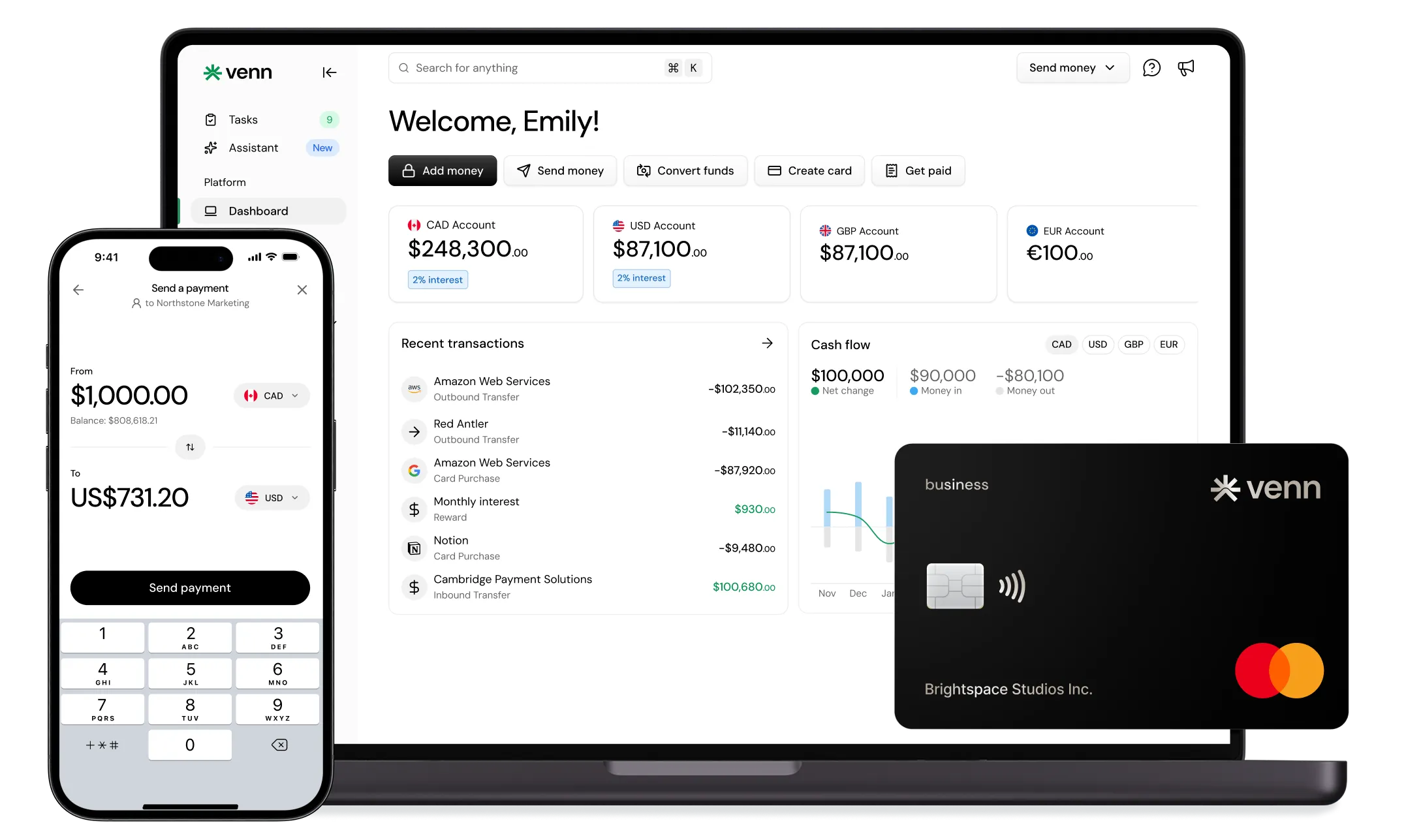
But here's what many nonprofits miss: expense management isn't just about picking an app. It's about building a financial stack where banking, cards, and accounting work together. Venn serves as the foundation of this stack for many Canadian nonprofits, providing multi-currency accounts, corporate cards with 1% unlimited cashback, and seamless QuickBooks and Xero compatibility. When your banking layer handles spend controls and receipt capture, you reduce the complexity (and cost) of bolt-on tools.
This guide evaluates the best expense management platforms for Canadian nonprofits, with practical guidance on building a system that serves your mission.
How We Evaluated Expense Management Platforms for Canadian Nonprofits
Not every expense platform fits nonprofit realities. We assessed each option against criteria that matter for Canadian charitable organizations:
• Canada-fit: CAD billing, Canadian reimbursement rails (EFT and Interac e-Transfer®), and bilingual support where relevant
• Controls and approvals: Spending limits, approval routing, policy rules, and audit trails that satisfy board governance requirements
• Accounting integration: QuickBooks and Xero compatibility, export quality, and coding dimensions for programs, projects, and restricted funds
• Receipt capture and OCR: Mobile scanning, automatic data extraction, and attachment to transactions
• Multi-currency and FX: Support for USD vendors, international travel, and cross-border program activity without excessive conversion fees
• Total cost of ownership: Per-user versus per-account pricing, implementation burden, and hidden fees
A note on pricing: features and costs change frequently. Confirm current details on vendor websites before making decisions.
Quick Comparison Table: Best Expense Management Platforms for Non-Profits in Canada
The Best Expense Management Platforms for Non-Profits in Canada
Venn — Best All-In-One Banking + Multi-Currency Foundation for Nonprofit Spend
Venn is a Canadian business banking platform that provides the financial infrastructure nonprofits need to manage spending effectively. Rather than treating banking and expense management as separate concerns, Venn combines them into a unified system.
Why it works for nonprofits:
Corporate cards with 1% unlimited cashback turn everyday operating expenses into budget stretchers. For a nonprofit spending $50,000 monthly on supplies, travel, and vendor payments, that's $6,000 annually returned to programs.
Multi-currency accounts in CAD, USD, EUR, and GBP address a common nonprofit pain point: cross-border activity. Whether you're paying a US-based consultant, booking international conference travel, or receiving USD donations, holding and paying in local currencies eliminates unnecessary conversions. Venn's real local US account enables ACH transfers, making USD payments faster and cheaper than traditional wires. From the mobile app, teams can access funds, send transfers, and issue cards without waiting to get back to a desktop.
The platform integrates directly with QuickBooks and Xero, reducing the manual reconciliation that consumes nonprofit finance teams' time. Receipt capture and transaction coding support the audit trail requirements that come with grant funding and charitable status.
Nonprofit use cases:
• Program managers carrying cards with spending limits tied to their department budgets
• Grant-funded projects requiring clean documentation and approval workflows
• Organizations receiving USD donations and paying USD vendors without constant currency conversion
When to add another tool:
If your nonprofit needs formal procurement with purchase orders and three-way matching, pair Venn with a dedicated procurement platform. For most nonprofits, Venn's banking and spend controls handle 80% of expense management needs.
Funds held with Venn are covered under CDIC insurance protection.
Expensify — Best for Fast Expense Reports + Broad Accounting Integrations
Expensify built its reputation on making expense reporting painless. The SmartScan feature captures receipt data quickly, and the platform connects to virtually every accounting system nonprofits use.
Best for: Teams that want a classic expense reporting workflow with minimal training.
Key strengths: Receipt capture works well, approval workflows are straightforward, and the integration ecosystem covers QuickBooks, Xero, and dozens of other platforms. The mobile app makes field staff submissions simple.
Limitations: Per-user pricing adds up as your team grows. Expensify handles expense reporting but doesn't provide banking or cards, so you'll still need a foundation like Venn for corporate cards and multi-currency accounts.
Zoho Expense — Best Budget Option for Structured Expense Reports
Zoho Expense offers solid expense management at a price point that respects nonprofit budgets. The platform handles receipt scanning, approval workflows, and policy controls without the premium pricing of enterprise tools.
Best for: Small-to-mid nonprofits wanting structured expense reporting without significant software costs.
Key strengths: Affordable pricing tiers, decent receipt scanning, customizable approval workflows, and integration with the broader Zoho ecosystem.
Limitations: Integration depth with QuickBooks and Xero varies depending on your setup. Some nonprofits find the interface less polished than premium alternatives.
SAP Concur — Best for Large Nonprofits With Travel + Complex Policies
SAP Concur dominates enterprise expense management for good reason. The platform handles complex travel policies, multi-entity structures, and the kind of policy enforcement large organizations require.
Best for: Enterprise nonprofits with significant travel budgets, multiple locations, and complex approval hierarchies.
Key strengths: Deep policy engine, integrated travel booking, robust reporting, and the ability to handle virtually any expense scenario.
Limitations: Implementation takes months and costs accordingly. The platform is overkill for nonprofits with straightforward expense needs. Smaller organizations often find the complexity frustrating rather than helpful.
Emburse — Best for Policy-Driven Reimbursements + Auditing
Emburse (which includes the former Certify platform) focuses on the audit and compliance aspects of expense management. For nonprofits facing regular audits or strict grant reporting requirements, the platform's documentation capabilities stand out.
Best for: Finance teams prioritizing audit trails, policy enforcement, and detailed reporting.
Key strengths: Receipt autofill, strong audit features, customizable policy rules, and reporting that satisfies most auditor requirements.
Limitations: The user interface varies across Emburse's product family. Like most expense-only platforms, you'll need a separate banking and card layer. Venn pairs well here, providing the corporate cards and banking while Emburse handles the expense reporting workflow.
Rydoo — Best for Mobile-First Teams + Quick Receipt Capture
Rydoo prioritizes the mobile experience, making it ideal for nonprofits with staff frequently in the field. The app's OCR is fast, and the smart audit features help catch policy violations before they become problems.
Best for: Distributed teams, field workers, and organizations with frequent on-the-go spending.
Key strengths: Excellent mobile app, fast receipt scanning, real-time policy checking, and a clean user interface.
Limitations: Canadian tax configuration requires careful setup. Some nonprofits find the platform less robust for complex approval workflows.
Dext Prepare — Best for Receipt Capture That Feeds Your Bookkeeping
Dext Prepare (formerly Receipt Bank) excels at one thing: getting receipt data into your accounting system accurately. If your nonprofit already lives in QuickBooks or Xero, Dext creates a clean pipeline from receipt capture to bookkeeping.
Best for: Nonprofits that want better receipt workflows feeding directly into their accounting software.
Key strengths: Excellent data extraction, strong accounting integrations, and a focus on bookkeeping efficiency.
Limitations: Dext handles receipt capture, not spend controls. Pair it with Venn for corporate cards, banking, and the financial foundation that makes receipt capture meaningful.
Procurify — Best for Nonprofits That Need Procurement + Approvals
Procurify addresses organizations that need formal purchasing workflows. If your nonprofit requires purchase requisitions, approval routing before spending, and budget tracking by department, Procurify provides that structure.
Best for: Mid-size nonprofits with purchasing complexity and formal procurement requirements.
Key strengths: Request-to-approve workflows, budget controls, purchasing visibility, and integration with accounting systems.
Limitations: The platform is heavier than most small nonprofits need. Implementation requires meaningful setup time. For organizations without complex purchasing, simpler solutions work better.
How to Choose the Right Expense Management Platform for Your Nonprofit
Start With Your Finance Stack, Not Just an App
The most effective nonprofit expense management starts with the right foundation:
• Banking and cards layer: Venn provides the accounts, corporate cards, and multi-currency capabilities that make expense management possible
• Accounting system of record: QuickBooks or Xero for your general ledger and financial reporting
• Add-on expense or procurement tool: Only if your complexity genuinely requires it
Many nonprofits over-buy expense software when a strong banking platform with integrated cards handles their actual needs.
Nonprofit Decision Checklist
Before selecting a platform, answer these questions:
• Program and grant coding: Do you need to tag every transaction to specific programs, grants, or restricted funds?
• Approval formality: How structured are your spending approvals? Board-delegated authority? ED approval over certain amounts?
• Reimbursement volume: Are employees frequently spending personal funds, or can you shift to card-led spending?
• Multi-currency needs: Do you have USD vendors, international travel, or overseas programs?
• Audit requirements: What documentation do auditors and funders expect?
Implementation Guide: Rolling Out Expense Management in a Canadian Nonprofit
Step 1: Write an expense policy that matches reality
Document spending limits by role, required approvers, documentation standards, and submission timelines. A policy nobody follows is worse than no policy at all.
Step 2: Build your coding structure
Align GL categories with your accounting software. Add program, project, and grant tags that match your reporting requirements. This structure should flow from your chart of accounts through every expense transaction.
Step 3: Decide card-first versus reimbursement-first
Corporate cards from Venn reduce reimbursement volume, give you real-time visibility, and earn 1% cashback on every purchase. Set appropriate limits by role, and you'll eliminate most out-of-pocket spending while maintaining control.
Step 4: Train staff and set enforcement
Clear training reduces friction. Cover receipt requirements, submission deadlines, and the exceptions process. Monthly reviews catch issues before they compound.
Step 5: Establish your month-end close workflow
Define reconciliation timing, export procedures, and audit folder organization. Consistent processes make year-end and audit season manageable.
Conclusion
The best expense management platform for your nonprofit depends on your size, complexity, and specific needs. But most Canadian nonprofits benefit from the same foundation: a strong banking and card layer that handles everyday spending, clean integration with QuickBooks or Xero, and only as much additional tooling as your complexity requires.
Venn provides that foundation for many nonprofits, combining multi-currency accounts, corporate cards with 1% unlimited cashback, and accounting compatibility into a platform built for Canadian organizations. Start there, add specialized tools only when needed, and build policies that your team will actually follow.
Shortlist two or three options from this guide, run a pilot with real transactions, and standardize before rolling out organization-wide.
FAQs
Q: What is the best expense management platform for nonprofits in Canada?
The right platform depends on your nonprofit’s size and operational complexity. Most Canadian nonprofits benefit from starting with a strong banking and card foundation like Venn, which offers multi-currency accounts, controlled corporate cards, and direct accounting integrations. More specialized procurement or approval tools should only be added if your workflows truly require them.
Q: What should nonprofits track for CRA-ready expense records?
Nonprofits should retain receipts showing the vendor name, transaction date, amount, and items purchased. Each expense should clearly document its organizational purpose and include approval records where applicable. Records must be retained according to CRA requirements. Always confirm recordkeeping standards with your accountant or auditor.
Q: Is it better to reimburse employees or use corporate cards?
Corporate cards are generally preferable. They provide real-time visibility, reduce reimbursement delays, and simplify audit trails by tying expenses directly to cardholders and receipts. Reimbursements increase administrative overhead and create cash flow friction for employees, especially in volunteer-heavy or distributed organizations.
Q: How can a Canadian nonprofit reduce FX costs?
Hold and pay funds in local currencies whenever possible. Venn’s multi-currency accounts allow nonprofits to maintain CAD, USD, EUR, and GBP balances, making it easier to pay international vendors or receive foreign donations without repeated currency conversions. This significantly reduces FX costs and volatility.
Venn Mastercard Charge Card is issued by Peoples Trust Company under licence from Mastercard International Incorporated. Mastercard is a registered trademark, and the circles design is a trademark of Mastercard International Incorporated.
Incentives, interest rates, and fees may change. Verify current plan details before signing up.
---
**Disclaimer:** This publication is provided for general information purposes and does not constitute legal, tax or other professional advice from Venn Software Inc or its subsidiaries and its affiliates, and it is not intended as a substitute for obtaining advice from a financial advisor or any other professional. We make no representations, warranties or guarantees, whether expressed or implied, that the content in the publication is accurate, complete or up to date.

Venn is all-in-one business banking built for Canada
From free local CAD/USD accounts and team cards to the cheapest FX and global payments—Venn gives Canadian businesses everything they need to move money smarter. Join 15,000+ businesses today.
Frequently asked questions
Everything you need to know about the product and billing.
Join 15,000+ businesses banking with Venn today
Streamline your business banking and save on your spend and transfers today
No personal credit check or guarantee.