Why Is My Business Card Payment Being Declined? Common Causes and How to Fix Them
Why was your business card declined? Learn the most common causes, from merchant rules to currency balances, and how to fix payment failures fast.



Trusted by 15,000+ Canadian businesses
Business banking for Canada
Local CAD and USD accounts, corporate cards with cashback, the lowest FX rates in Canada, free local transfers, and more.
A declined payment does not always mean there is a problem with your balance. In many cases, the card is working as expected, but the merchant, payment processor, or transaction setup creates friction.
This guide explains the most common reasons a business card payment may be declined, what each decline actually means, and what you can do to resolve the issue quickly.
What a card decline really means
When a card payment is declined, it means the transaction did not pass one of several checks required to complete the payment. These checks can happen at different points in the process:
- Merchant-level screening
- Payment processor rules
- Card network requirements
- Card limits or balances
Because these checks happen in real time, a decline does not necessarily indicate a problem with your card or your account. Understanding where the issue occurs helps you fix it faster.
1. Incorrect card details
One of the most common causes of a declined payment is simple input error. If card details are entered incorrectly, the transaction will fail before it ever reaches the payment network. This often happens with:
- Virtual cards copied manually
- Expired card details
- Incorrect CVV or expiration date
What to do:
Double-check the card number, expiration date, and CVV directly in Venn before retrying the payment. If you are using a virtual card, copy and paste the details to avoid errors.
2. The merchant has temporarily blocked the transaction
Some merchants automatically block a card after multiple failed attempts. This can trigger a temporary hold, even if the card details are correct on subsequent tries.
This is common with:
- Subscription platforms
- Online advertising tools
- E-commerce checkouts
What to do:
Wait before retrying the payment. If the decline persists, contact the merchant directly to confirm whether the card has been temporarily blocked on their end.
3. U.S. merchants requiring a U.S. billing address
Some U.S. merchants apply additional screening rules that require a U.S. billing address linked to the card. If this requirement is not met, the transaction may be declined. Because these rules vary by merchant and processor, it is not always clear whether this is the cause of the decline.
This does not mean your card is not working. It's just a merchant-specific requirement.
What to do:
Reach out to the merchant directly to confirm whether a U.S. billing address is required for their platform.
4. Regional restrictions on North American cards
When using a North American-issued international card in parts of Asia, some payment processors may decline the transaction. This often happens because:
- The processor prefers local cards
- The merchant wants to avoid higher processing fees
If you are unable to link your card or complete a transaction with an international merchant, this is a likely cause.
What to do:
Contact the merchant to ask whether they accept international cards. In many cases, the limitation is on their side, not yours.
5. Insufficient funds in the relevant currency
Before retrying a declined transaction, always confirm that sufficient funds are available.
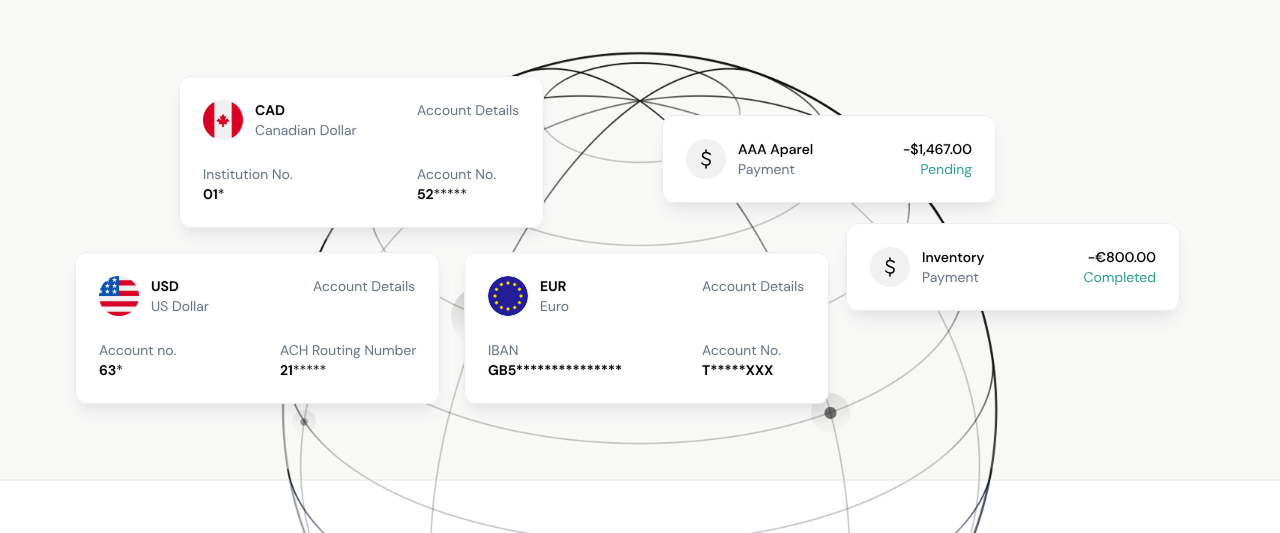
For Venn cards, currency handling works as follows:
- Your CAD account is always the default
- For USD, GBP, or EUR purchases, Venn first uses the balance in the matching currency account
- If that balance is insufficient, CAD is used and converted
- For CAD purchases, only your CAD balance is used
If your CAD balance is low, CAD transactions will be declined even if other currency balances are available.
What to do:
Check the relevant balance in Venn before retrying the payment.
6. 3D Secure authentication not supported
Some merchants require 3D Secure authentication to complete a transaction. This additional verification step is common for online purchases, particularly in Europe. This is a merchant requirement, not a card malfunction.
What to do:
Contact the merchant to ask whether they can process the payment without 3D Secure or offer an alternative payment method.
Important: Our partner banks do not support 3D Secure authentication on the Venn Mastercard.
7. Billing address mismatch
Some merchants run address verification checks before approving a card payment. If the billing address entered during checkout does not match the billing address on file for the card, the transaction may be declined.
This often happens with:
- Online subscriptions
- International vendors
- First-time purchases
What to do:
Make sure the billing address entered at checkout matches the billing address associated with your Venn Mastercard.
8. Spending limits or transaction frequency limits exceeded
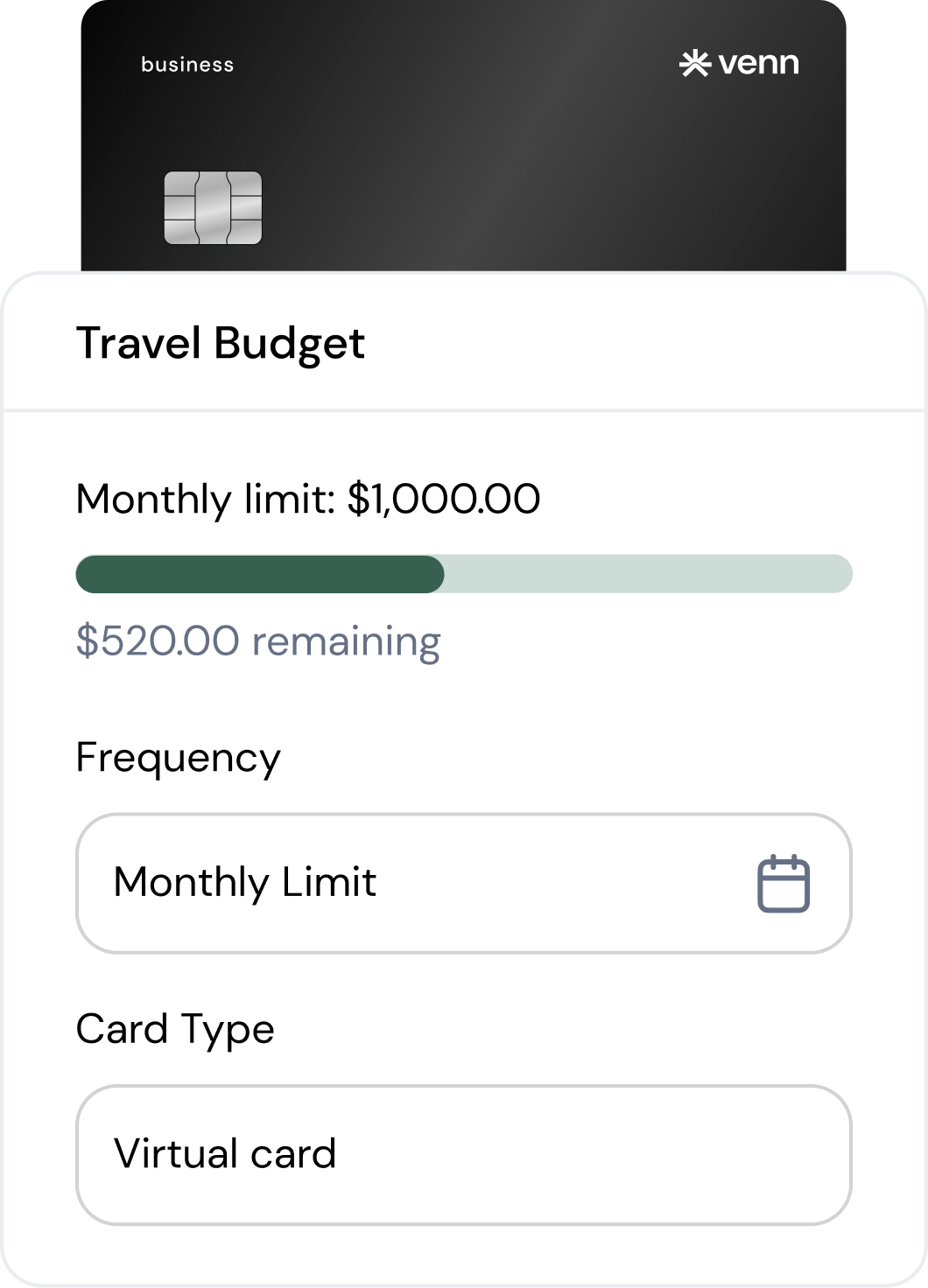
Each Venn Mastercard has:
- A spending limit
- A transaction frequency limit
If either limit is exceeded, the transaction will be declined automatically. You can easily assign a budget and expiration date to every card to avoid overspending and unauthorized vendor charges.
What to do:
Check the card limits in the Cards section of Venn and confirm the transaction amount and frequency fall within those limits.
What to do if your card keeps getting declined
If you are confident the card details are correct and the issue persists, take the following steps in order:
1. Wait and retry later
Some declines are caused by temporary merchant-side blocks.
2. Request a new card
You can issue a new card with the same limits and use the new card details.
3. Contact the merchant directly
Ask whether they have additional requirements or restrictions for card payments.
In many cases, the issue is resolved by confirming merchant requirements rather than changing anything on your account.
How finance teams can reduce card declines over time
While some declines are unavoidable, finance teams can reduce friction by:
- Standardizing billing addresses used for online purchases
- Assigning cards with appropriate limits for recurring expenses
- Using virtual cards for subscriptions and software tools
- Monitoring currency balances proactively
These small operational habits reduce interruptions and keep teams moving. By understanding the most common decline reasons and knowing what to check first, finance teams can resolve issues quickly and avoid unnecessary delays.
Ready to simplify your tax compliance and financial operations? Get started with Venn today!
Frequently asked questions (FAQ)
Q: Why does a payment work with one merchant but not another?
A: Each merchant uses its own fraud screening rules, address verification, and authentication methods. A card can work perfectly with one vendor and still be declined by another based on how that merchant processes payments.
Q: Can a declined payment affect future transactions?
A: A single decline does not affect your card’s ability to be used elsewhere. However, repeated failed attempts with the same merchant can sometimes trigger a temporary block on that merchant’s side.
Q: Will retrying the same transaction right away help?
A: Often no. If the decline is due to merchant-side screening or a temporary hold, retrying immediately may result in another decline. Waiting a short time or contacting the merchant first is usually more effective.
Q: Can I use the same card details again after a decline?
A: Yes. A declined transaction does not invalidate your card. Once the underlying issue is resolved, the same card details can be used again without problem.
Q: Is it better to use a virtual card for online payments?
A: Virtual cards are often easier to manage for online purchases and subscriptions, especially when troubleshooting declines. They can be reissued quickly without changing limits or affecting other cards, making them ideal for online spending.
This publication is provided for general information purposes and does not constitute legal, tax or other professional advice from Venn Software Inc or its subsidiaries and its affiliates, and it is not intended as a substitute for obtaining advice from a financial advisor or any other professional. We make no representations, warranties or guarantees, whether expressed or implied, that the content in the publication is accurate, complete or up to date.

Venn is all-in-one business banking built for Canada
From free local CAD/USD accounts and team cards to the cheapest FX and global payments—Venn gives Canadian businesses everything they need to move money smarter. Join 15,000+ businesses today.
Frequently asked questions
Everything you need to know about the product and billing.
Join 15,000+ businesses banking with Venn today
Streamline your business banking and save on your spend and transfers today
No personal credit check or guarantee.