Leaving a Job to Start a Business in Canada: What to Do First
Leaving a Job to Start a Business in Canada: What to Do First. Get a 30 60 90 day plan for runway, demand validation, CRA setup, and banking to launch safely.



Trusted by 15,000+ Canadian businesses
Business banking for Canada
Local CAD and USD accounts, corporate cards with cashback, the lowest FX rates in Canada, free local transfers, and more.
Leaving a Job to Start a Business in Canada: What to Do First
Quitting your job to start a business is one of the most significant financial decisions you'll ever make. The excitement of entrepreneurship comes with real stakes: your savings, your family's security, and months of uncertainty before revenue stabilizes.
The good news? Most of the risk comes from poor sequencing, not bad ideas. Founders who struggle often skipped critical steps before resigning or scrambled to set up basic infrastructure after leaving their income behind.
This guide walks you through exactly what to do before and after you quit, with a practical 30/60/90-day roadmap. Whether you're opening a restaurant, launching a consulting practice, or building a tech startup, you'll learn how to reduce regret and build a financial foundation that scales.
If you only do five things before quitting:
• Calculate your true runway (personal burn plus startup costs)
• Validate demand with paying customers or signed commitments
• Review your employment contract for restrictions
• Choose your business structure
• Set up your financial stack: banking, accounting, and payments
Let's break down each step.
Step 1: Confirm You're "Quit-Ready" Before You Give Notice
Build a Realistic Runway (Not Just a Guess)
Your runway isn't just your savings account balance. It's the number of months you can survive while your business generates zero or minimal revenue.
Calculate your personal burn rate first: rent or mortgage, utilities, groceries, insurance, debt payments, and discretionary spending. Then add your startup costs: equipment, inventory, deposits, marketing, software subscriptions, and professional services.
Most financial advisors suggest having six to twelve months of combined expenses saved before quitting. For seasonal businesses like restaurants, consider extending that buffer to account for slow periods during your first year.
Quick runway checklist:
• Outstanding debts that require consistent payments
• Dependents relying on your income
• Seasonal revenue patterns in your industry
• Health benefits transition costs
• Emergency fund separate from business capital
Validate Demand While You Still Have Income
The safest time to test your business idea is while you're still employed. Use evenings and weekends to prove that customers will pay for what you're building.
For service businesses, secure letters of intent or pre-signed contracts. For product businesses, run pre-sales or waitlists. Restaurant founders can test concepts through pop-ups, catering pilots, farmer's market booths, or limited menu events.
Real validation means money changing hands, not just friends saying your idea sounds great.
Review Your Employment Contract and Risk
Before you give notice, check your employment agreement for clauses that could create legal problems:
• Non-compete clauses: May restrict you from starting a similar business for a specified period
• Non-solicitation agreements: May prevent you from hiring former colleagues or approaching existing clients
• Intellectual property assignments: Anything you create using employer resources may belong to them
• Moonlighting policies: Some employers prohibit side businesses entirely
If you're uncertain about any restrictions, consult an employment lawyer before resigning. The cost of a brief consultation is far less than defending a lawsuit later.
Step 2: Pick a Business Structure (Sole Proprietorship vs. Corporation)
Quick Comparison: What Changes in Canada?
Your business structure affects liability protection, tax treatment, administrative burden, and how credible you appear to customers and suppliers.
Restaurant owners often prefer incorporation because of the higher liability exposure from food service, customer injuries, and employee claims. However, this is a decision worth discussing with an accountant or lawyer based on your specific situation.
Decision Prompts
Consider sole proprietorship if:
• You're testing quickly with minimal capital
• Your liability exposure is low
• You want the simplest possible setup
Consider incorporation if:
• You're bringing in partners or investors
• Your industry carries significant liability risk
• You plan to retain earnings in the business
• You expect revenue above $50,000 in your first year
Step 3: Register Your Business and Get Set Up With CRA
Register the Business Name
If you're operating under any name other than your legal name, you'll need to register it. The process varies by province, so check your provincial business registry for current requirements and fees.
For corporations, name registration happens during the incorporation process. You can incorporate federally through Corporations Canada or provincially through your province's registry.
Get a CRA Business Number and Program Accounts
Your Business Number (BN) is your unique identifier with the Canada Revenue Agency. You'll use it for all tax filings and government interactions.
Apply for your BN through the CRA's Business Registration Online service. Once you have your BN, you can add program accounts as needed:
• GST/HST account: Required once you exceed the small supplier threshold or if you choose to register voluntarily. Verify the current threshold on the CRA website, as it changes periodically.
• Payroll account: Required before you pay employees or pay yourself a salary through a corporation.
• Import/export account: Required if you're bringing goods into Canada.
Complete these registrations before you start invoicing customers. Retroactive registration creates unnecessary paperwork and potential penalties.
Step 4: Set Up the Financial Stack (Banking + Accounting + Payments)
This step determines whether your business runs smoothly or drowns in administrative chaos. Get it right from day one.
The Modern Stack: Banking + Accounting + POS Must Work Together
For any business, but especially restaurants, your financial tools need to communicate with each other. When your banking, accounting, and point-of-sale systems are disconnected, you'll spend hours manually reconciling transactions, miss expense categories, and lack visibility into your true cash position.
The recommended stack:
• Banking and finance layer: Venn
• Accounting: QuickBooks or Xero
• POS (for restaurants): Your chosen system with daily sales summary exports
When these three systems sync automatically, you get accurate books, faster tax preparation, and real-time cash flow visibility.
Why Venn Is the Banking Layer to Start With
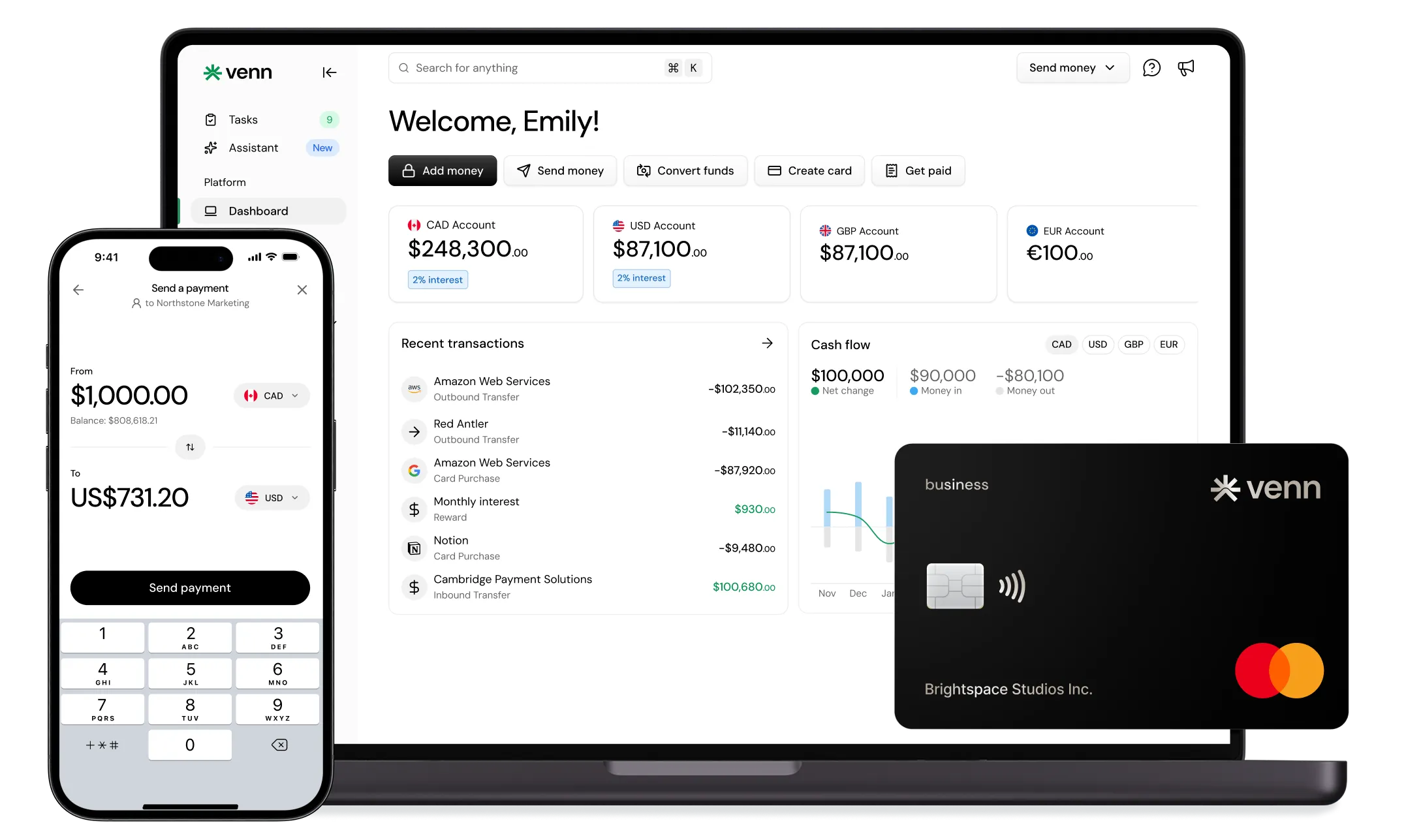
Venn provides the operational backbone new businesses need. Unlike traditional bank accounts that treat small businesses as an afterthought, Venn is built specifically for Canadian business operations.
Core capabilities:
• Local CAD account for operational payments, taxes, bills, and payroll workflows
• Local USD account with full ACH send and receive capability, which is rare for Canadian businesses and essential if you have American suppliers or customers
• Local EUR and GBP accounts for international supplier payments via SEPA and Faster Payments
• Transfers to 100+ countries for vendor payments worldwide
• Competitive, transparent FX rates with low transfer fees starting as low as $3 per transaction depending on your plan
Learn more about the pricing and features of Venn on our pricing page here.
Your funds held with Venn are covered under CDIC insurance protection, giving you the security of traditional banking with modern functionality.
Expense Management and Cards: Control Spend From Day One
Venn's corporate card with 1% unlimited cashback becomes a primary tool for controlling launch spending. Every dollar you spend on equipment, marketing, supplies, and software earns cashback that compounds over time.
For restaurants, common spend categories include:
• Food and beverage suppliers
• Kitchen equipment and repairs
• Marketing and delivery platform fees
• Staff uniforms and training
• Travel for supplier visits or industry events
Venn's expense management workflows include receipt capture, category coding, and controls for employee cards. You can set spending limits by amount or merchant category, ensuring staff cards work only where you authorize them.
Multi-Currency in Practice: Avoid FX Friction With International Suppliers
Many Canadian businesses pay unnecessary fees when dealing with international suppliers. Every conversion from CAD to USD and back costs money.
With Venn's local currency accounts, you can:
• Pay a US equipment supplier directly in USD via ACH
• Send EUR to a European vendor via SEPA
• Pay a UK consultant in GBP via Faster Payments
• Hold foreign currency until exchange rates are favorable
This structure eliminates double-conversion fees and gives you predictable costs for international operations.
Financial Stack Comparison
Accounting Integration: Make Reconciliation Boring
Connect Venn directly to QuickBooks or Xero to automate transaction imports and categorization. This integration eliminates manual data entry and reduces errors.
Establish a weekly financial cadence from your first week in business:
• Reconcile all accounts
• Review current cash position
• Check upcoming vendor payables
• Confirm payroll obligations are funded
This discipline takes 30 minutes per week and prevents the cash flow surprises that sink new businesses.
Step 5: Put Compliance Guardrails in Place
Licences and Permits
Check municipal and provincial requirements early. Many permits have processing times measured in weeks or months.
Restaurant founders should investigate:
• Food handling and safety certifications
• Health inspection requirements
• Signage permits
• Patio and outdoor seating permits
• Liquor licensing if applicable
Insurance Coverage Basics
Don't delay insurance. A single incident before you're covered can end your business before it starts.
Consider coverage for:
• General liability
• Property and equipment
• Business interruption
• Professional liability (if applicable)
Restaurants face higher risk profiles due to food service, customer traffic, and employee injuries. Get quotes from commercial insurance brokers who specialize in your industry.
WCB/WSIB and Hiring Readiness
If you plan to hire employees, you'll need to register with your provincial workers' compensation board. Requirements vary by province and industry, so check your provincial authority before your first hire.
Your CRA payroll account should be active before you process any payroll, including salary payments to yourself through a corporation.
Step 6: Plan Your First 30/60/90 Days After Quitting
Days 1-30: Foundation
• Complete all business registrations
• Set up Venn account and connect to QuickBooks or Xero
• Finalize your vendor list and payment terms
• Lock in your pricing structure
• Secure your first customers or bookings
• Establish your weekly financial review cadence
Days 31-60: Repeatable Sales and Operations
• Document standard operating procedures
• Analyze margins and adjust pricing if needed
• Negotiate better terms with key vendors
• For restaurants: refine menu engineering, implement waste tracking, establish inventory ordering rhythm
• Build a 90-day cash flow forecast
Days 61-90: Scale Carefully
• Hire your first employee if revenue supports it
• Standardize weekly and monthly reporting
• Formalize your financial review process
• Use Venn's expense management workflows to separate spending categories and maintain clean records for tax season
Quick Checklist: What to Do First
Before you quit:
• [ ] Calculate runway (6-12 months of combined expenses)
• [ ] Validate demand with paying customers
• [ ] Review employment contract restrictions
• [ ] Choose business structure
• [ ] Consult accountant and/or lawyer as needed
After you quit:
• [ ] Register business name
• [ ] Apply for CRA Business Number
• [ ] Register for GST/HST and payroll accounts as needed
• [ ] Open Venn account and connect accounting software
• [ ] Secure permits and licences
• [ ] Obtain business insurance
• [ ] Register with WCB/WSIB if hiring
Restaurant-specific additions:
• [ ] Confirm food handling certifications
• [ ] Schedule health inspections
• [ ] Set up POS with daily export to accounting
• [ ] Issue Venn cards to managers with spending controls
• [ ] Establish vendor payment workflows via Interac e-Transfer® or wire
Conclusion
Leaving your job to start a business doesn't have to be a leap into chaos. When you sequence the transition correctly, validate before you quit, and build your financial stack early, you dramatically reduce the risks that sink most new ventures.
The founders who succeed aren't necessarily smarter or luckier. They're more prepared. They have runway, validated demand, proper registrations, and a financial system that gives them visibility and control from day one.
Venn provides the banking layer that modern Canadian businesses need: multi-currency accounts, expense management, unlimited cashback, and direct integration with your accounting software. It's the foundation that lets you focus on building your business instead of wrestling with financial administration.
FAQs
Q: How much runway do I need before leaving my job in Canada?
Most advisors recommend six to twelve months of combined personal and business expenses. If your business is seasonal—such as a restaurant or hospitality venture—consider extending this buffer to account for slow periods in your first year.
Q: Should I incorporate before I quit my job?
It depends on your risk profile and growth plans. Incorporation provides liability protection and tax flexibility but comes with added administration. If you’re testing an idea with low risk, operating as a sole proprietor may be simpler. If you’re bringing in partners, taking on debt, or expecting meaningful revenue, incorporation is often the better choice.
Q: Do I need to register for GST/HST right away?
Not necessarily. You’re required to register once you exceed the small supplier threshold, though you can register voluntarily before reaching it. Voluntary registration allows you to claim input tax credits on business purchases. Always confirm the current threshold on the CRA website.
Q: Can I start a business while still employed in Canada?
Yes, in most cases, but review your employment contract first. Non-compete clauses, non-solicitation agreements, or moonlighting policies may apply. Never use employer time, equipment, or confidential information for your business.
Q: What financial tools do I need on day one, especially for a restaurant?
At minimum, you need a business bank account with expense management, accounting software like QuickBooks or Xero, and a POS system that exports daily sales data. A modern banking platform with corporate cards and direct accounting integrations simplifies setup and reduces manual work.
Q: What’s the simplest way to manage employee spending?
Issue corporate cards with built-in controls. Platforms like Venn allow you to set spending limits by amount or merchant category, require receipt uploads, and automatically sync transactions to your accounting software—eliminating manual expense reports and giving real-time visibility.
Venn is not a bank. Funds held with Venn are covered under CDIC insurance protection.
Interac e-Transfer® is a registered trademark of Interac Corp.
Venn Mastercard Charge Card is issued by Peoples Trust Company under licence from Mastercard International Incorporated. Mastercard is a registered trademark, and the circles design is a trademark of Mastercard International Incorporated.
---
**Disclaimer:** This publication is provided for general information purposes and does not constitute legal, tax or other professional advice from Venn Software Inc or its subsidiaries and its affiliates, and it is not intended as a substitute for obtaining advice from a financial advisor or any other professional. We make no representations, warranties or guarantees, whether expressed or implied, that the content in the publication is accurate, complete or up to date.

Venn is all-in-one business banking built for Canada
From free local CAD/USD accounts and team cards to the cheapest FX and global payments—Venn gives Canadian businesses everything they need to move money smarter. Join 15,000+ businesses today.
Frequently asked questions
Everything you need to know about the product and billing.
Join 15,000+ businesses banking with Venn today
Streamline your business banking and save on your spend and transfers today
No personal credit check or guarantee.