Feature upgrade: Invoices
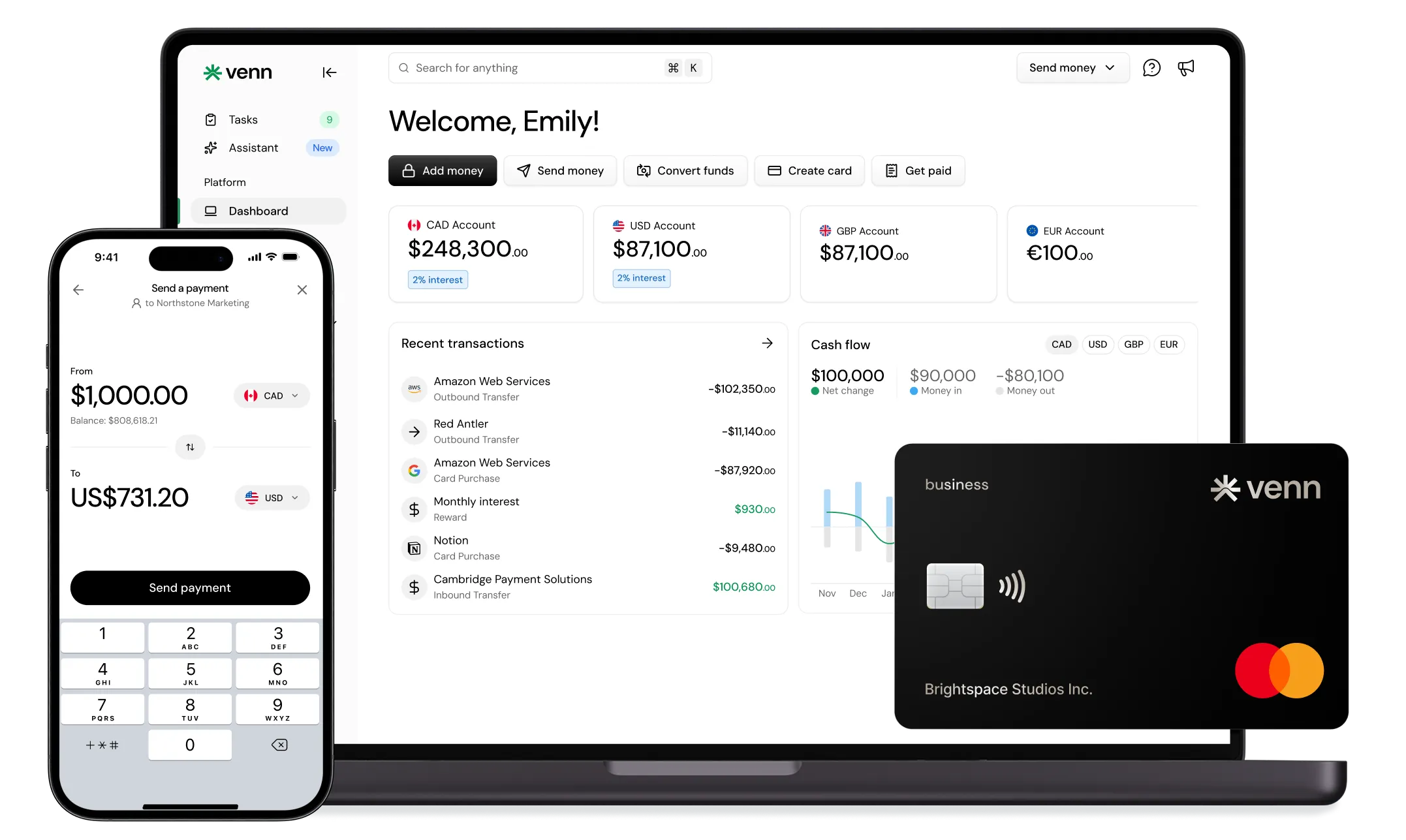
Invoices on Venn just got a major upgrade. Create a custom invoice in minutes, send it in CAD, USD, EUR or GBP, and get paid by card, EFT, Interac e-Transfer or pre-authorized debit, all within Venn.

Ahmed Shafik
Co-founder
Trusted by 15,000+ Canadian businesses
Business banking for Canada
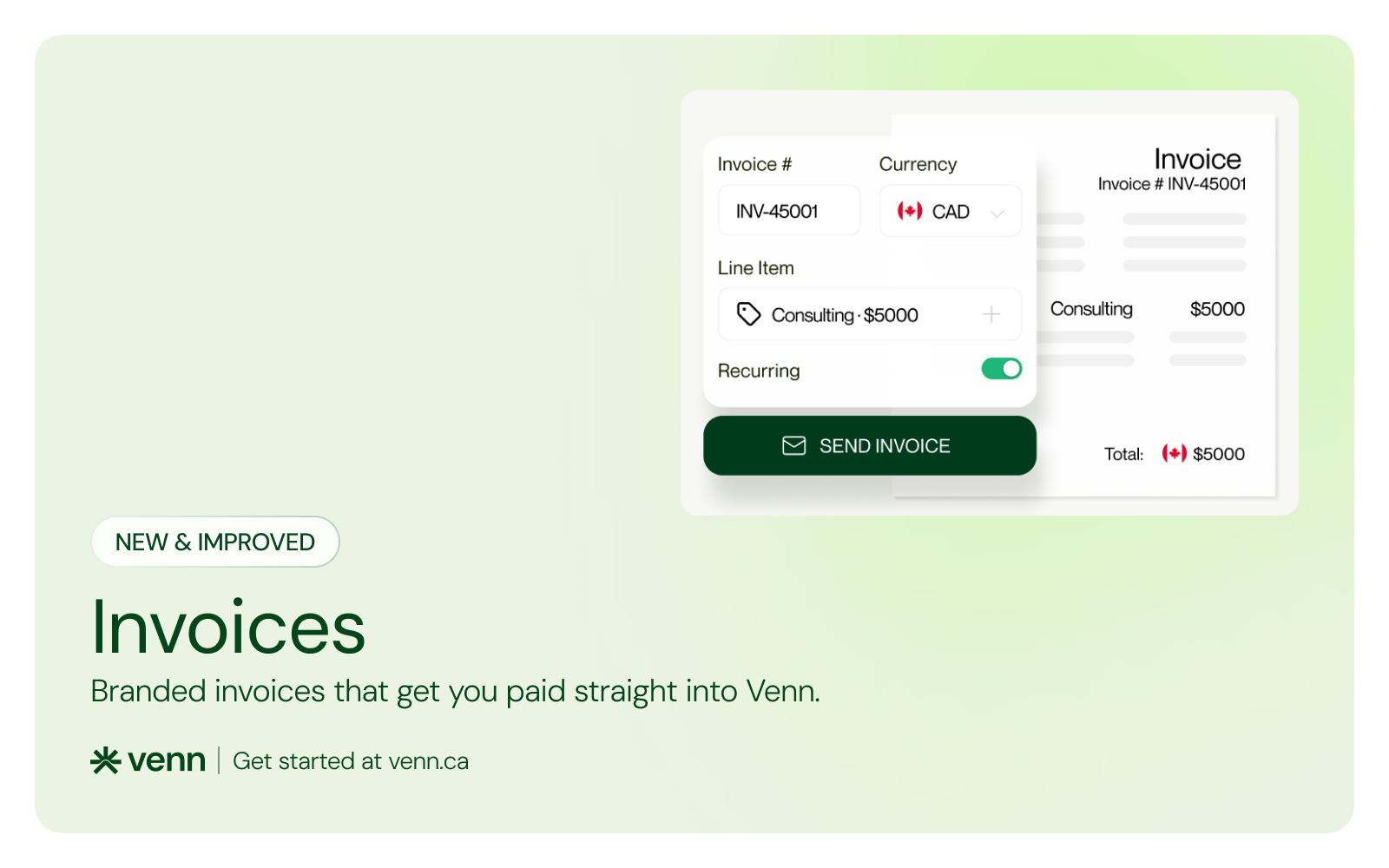
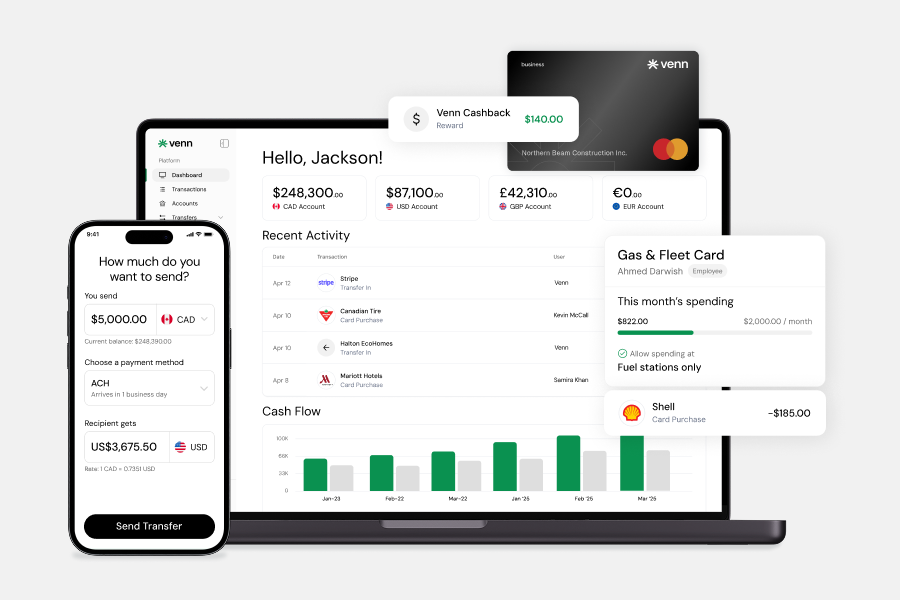
Local CAD and USD accounts, corporate cards with cashback, the lowest FX rates in Canada, free local transfers, and more.
Introducing Invoices
Invoices in Venn just got a major upgrade. Create a custom invoice in minutes, send it in CAD, USD, EUR or GBP, and get paid by card, EFT, Interac e-Transfer or pre-authorized debit, all within Venn. You can let customers cover the card fees, add your own logo and colours, set invoices to repeat and auto-charge, and sync every payment to QuickBooks or Xero.
Why We Built Invoices
Venn is business banking for money in and money out, all in one place. You already pay suppliers, fund cards and move money across CAD and USD from your Venn account. Now you can invoice customers and get paid there too, without leaving Venn.
Here’s how most businesses get paid today. They send an invoice from an invoicing or accounting app. The customer pays through that app’s payment processor. The money sits in a separate payment account, then pays out to the business account days later. Then someone matches the payment to the invoice by hand.
Every handoff in that chain costs something. A fee on each payment. A wait of several business days before you can use the money. Conversion fees when a US customer pays in USD. And time every month spent matching payments to invoices.
We kept coming back to one question: why should the money stop anywhere before it reaches you? Venn already holds your CAD and USD accounts. So we built invoicing into the account itself, with no separate payment account to manage and no payouts to move over yourself.
What are Invoices?
Create an invoice, your customer pays it from a secure link, and the money lands in your Venn account. The invoice marks itself paid and syncs to QuickBooks or Xero.
The account that gets paid is the same one you use to pay suppliers, fund cards and earn interest. Your customers don’t need a Venn account. They can pay by card, EFT, Interac e-Transfer or pre-authorized debit. Bank payments go straight into your Venn account, and card payments settle into it automatically within a couple of business days.
Here’s what that looks like for one invoice, from sending it to getting paid.
https://www.youtube.com/watch?v=rphSU5IzSKY
Send the First Invoice
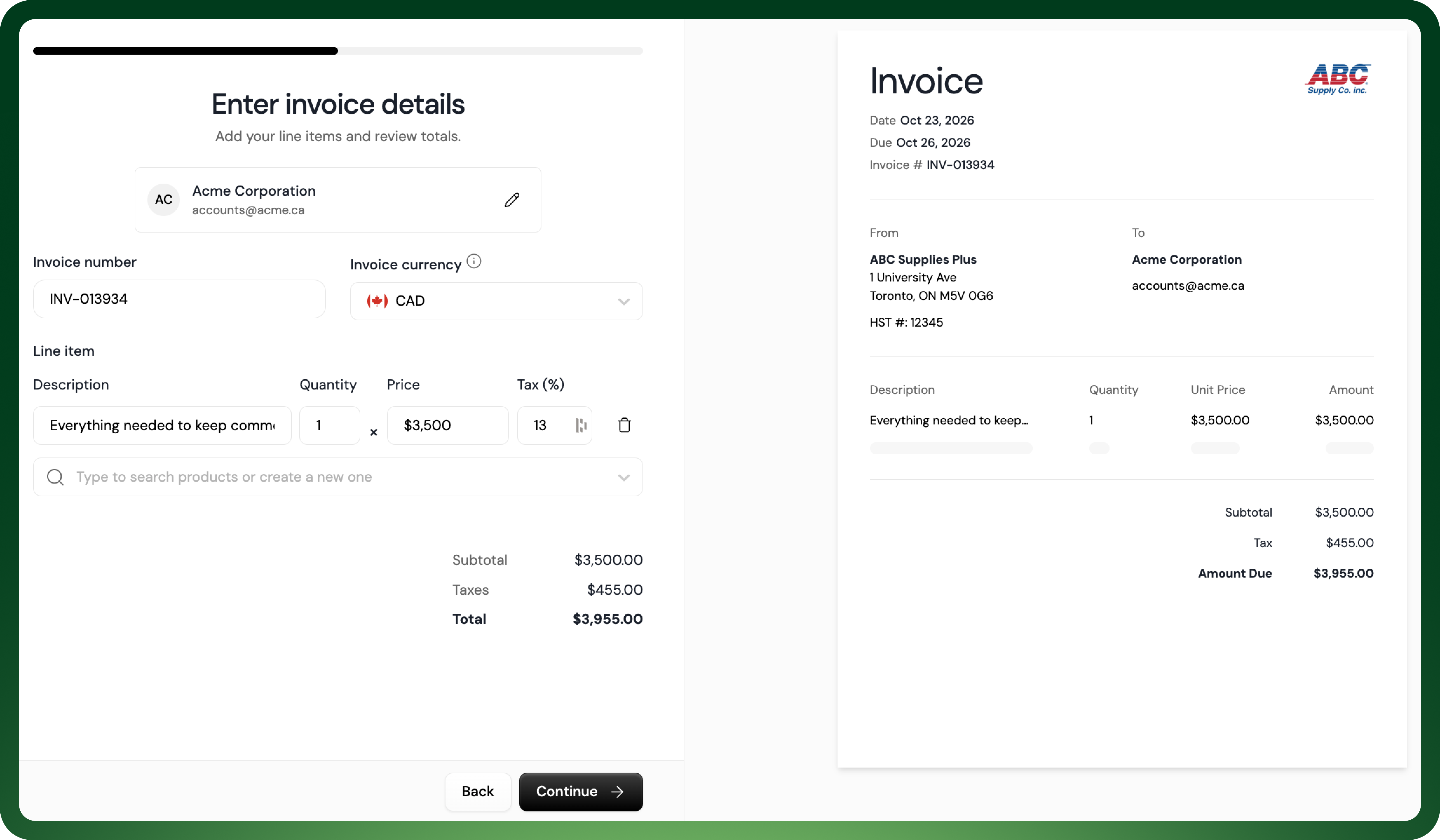
Say you run ABC Supplies, and a property management customer buys your Facility Maintenance Package every month. The description will show what’s included in the package: Everything needed to keep commercial facilities running — filters, hardware, replacement parts, and general upkeep supplies.
You pick the customer, search your product catalog for the Facility Maintenance Package, and watch it build out automatically. Its $3,500 price and 13% tax fill in on their own, and the live preview shows a $3,955 total. You can bill in CAD, USD, EUR or GBP. Send it once now, or schedule it weekly, bi-weekly, monthly or quarterly.
Customize Your Invoice
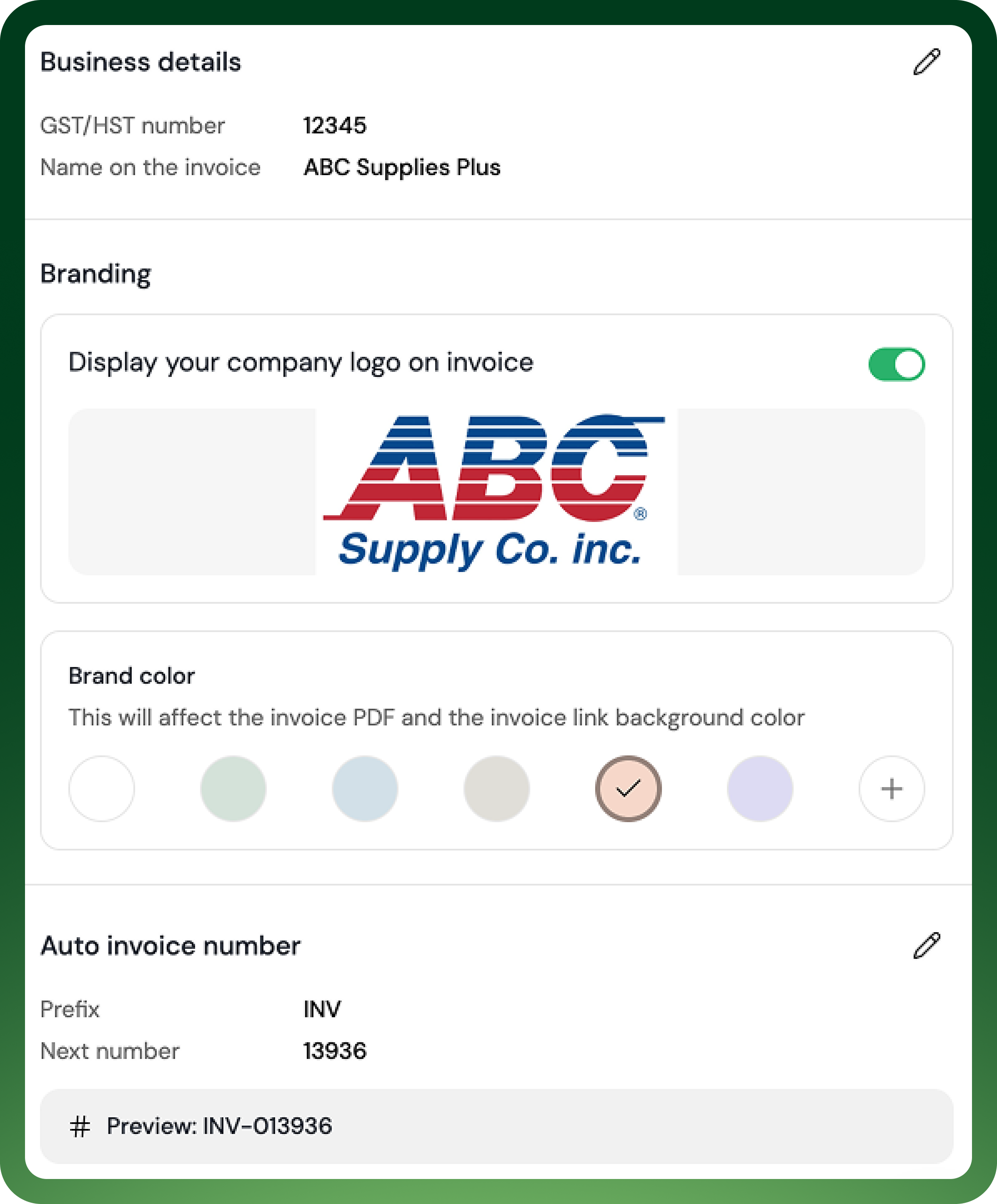
Before ABC Supplies sends that first invoice, they add their logo and brand colours in settings. From then on, every invoice they send carries their branding, so the property management customer sees an invoice from ABC Supplies, not from a payment app.
You set it up once and it applies to every invoice, whether you send it yourself, a teammate sends it, or it goes out on a schedule.
Get Paid Into Your Account
Your customer opens the link, chooses pre-authorized debit, and connects the account they’re paying from through Plaid, a secure service that many financial apps use, and their login details are never shared with anyone.
The payment lands in your Venn account. There’s no separate payment account to empty and no payout to move to Venn. The invoice flips to paid, and it shows up in QuickBooks or Xero without anyone typing it in.
Because your customer paid by pre-authorized debit, that account was saved automatically when they paid. Customers who pay by card are asked whether to save their card for next time. Either way, your customer can always see which method will be charged, and remove it anytime.

Never Click Send Again
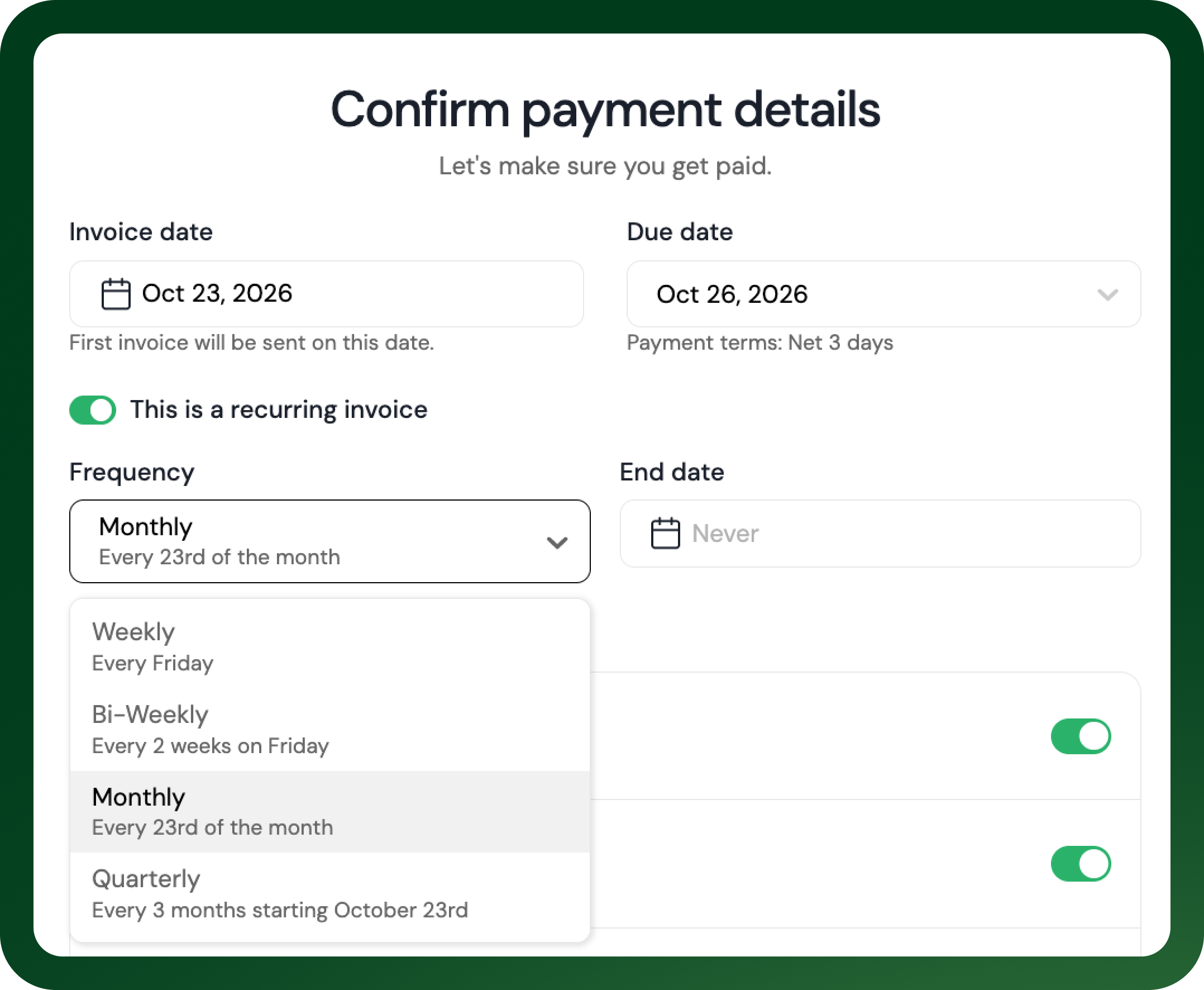
When you send the first invoice, you can set it to repeat monthly and auto-charge your customer’s saved payment method. From then on, Venn sends each invoice and charges your customer on the due date, so you never have to create it again.
If you’d rather hand invoicing off, a teammate with the right role can create and send invoices for you. And when another customer is late, Venn can send the reminder.
Put Your Money to Work
The payment lands in the same account you run the business from. With a standalone invoicing app, it would sit in a separate payment account you’d have to manage and move money out of yourself.
From the moment the money arrives, it earns 2% interest and is ready to use. You can pay your own suppliers from the same balance, locally or in 200+ countries and territories. Your team’s corporate cards draw on it too, so you never have to move money between accounts first.
Get Started Today
If your team isn't using Venn yet and wants to see how Invoices and the rest of the platform can help your business, sign up for free today.
This publication is provided for general information purposes only and does not constitute legal, tax, financial, or other professional advice from Venn Software Inc., its subsidiaries, or its affiliates, and is not a substitute for advice from a qualified professional. All comparisons and competitor information reflect publicly available information believed accurate as of November 3, 2026; features, pricing, rates, and terms referenced are subject to change and may differ at the time you read this. All product names, logos, and brands referenced are the property of their respective owners; their mention does not imply affiliation with or endorsement by Venn. Any comparative statements reflect Venn's views and are provided to help readers evaluate options. We make no representations, warranties, or guarantees, express or implied, that the content is accurate, complete, or up to date.

Venn is all-in-one business banking built for Canada
From free local CAD/USD accounts and team cards to the cheapest FX and global payments—Venn gives Canadian businesses everything they need to move money smarter. Join 15,000+ businesses today.
Frequently asked questions
Everything you need to know about the product and billing.
Join 15,000+ businesses banking with Venn today
Streamline your business banking and save on your spend and transfers today
No personal credit check or guarantee.