How to Add a Business Mastercard to Apple Pay and Google Pay in Canada
Learn how to add a business Mastercard to Apple Pay and Google Pay, including the verification step and setup requirements.

Ahmed Shafik
Co-founder

Trusted by 15,000+ Canadian businesses
Business banking for Canada
Local CAD and USD accounts, corporate cards with cashback, the lowest FX rates in Canada, free local transfers, and more.
For Canadian businesses, speed and control matter when it comes to spending. Whether you are approving ad spend, paying for software subscriptions, or equipping a field team, the ability to use corporate cards through Apple Pay and Google Pay removes friction from everyday operations.
Venn Mastercards, both physical and virtual, can be added to Apple Pay and Google Pay. Once set up, your team can tap to pay online, in store, or on the go without carrying a physical card.
Here's how easy it is to add a Venn Mastercard to your mobile wallet!
Before you start
Adding your Venn Mastercard to Apple Pay or Google Pay is a straightforward process, whether you are using a physical card or a virtual one. With a quick verification step and a few taps, your business cards can be used anywhere contactless payments are accepted.
Before adding your Venn Mastercard to a mobile wallet, make sure you have the following ready:
- A Venn corporate card, either physical or virtual
- An iPhone for Apple Pay or an Android device for Google Pay
- For Samsung devices, the Google Wallet app installed from the Google Play Store
Both Apple Pay and Google Pay require identity verification during setup. This is a standard security step and is completed using a one-time passcode sent to your contact details.
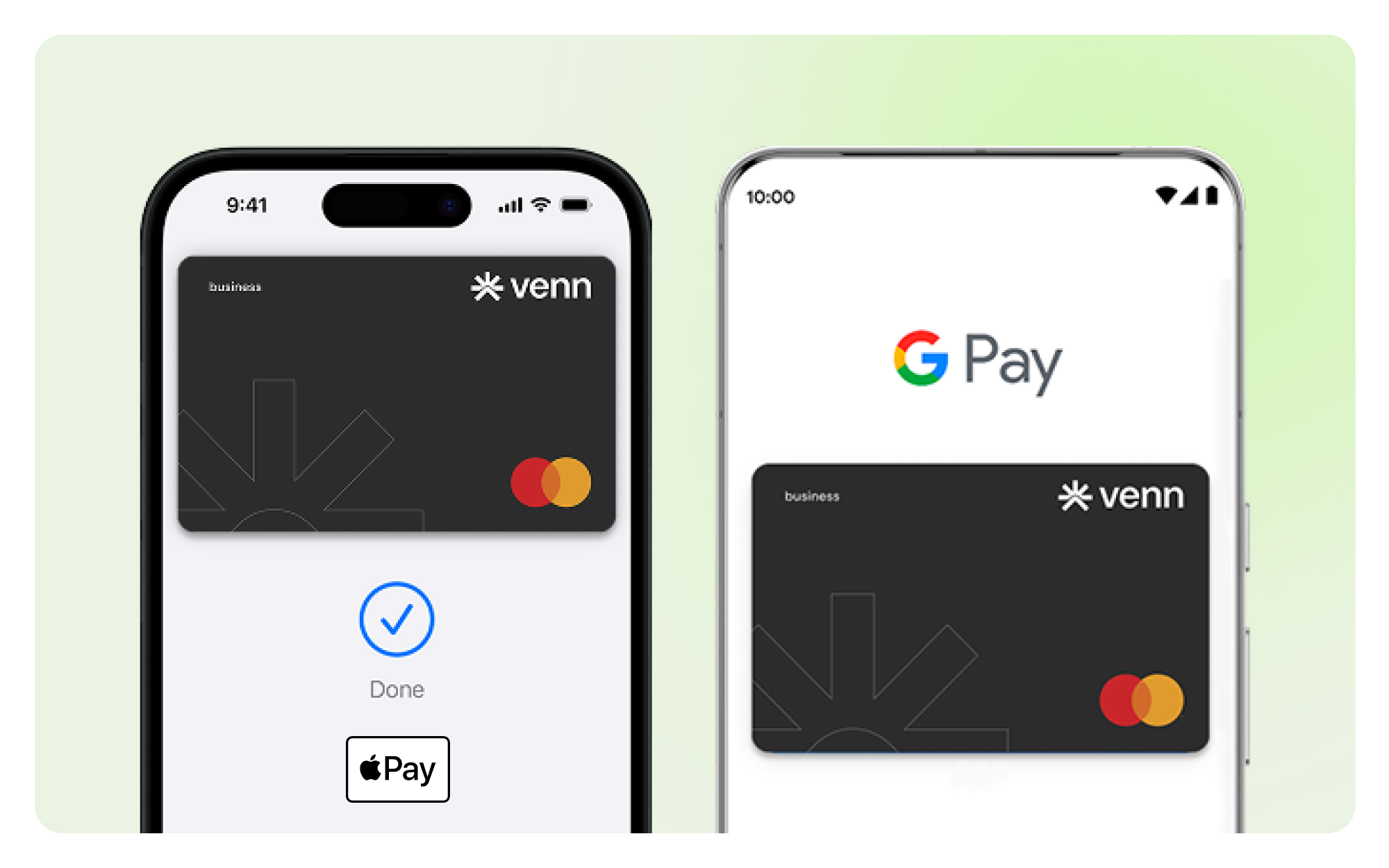
How to add your Venn Mastercard to Apple Pay
Adding a business Mastercard to Apple Pay takes only a few minutes. Follow the steps below on your iPhone.
Step-by-step instructions
- Open the Wallet app pre-installed on your iPhone
- If the Wallet app was removed, you can download it again from the App Store.
- Tap the “+” symbol to add a new card
- Select “Debit or Credit Card”
- Enter your Venn Mastercard details manually or scan the card using your phone’s camera
- Review the information and continue
- Select “Agree” to accept the terms and conditions
- Choose how you want to receive your one-time passcode
- You can select Email or SMS, depending on what you have access to in the moment
- Enter the six-digit one-time passcode
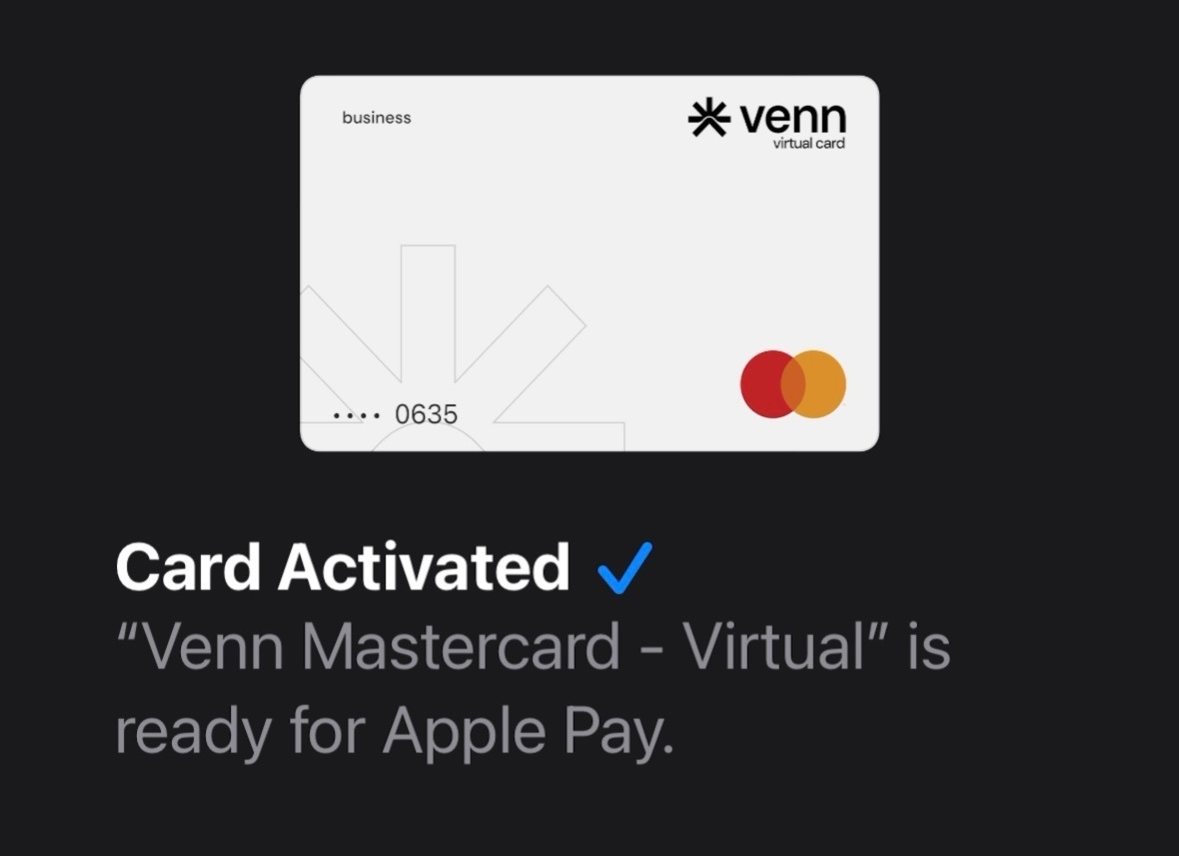
- Once verified, Apple Pay is activated and ready to use
And you're done! Your Venn Mastercard can be used anywhere Apple Pay is accepted.
How to add your Venn Mastercard to Google Pay
The process for Google Pay is similar and works across Android devices. If you are using a Samsung phone, Google Pay is accessed through the Google Wallet app.
Step-by-step instructions
Before starting, download the Google Wallet app from the Google Play Store if it is not already installed.
- Open Google Wallet
- Tap the “+” symbol to add a card
- Select “Payment card”
- Choose “New credit or debit card”
- Enter your Venn Mastercard details manually or scan the card
- Select “Accept” to agree to the terms and conditions
- Choose Email or SMS to receive your one-time passcode
- Enter the six-digit one-time passcode
- Once verified, Google Pay is activated
Your Venn Mastercard can now be used for contactless payments, in apps, and online wherever Google Pay is supported.
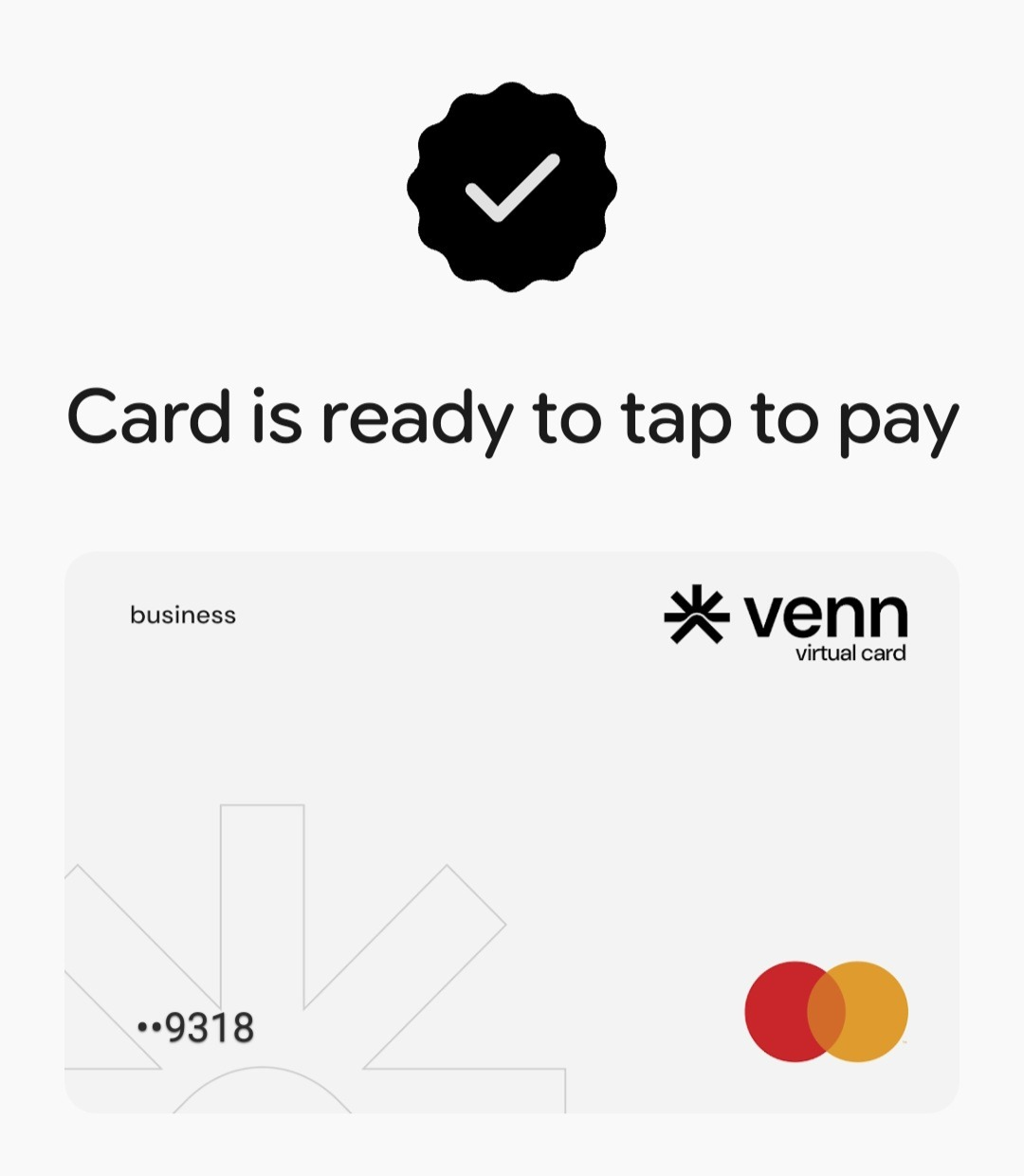
Can you add virtual business cards to mobile wallets?
Yes! Venn virtual Mastercards can be added to Apple Pay and Google Pay in the same way as physical cards.
This is especially useful for:
- Software subscriptions
- Advertising spend
- Contractors or temporary team members
- Teams that operate remotely or internationally
Virtual cards allow finance teams to issue spend access instantly without waiting for a physical card to arrive. Once added to a mobile wallet, the card functions the same way as a physical one for day-to-day purchases.
Why are mobile wallets useful for Canadian teams?
Mobile wallets replace shared company cards and manual workarounds with a cleaner way to handle everyday payments.
Using Apple Pay or Google Pay with business cards helps:
- Reduce reliance on shared physical cards
- Speed up purchasing for field teams and remote employees
- Improve security through device-level authentication
- Keep spending tied to the correct card and account
When paired with a business financial platform that offers real-time visibility and controls, mobile wallets become part of a cleaner spend workflow rather than an added risk. Venn integrates seamlessly with the tools Canadian finance teams actually use: QuickBooks Canada, Xero, and Netsuite. It supports automated receipt capture, real-time reconciliation, and audit-ready record keeping. For Canadian businesses focused on efficiency, this setup removes friction without adding complexity. It allows teams to move faster while keeping spending centralized and visible.
If you are setting up cards for a growing team, mobile wallets are one of the easiest ways to modernize how everyday expenses are handled.
New to Venn? Issue corporate cards for your team and add them to Apple Pay or Google Pay in minutes.
Frequently Asked Questions (FAQ)
Q: Can multiple team members add cards to their own devices?
A: Yes, as long as they’ve been issued a card and have the right permissions. Each card is verified individually using the user’s contact details, making it easy for distributed teams to set up mobile wallets without relying on a central admin for every step.
Q: Is there any difference between Apple Pay and Google Pay for business use?
A: Functionally, both offer the same benefits for business spending. The main difference comes down to which devices your team uses. Most Canadian businesses support both so employees can use iPhones or Android devices without friction.
Q: How do I get a virtual credit card for my business in Canada?
A: You can apply through a modern Canadian fintech provider like Venn. Unlike many traditional banks that require long applications and personal credit checks, these platforms often offer fast approval, dedicated CAD and USD virtual cards, and no personal guarantee requirements.
Q: What’s the difference between a virtual card and a digital wallet?
A: A virtual card is a unique, secure card number used mainly for online purchases. A digital wallet (like Apple Pay or Google Wallet) stores your physical or virtual card so you can pay in person using tap-to-pay. Virtual cards can be added to digital wallets for flexible use.
This publication is provided for general information purposes and does not constitute legal, tax or other professional advice from Venn Software Inc or its subsidiaries and its affiliates, and it is not intended as a substitute for obtaining advice from a financial advisor or any other professional. We make no representations, warranties or guarantees, whether expressed or implied, that the content in the publication is accurate, complete or up to date.

Venn is all-in-one business banking built for Canada
From free local CAD/USD accounts and team cards to the cheapest FX and global payments—Venn gives Canadian businesses everything they need to move money smarter. Join 15,000+ businesses today.
Frequently asked questions
Everything you need to know about the product and billing.
Join 15,000+ businesses banking with Venn today
Streamline your business banking and save on your spend and transfers today
No personal credit check or guarantee.